

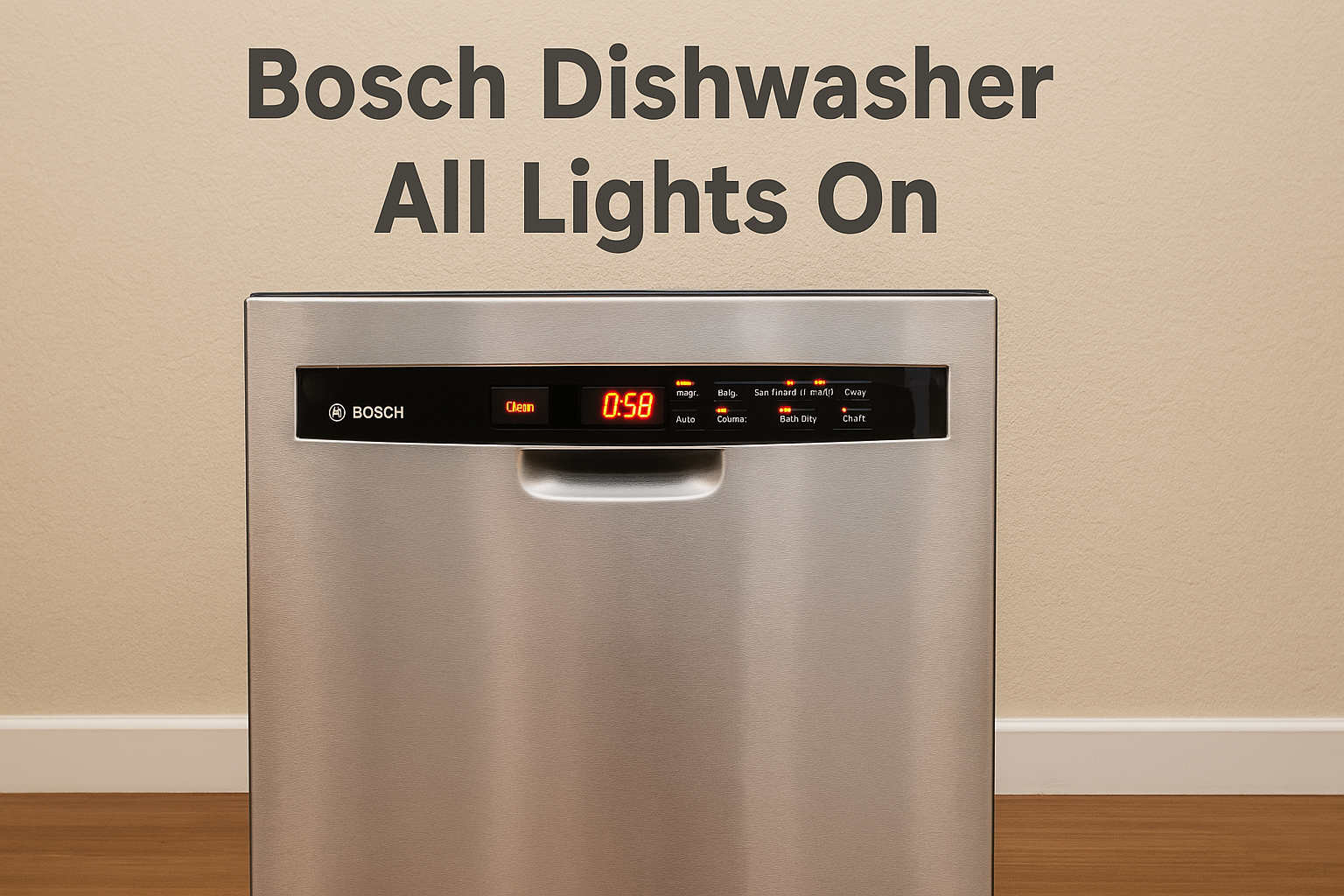
What to do if all lights are on in your Bosch dishwasher?
If all the lights are on in your Bosch dishwasher, try these steps:
- Reset the Dishwasher: Turn it off, unplug it for 1–2 minutes, then plug it back in and hold the “Start” button for 3–5 seconds to reset.
- Check the Door Latch: Make sure the door is properly closed and the latch is working.
- Inspect the Drain Pump and Filter: Clean the filter and check for any blockages in the drain.
- Verify Power Supply: Ensure the power is stable and the circuit breaker hasn’t tripped.
- Control Board Issues: If the problem persists, the control board may be faulty and need professional attention.
These simple troubleshooting steps can usually resolve the issue quickly. If not, contact a professional for assistance.
For more in-depth solutions, keep reading below!
Common Causes of Bosch Dishwasher All Lights On
When all the lights are on, it’s typically a sign that something is preventing the dishwasher from completing its cycle. Here are some of the most common causes:
1. Control Board Malfunction
A malfunctioning control board can cause all the lights to illuminate. If the dishwasher’s brain is not receiving or sending proper signals, it can lead to a full light-up scenario.
2. Door Latch Issues
If the door latch is not engaging properly, the dishwasher may think it’s open, even when it’s closed. This can cause an error that lights up all the indicators on the control panel.
3. Water Drainage Problems
Bosch dishwashers are equipped with sensors that monitor water drainage. If the dishwasher senses that water isn’t draining correctly, it can trigger an error. This may result in all lights lighting up as an alert.
4. Overheating or Temperature Sensor Issues
If the temperature sensor detects that the dishwasher is overheating, it could trigger the lights. This could happen if your dishwasher has been running too long or is exposed to external heat sources.
5. Power Supply Problems
A poor or interrupted power supply can cause the dishwasher to malfunction, sometimes resulting in all lights turning on. This could be due to issues like power surges, tripped circuit breakers, or loose connections.
Step-by-Step Guide to Fixing the Problem
Step 1: Reset the Dishwasher
Sometimes, a simple reset is all it takes to clear up the issue. Follow these steps:
- Turn off the dishwasher by pressing the power button.
- Unplug the appliance from the power socket, or turn off the circuit breaker for 1–2 minutes.
- Plug it back in and turn it on.
- Press and hold the “Start” button for 3–5 seconds to reset the dishwasher.
This reset may clear any temporary glitches in the system and turn off the lights.
Step 2: Check the Door Latch
If your Bosch dishwasher door isn’t closing properly, the dishwasher will not run its cycles and all lights could be on as a warning. Inspect the door latch for:
- Any visible damage.
- Loose or faulty components.
- Proper alignment of the door with the latch.
If the latch is faulty, it may need to be replaced. You can refer to your user manual or contact a professional technician for guidance.
Step 3: Inspect the Drain Pump and Filter
A clogged drain or malfunctioning pump can prevent water from draining, triggering an error.
- Turn off the dishwasher and disconnect it from the power.
- Remove the lower rack to access the dishwasher’s filter.
- Clean the filter of any debris.
- Inspect the drain pump for blockages, and clear it if necessary.
If you continue to experience issues with drainage, it could be a sign of a more serious problem, such as a faulty pump or clogged drain hose.
Step 4: Check the Control Board
If the problem seems to be with the control board, it’s often a more complex issue that may require a professional. Before calling a technician, try these steps:
- Inspect the control panel for any unusual display patterns or error codes.
- Check for any visible signs of damage or water exposure around the control board.
If the control board is damaged, it will likely need to be replaced.
Step 5: Verify Power Supply
Ensure your dishwasher is receiving proper power by following these steps:
- Check your circuit breaker to make sure it hasn’t been tripped.
- Inspect the power cord for any visible damage.
- Ensure the electrical outlet is working by testing it with another appliance.
If you notice any issues with the power supply, it may require professional assistance to resolve.
Additional Tips
- Use the Bosch Troubleshooting Manual: Refer to your Bosch dishwasher manual for error codes and troubleshooting tips specific to your model.
- Keep the Dishwasher Clean: Regular maintenance, such as cleaning the filter and inspecting for blockages, can prevent many common issues.
- Schedule Regular Servicing: If you’re unable to resolve the issue, it may be time to call in a professional technician to inspect and service your appliance.
Conclusion
If you find all the lights on your Bosch dishwasher illuminated, don’t panic! It’s often a simple fix that can be solved with a few troubleshooting steps. By checking the door latch, resetting the dishwasher, inspecting the drain pump, and ensuring the power supply is stable, you can often solve the issue on your own.
If the problem persists or seems more complex, it’s always best to consult a professional for assistance. Regular maintenance and care will keep your Bosch dishwasher running smoothly and efficiently for years to come.
FAQ
Q1: Why are all the lights on my Bosch dishwasher blinking?
Blinking lights could indicate an error code or malfunction. Follow the steps above to troubleshoot, or check your user manual for specific error codes related to blinking lights.
Q2: How do I reset my Bosch dishwasher?
Unplug the dishwasher for 1–2 minutes, then plug it back in. Hold the “Start” button for 3–5 seconds to reset the system.
Q3: Can I fix a faulty control board myself?
If the control board is damaged, it’s often best to call a professional to avoid causing further damage to the dishwasher.