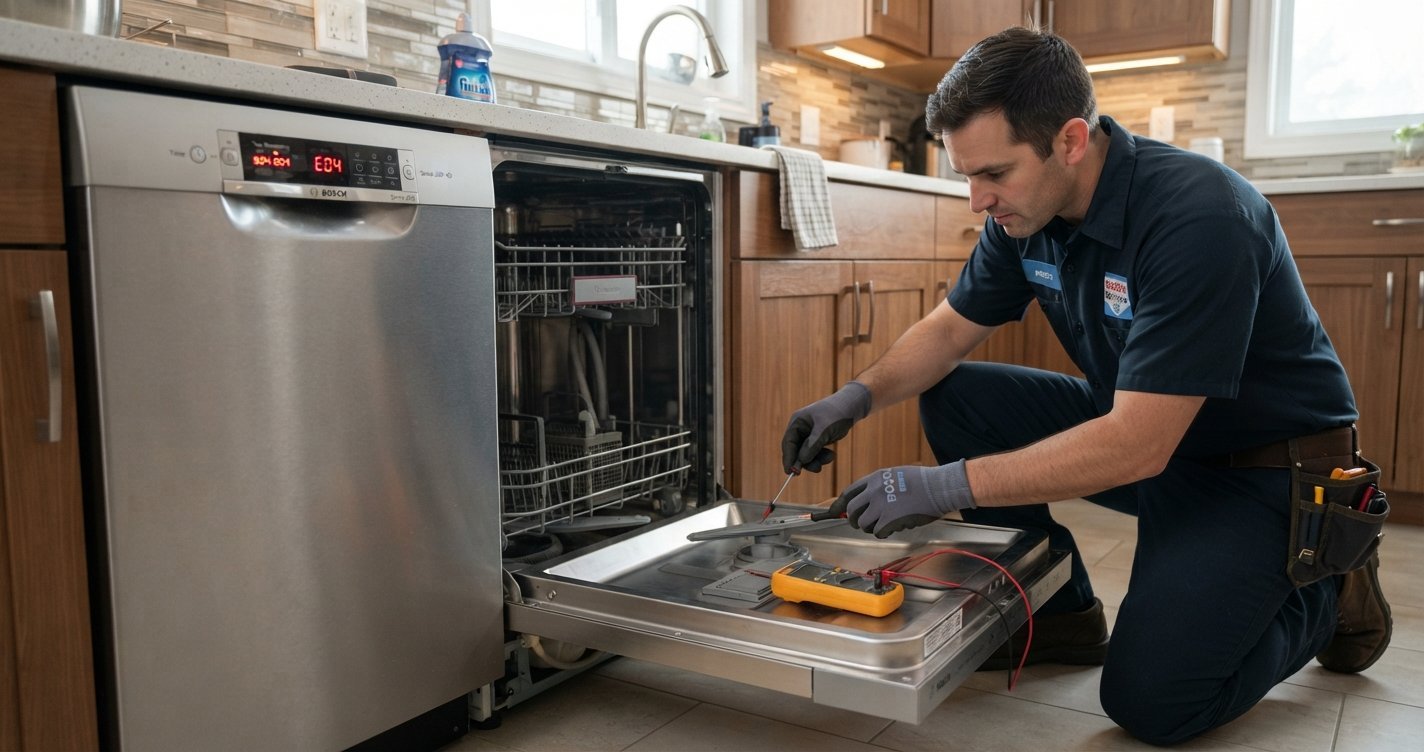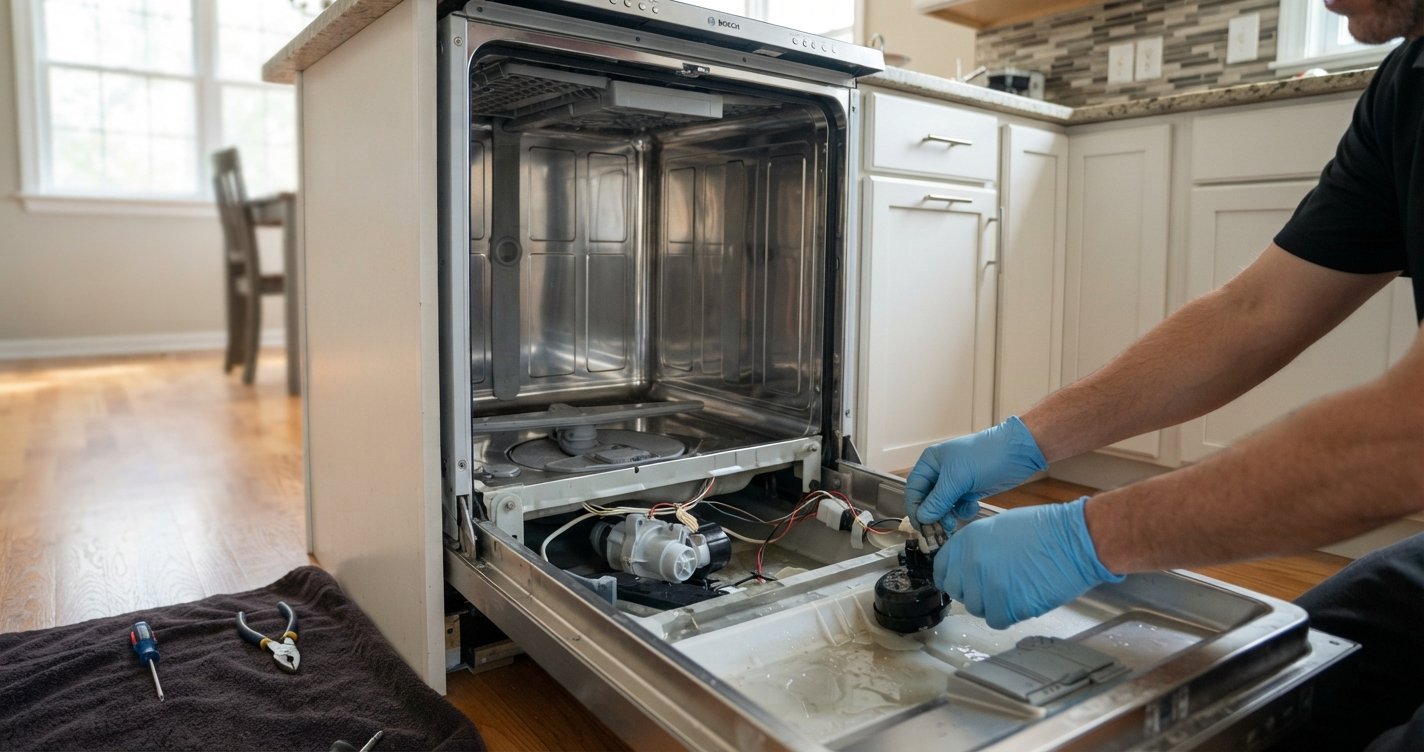
If your Bosch dishwasher is showing a “UP” code, the first thing to know is that UP is not listed as a standard Bosch dishwasher error code in Bosch’s current U.S. error-code documentation. Bosch’s published dishwasher codes include codes such as E15, E18, E22, E24, E25, and E27, but not “UP.”
This means the display may be showing something other than an actual UP error code, or the characters may be difficult to read on the dishwasher’s display. The exact meaning can depend on the Bosch model and display type.
Read More: Best Dishwasher Brands 2026: Top Brands Worth Buying This Year
Table of contents
What Does the Bosch Dishwasher UP Code Mean?
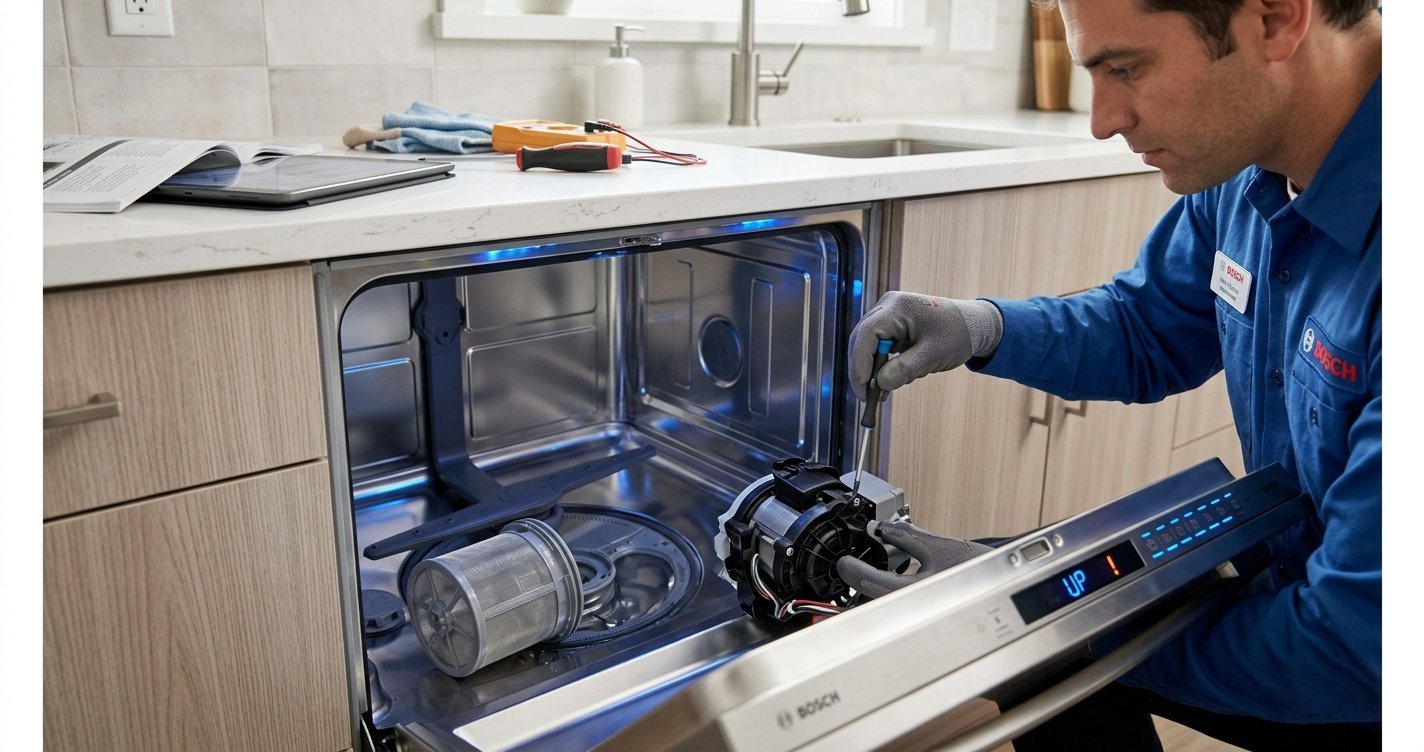
A Bosch dishwasher displaying what appears to be UP does not correspond to a documented standard error code in Bosch’s current U.S. troubleshooting guide. If you see this message, check the display carefully to determine whether it might actually be an E-code, such as E15, E18, E22, E24, or E25.
For example:
- E15 indicates that the dishwasher’s safety system has detected water in the base of the appliance. Bosch recommends shutting off the water supply and contacting customer support.
- E18 indicates a water-flow problem, such as insufficient water entering the dishwasher. Bosch recommends checking the inlet hose and ensuring the water supply is turned on.
- E22 generally relates to a blocked filter or drainage system. Cleaning the filter and checking the drain pump can resolve the problem.
- E24 or E25 can indicate a drainage problem involving the drain pump, pump cover, hose, or drain connection.
- E27 indicates that the electrical supply voltage to the dishwasher is too low.
How to Fix a Bosch Dishwasher Showing “UP”
Because Bosch does not document “UP” as a standard dishwasher error code, start with these basic troubleshooting steps.
1. Check the display carefully
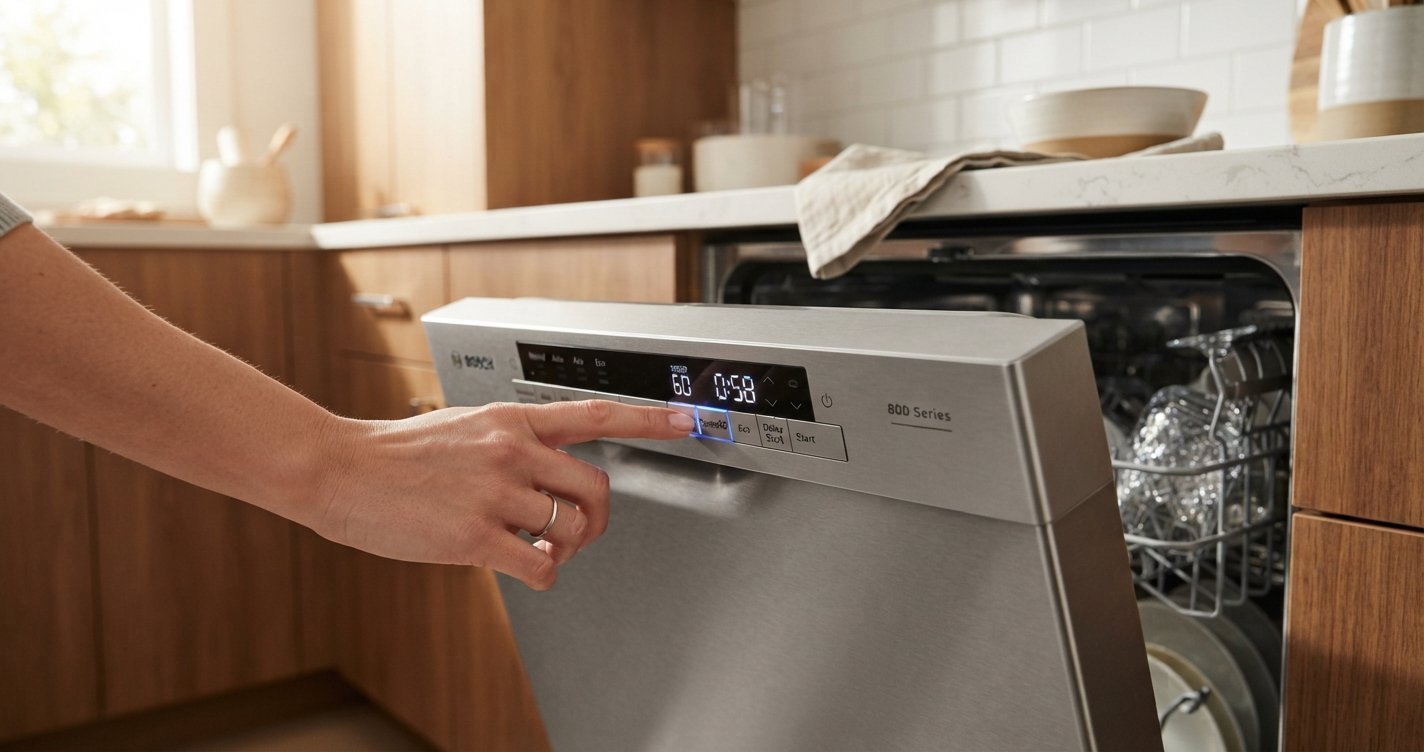
Look closely at the characters. Depending on the dishwasher’s display, an E can sometimes be mistaken for another character.
Write down the complete code exactly as it appears, including any numbers, dashes, or flashing lights. Bosch’s troubleshooting information is model-dependent, so the exact code is important.
2. Reset the dishwasher
A simple power reset can clear a temporary electronic fault.
- Turn the dishwasher off.
- Switch off its circuit breaker or disconnect it from power if safely accessible.
- Wait about 30 seconds.
- Restore power.
- Turn the dishwasher back on and run a short cycle.
Bosch specifically recommends a 30-second breaker reset for several of its documented electronic error codes. If the same indication returns immediately, the problem is probably not just a temporary software or power issue.
3. Check the water supply
Make sure the dishwasher’s water-supply valve is fully open and that the inlet hose isn’t kinked or crushed. Bosch specifies that some water-flow errors can occur when water cannot enter the dishwasher properly. For its E18 code, Bosch recommends checking the inlet hose and water supply; it specifies a water flow rate of approximately 10 L/min.
4. Check the filter and drain area
If the dishwasher is leaving water inside, inspect the filter at the bottom of the tub. Remove the filter and clean it under running water with mild soap and a soft brush. Also inspect the area around the drain pump for debris.
Bosch identifies blocked filters and drainage components as possible causes of several dishwasher error conditions, including E22, E24, and E25. Use caution when checking the pump area, because broken glass or other sharp objects can sometimes be present.
5. Check the drain hose
Look underneath the sink and behind the dishwasher for a kinked or sharply bent drain hose. If the dishwasher drains through a garbage disposal, Bosch also recommends checking that the dishwasher connection on the disposal is properly configured and that the knockout plug has been removed where applicable.
6. Look for water underneath the dishwasher
Water in the dishwasher’s base is important to investigate. Bosch’s E15 condition occurs when the safety switch detects water in the base and activates the leakage-protection system. Bosch recommends shutting off the water supply and contacting support for this condition.
If you find water underneath the appliance, don’t continue repeatedly running it until the source of the leak has been identified.
When to Call a Technician
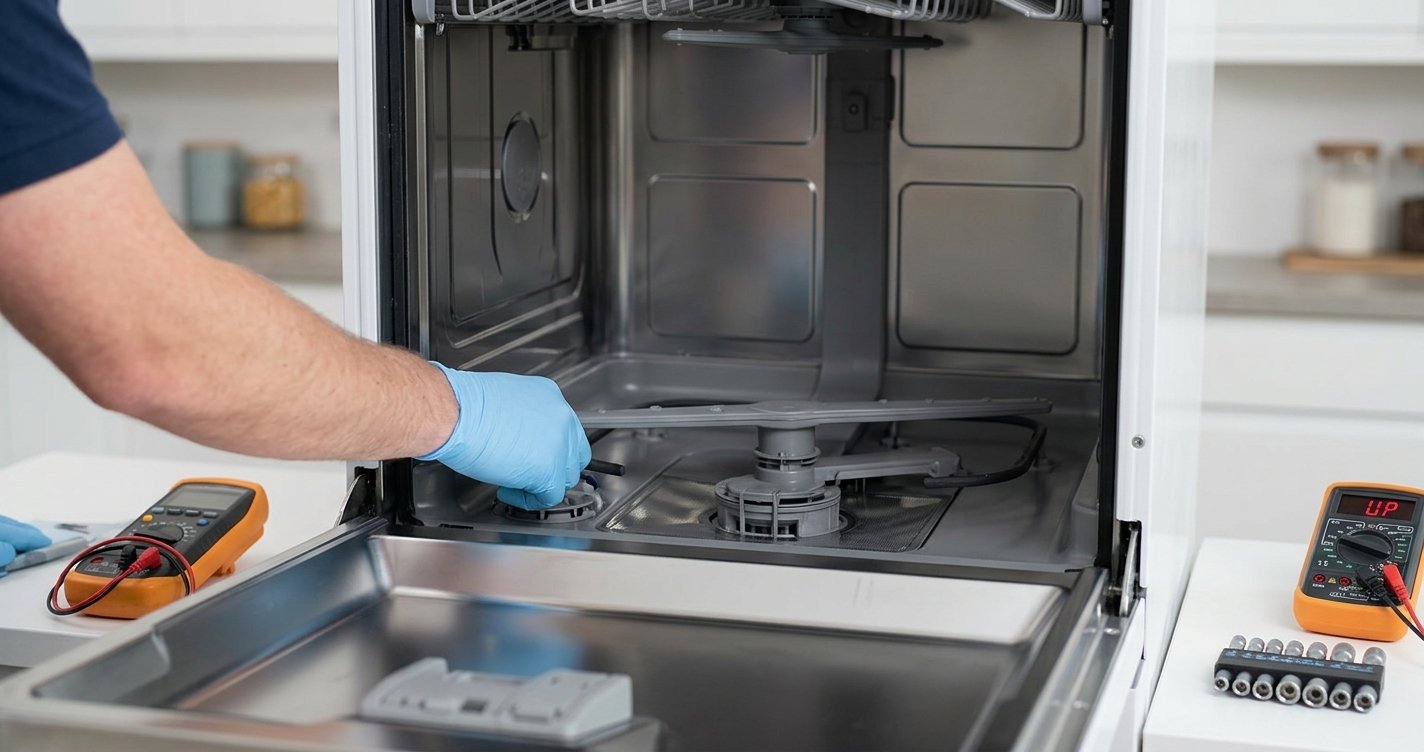
Professional service is appropriate when:
- The suspected UP indication returns after a reset.
- The dishwasher won’t start.
- Water is leaking from the appliance.
- The dishwasher repeatedly stops during a cycle.
- A pump, heater, control board, or electrical problem is suspected.
- The display is showing a code that isn’t explained in the owner’s manual.
Bosch recommends having the model number available when contacting customer support, which helps identify the appropriate troubleshooting information for the specific dishwasher.
How to Identify the Correct Bosch Error Code
Before replacing any parts, find the dishwasher’s E-Nr. (model number) and check the exact display message against the documentation for that model.
Bosch dishwasher error-code guide
If the display really says “UP” rather than an E-code, it is worth checking the owner’s manual for that specific model instead of assuming that UP represents a particular failed component
FAQs
1. What does the UP code mean on a Bosch dishwasher?
“UP” is not listed as a standard Bosch dishwasher error code in Bosch’s current U.S. error-code documentation. Check the display carefully because an E-code may be difficult to read.
2. How do I reset my Bosch dishwasher?
Turn the dishwasher off, switch off its circuit breaker or disconnect power safely, wait about 30 seconds, and restore power. If the code returns, further troubleshooting may be necessary.
3. Why is my Bosch dishwasher showing an error code?
Bosch dishwasher error codes can indicate problems involving water supply, drainage, leaks, filters, electrical power, or internal components. The meaning depends on the exact code and model.
4. Should I keep using my Bosch dishwasher if it shows UP?
If you’re unsure what the display means, it’s best to identify the exact code first. If you notice leaking, standing water, burning smells, or an electrical problem, stop using the dishwasher and disconnect power if it is safe to do so.
5. How can I find the correct Bosch dishwasher error code?
Check the display carefully and locate your dishwasher’s E-Nr. (model number). The model-specific owner’s manual can help identify the correct code and recommended repair.
6. Can a Bosch dishwasher error code be fixed at home?
Some issues, such as a clogged filter, blocked drain hose, or interrupted water supply, may be resolved with basic troubleshooting. More serious problems involving leaks, wiring, pumps, or control boards should be handled by a qualified technician.
Final Thoughts
A Bosch dishwasher “UP” code isn’t listed as a standard Bosch dishwasher error code in Bosch’s current U.S. error-code documentation. The most useful first step is therefore to verify the characters on the display and identify the dishwasher’s exact model number.
Once you have the correct code, you can determine whether the problem involves water supply, drainage, leakage protection, electrical power, or an internal component. Avoid replacing parts based solely on an unclear “UP” display; confirming the exact code and model can prevent unnecessary repairs.