A Bosch dishwasher that becomes stuck mid-cycle, refuses to start, or displays an error may sometimes be restored with a simple reset. Repeatedly resetting the appliance. Bosch provides model-specific manuals, error-code information, and troubleshooting resources through its official support site. Resetting the appliance can cancel an active wash program and clear certain temporary electronic faults. However, the exact button sequence can vary by model, so checking your model’s manual is important.
Read More: Is the Bosch 800 Dishwasher Worth It? (2026 Review)
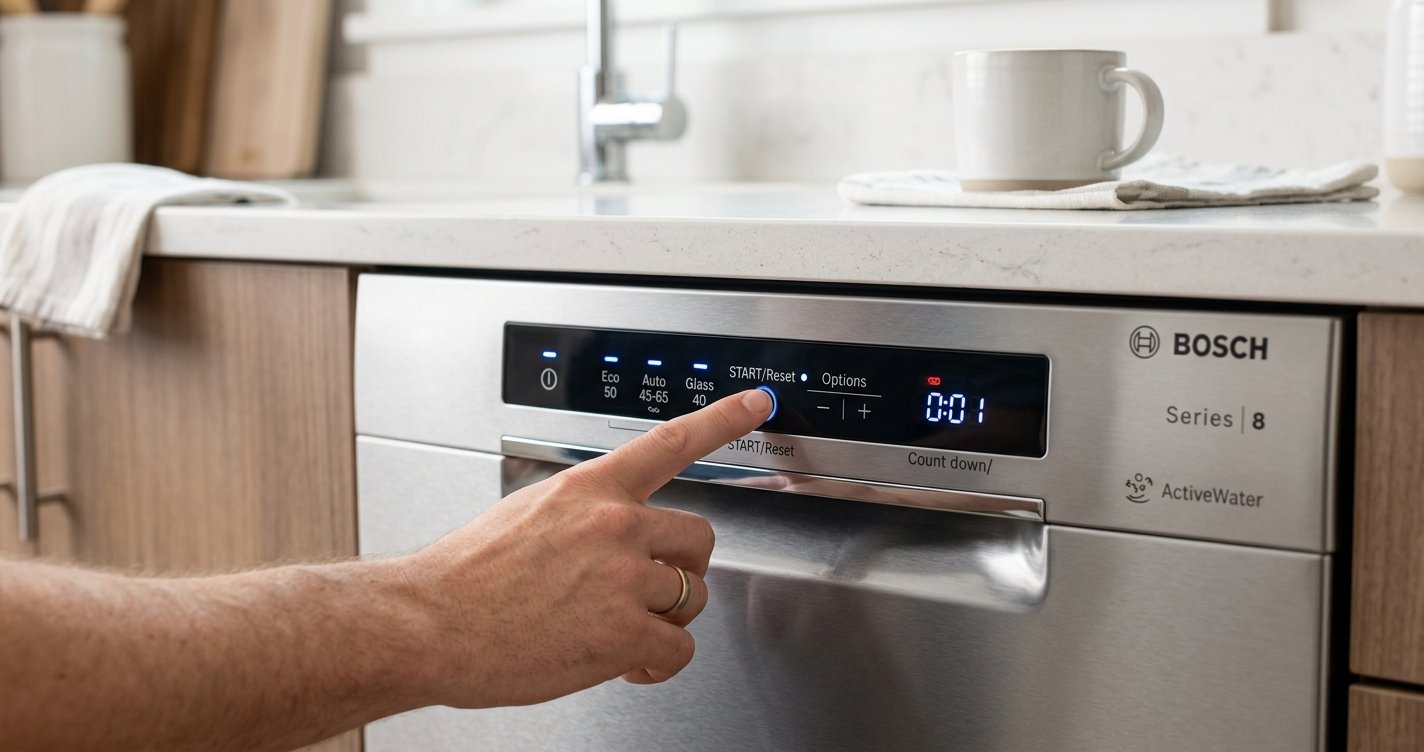
Table of contents
Why Reset a Bosch Dishwasher?
A reset can be useful when:
- The dishwasher is stuck in a wash cycle.
- You want to cancel the current program and select another one.
- The control panel appears unresponsive.
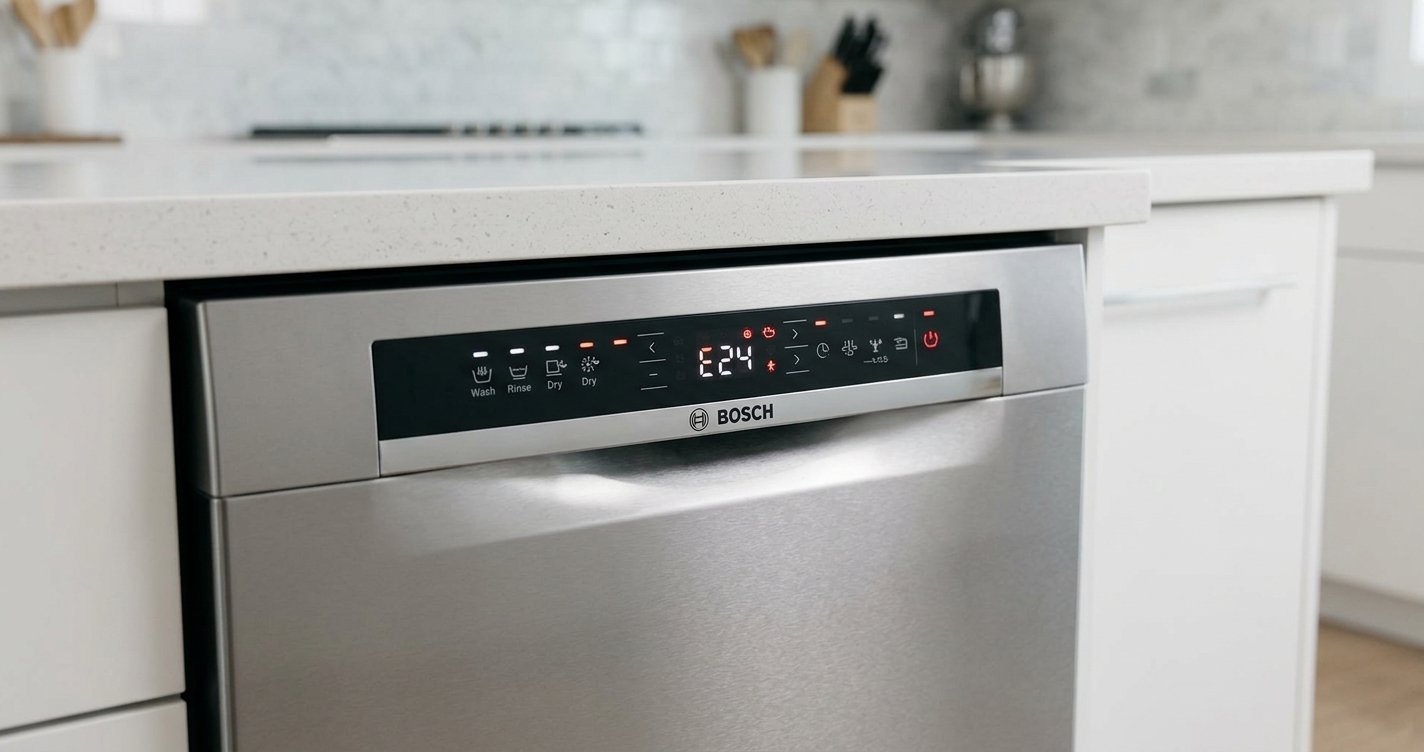
- A temporary error has appeared.
- The dishwasher finishes draining but does not proceed normally.
A reset does not necessarily fix an underlying mechanical or plumbing problem. For example, Bosch notes that drainage problems can result from blocked filters, a blocked drain pump, or a kinked drain hose.
How to Reset a Bosch Dishwasher
For many Bosch dishwasher models, the standard reset procedure is straightforward.
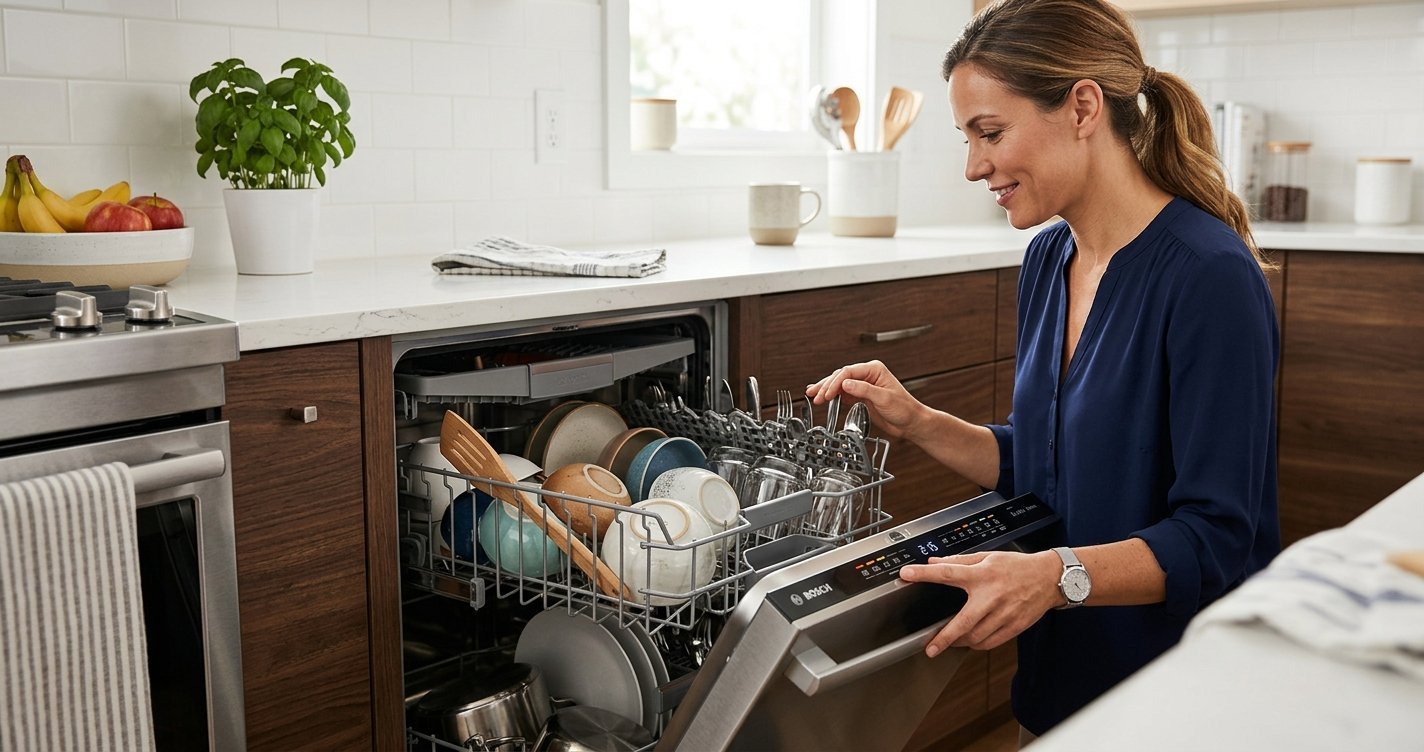
1. Open the dishwasher door
Open the door carefully, particularly if the dishwasher has been running a hot cycle. Hot water or steam may be present.
2. Press and hold the Start button
Press and hold the Start button for approximately 3 seconds. On applicable models, the display may indicate that the program has been terminated. Some Bosch models instead use a button labeled “Reset 4 Sec.” or require holding the Start button for about four seconds. Bosch’s current support instructions specify pressing the Reset 4 Sec. or Start button for approximately four seconds on applicable models.
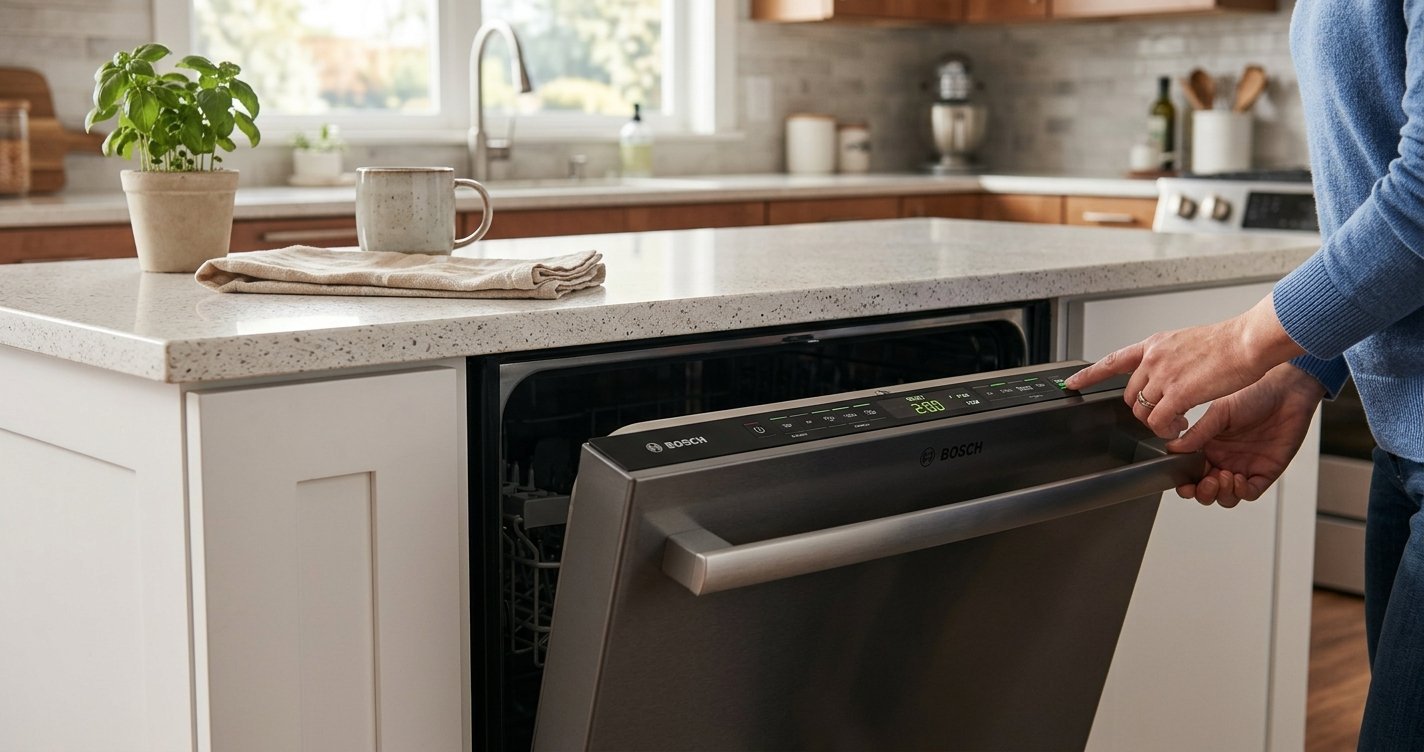
3. Close the door
After initiating the reset, close the dishwasher door. The appliance will normally begin pumping out the remaining water.
4. Wait for the dishwasher to drain
Allow approximately one minute for the cancellation and draining process to finish. Bosch’s instructions state that residual water is pumped out during this process.
5. Turn the dishwasher off
Open the door after the draining process and press the On/Off button. The previous wash cycle should now be cancelled, allowing you to select a new program.
What If Your Bosch Dishwasher Has Different Buttons?
Bosch has produced many dishwasher models with different control panels. Older models, for example, may have dedicated Cancel/Reset buttons. Some manuals instruct users to press and hold two buttons labeled Cancel/Drain for about three seconds, followed by a short draining period.
Therefore, don’t assume that every Bosch dishwasher uses the same reset sequence. Your model’s owner’s manual is the best reference for the correct procedure.
How to Perform a Power Reset
If the normal button reset does not resolve a temporary problem, a power reset may help.
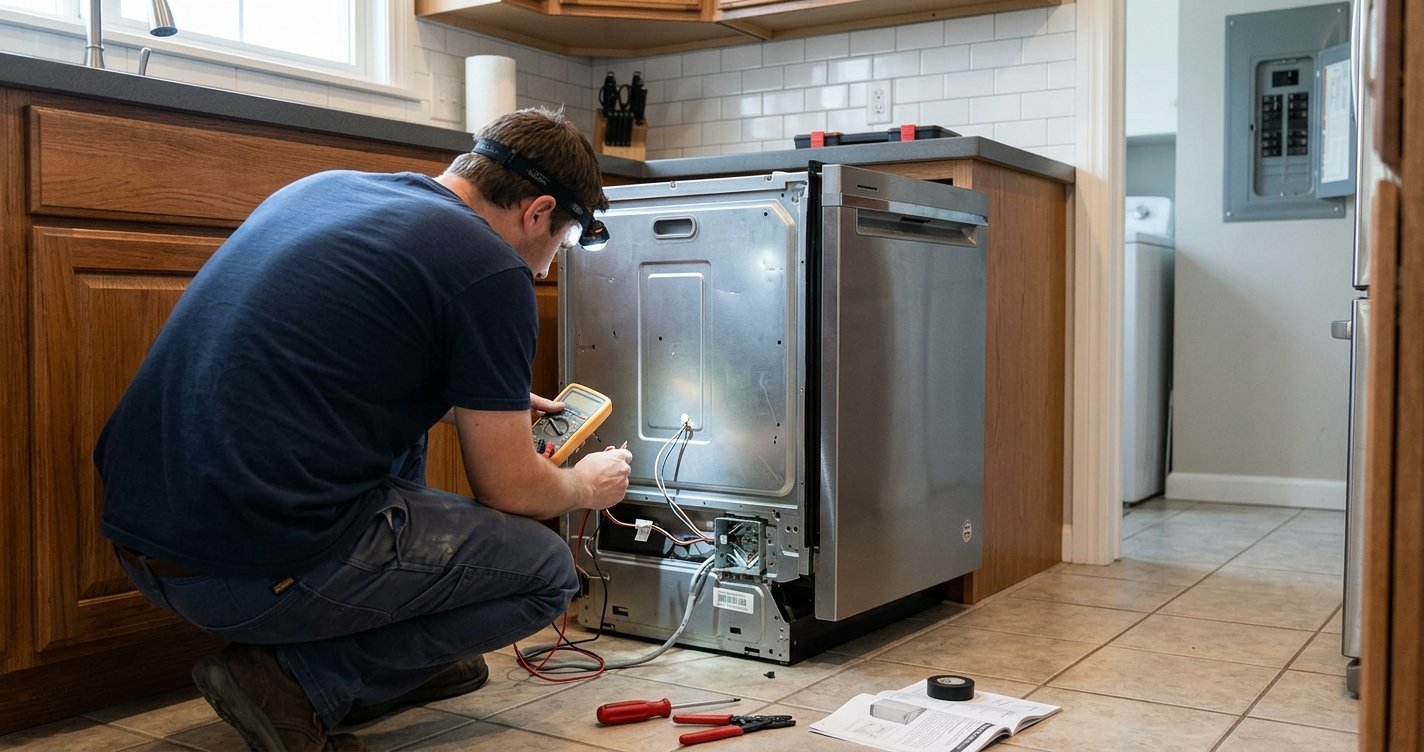
First, switch the dishwasher off. Depending on how your appliance is installed, disconnect its power supply or switch off the appropriate circuit breaker. Bosch’s troubleshooting information recommends disconnecting power for at least a short period for some operational problems, while specific error codes may call for a 30-second breaker reset. After restoring power, switch the dishwasher on and see whether the problem has cleared.
The exact procedure can depend on the error code and model, so avoid repeatedly resetting the appliance when a specific fault continues to appear.
What If the Dishwasher Still Shows an Error?
A reset can clear some temporary faults, but it cannot repair a failed component or remove a physical blockage.
For example, Bosch identifies several possible causes for dishwasher error codes, including blocked filters, drain-pump problems, water-flow issues, door-sensor faults, and electronic faults.
If an error returns immediately after resetting:
- Note the exact error code.
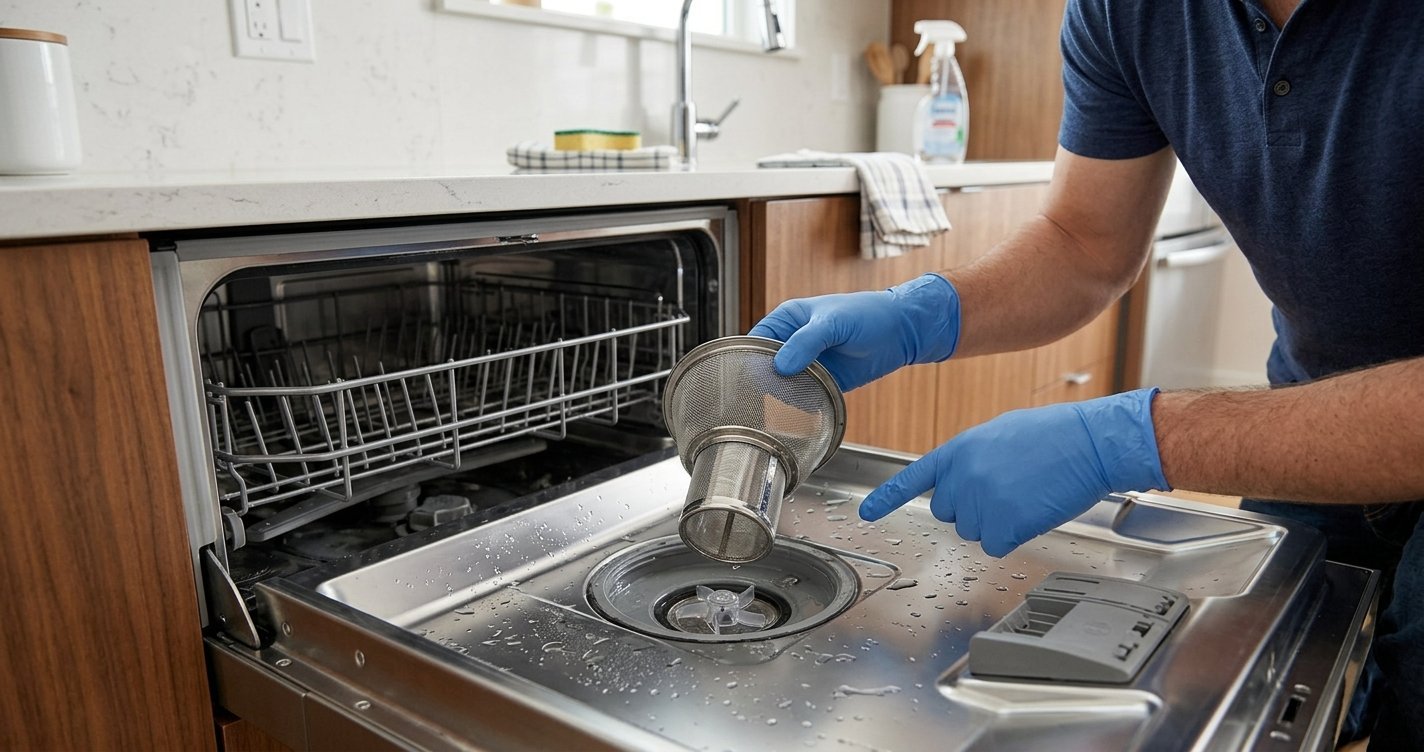
- Check the dishwasher’s filter and visible drainage area if the code relates to draining.
- Make sure the drain hose is not kinked.
- Consult the owner’s manual for your exact model.
- Contact Bosch support if the problem persists.
For certain errors, Bosch specifically recommends professional assistance rather than repeatedly resetting the appliance.
Resetting vs. Interrupting a Cycle
A reset and a temporary interruption are not necessarily the same thing.
2. Press and hold the Start button
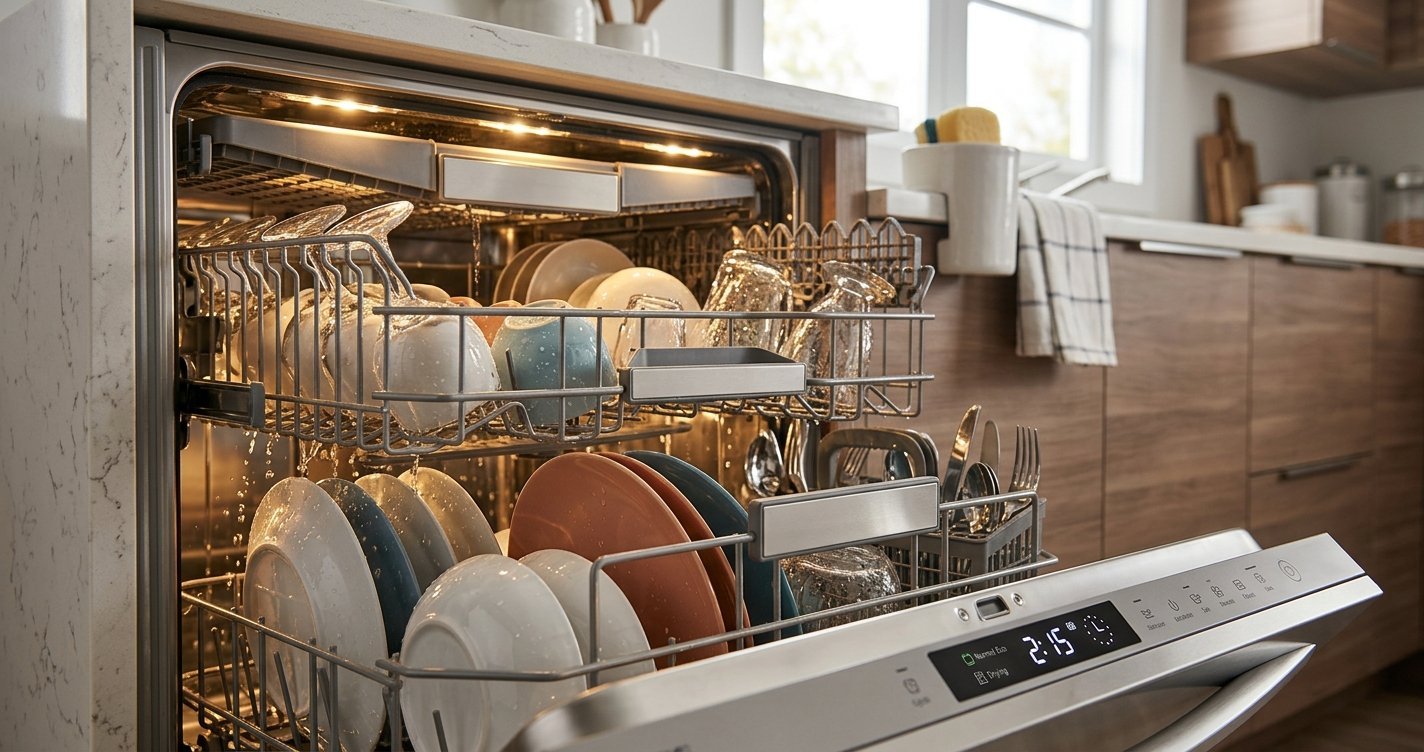
If you simply open the dishwasher during a cycle, some Bosch models pause the program and allow it to resume after the door is closed. A reset, by contrast, terminates the current program, drains the dishwasher, and allows you to start another cycle. This distinction matters if you only want to add an item rather than cancel the entire wash.
FAQs
How do I reset my Bosch dishwasher?
For many Bosch models, press and hold the Start button for about 3–4 seconds. Close the door and allow the dishwasher to complete its cancellation and draining process.
How long does it take to reset a Bosch dishwasher?
The reset and draining process usually takes about one minute, although the exact time can vary by model.
Why is my Bosch dishwasher not responding?
A temporary electronic issue may cause the controls to become unresponsive. Try the standard reset first. If the controls remain unresponsive, check the model-specific manual and power supply.
Will resetting a Bosch dishwasher clear an error code?
A reset may clear a temporary error, but it will not fix an underlying mechanical, drainage, water-supply, or electronic problem. If the error returns, troubleshoot the specific code.
Can I reset my Bosch dishwasher by turning off the power?
A power reset can sometimes resolve a temporary electronic problem. Switch off the dishwasher’s power, wait briefly, restore power, and check whether the problem has cleared. Follow Bosch’s instructions for your specific model.
Final Thoughts
Resetting a Bosch dishwasher is often a quick first troubleshooting step. For many models, holding Start for around three to four seconds, allowing the dishwasher to drain, and then turning it off completes the reset. Because Bosch uses different control layouts across its dishwasher range, however, the precise procedure may vary.