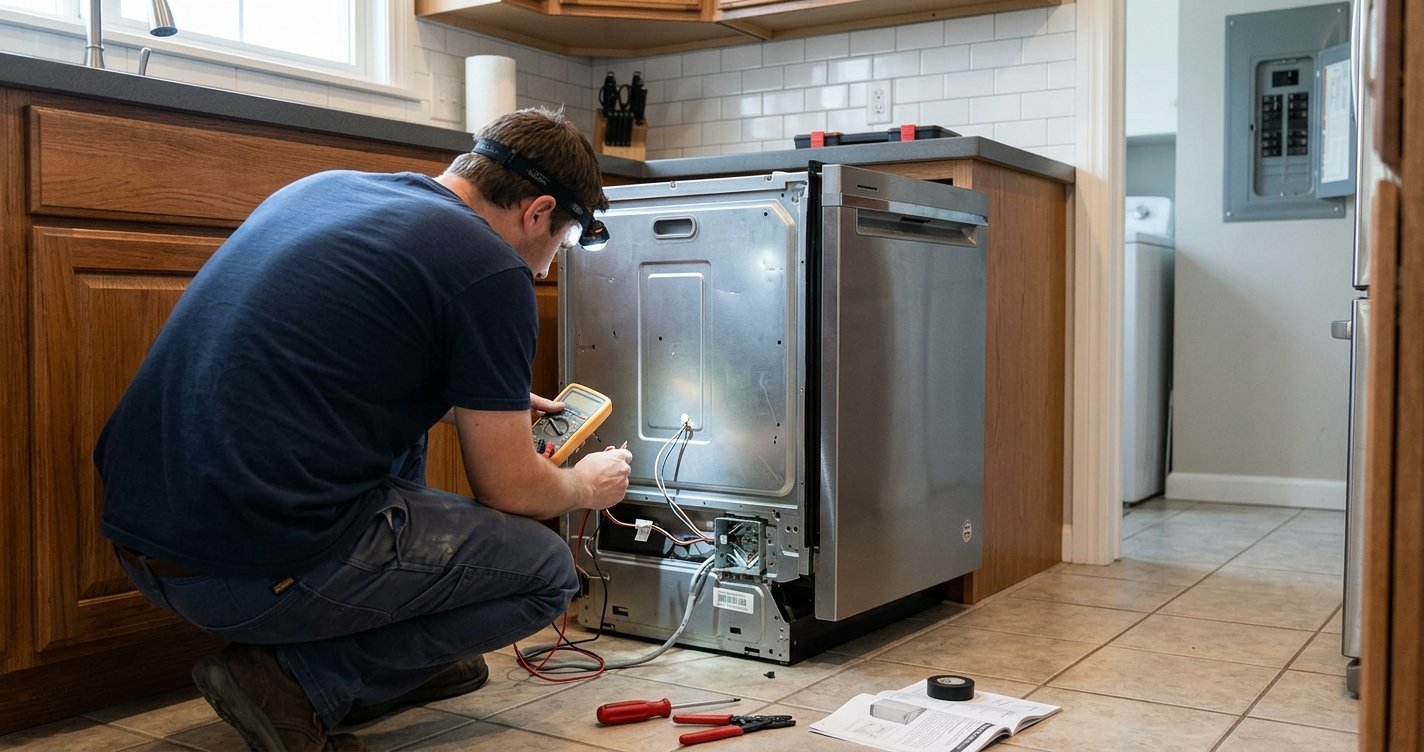
If your KitchenAid dishwasher is not starting, has stopped mid-cycle, or is displaying an error code, a simple reset may help restore normal operation. Resetting your KitchenAid dishwasher can clear temporary electronic glitches and restart the control system without requiring professional service.
In this guide, you’ll learn how to reset your KitchenAid dishwasher, when a reset can help, what to do if the dishwasher does not reset, and when it’s time to call a professional.
Read More: Clean Stainless Steel Dishwasher: A Complete Guide
Table of contents
Why Reset Your KitchenAid Dishwasher?
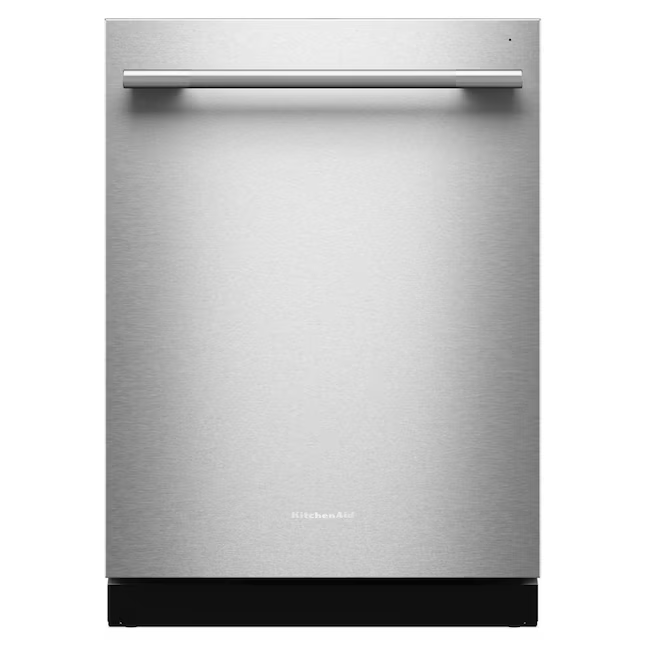
Like other modern appliances, a KitchenAid dishwasher uses electronic controls to manage washing cycles, water temperature, draining, and other functions. Occasionally, the control system may experience a temporary error.
A reset can be useful when:
- The dishwasher is unresponsive.
- A wash cycle is stuck or will not finish.
- The control panel is not responding correctly.
- An error or fault condition has appeared.
- The dishwasher stops working unexpectedly.
- You have interrupted a cycle and want to start over.
A reset does not repair mechanical or electrical problems, but it can clear temporary control issues.
How to Reset Your KitchenAid Dishwasher
The exact reset procedure can vary depending on your KitchenAid dishwasher model. Before trying a reset, make sure the dishwasher is not actively running a cycle that you need to preserve.
Method 1: Cancel the Current Cycle
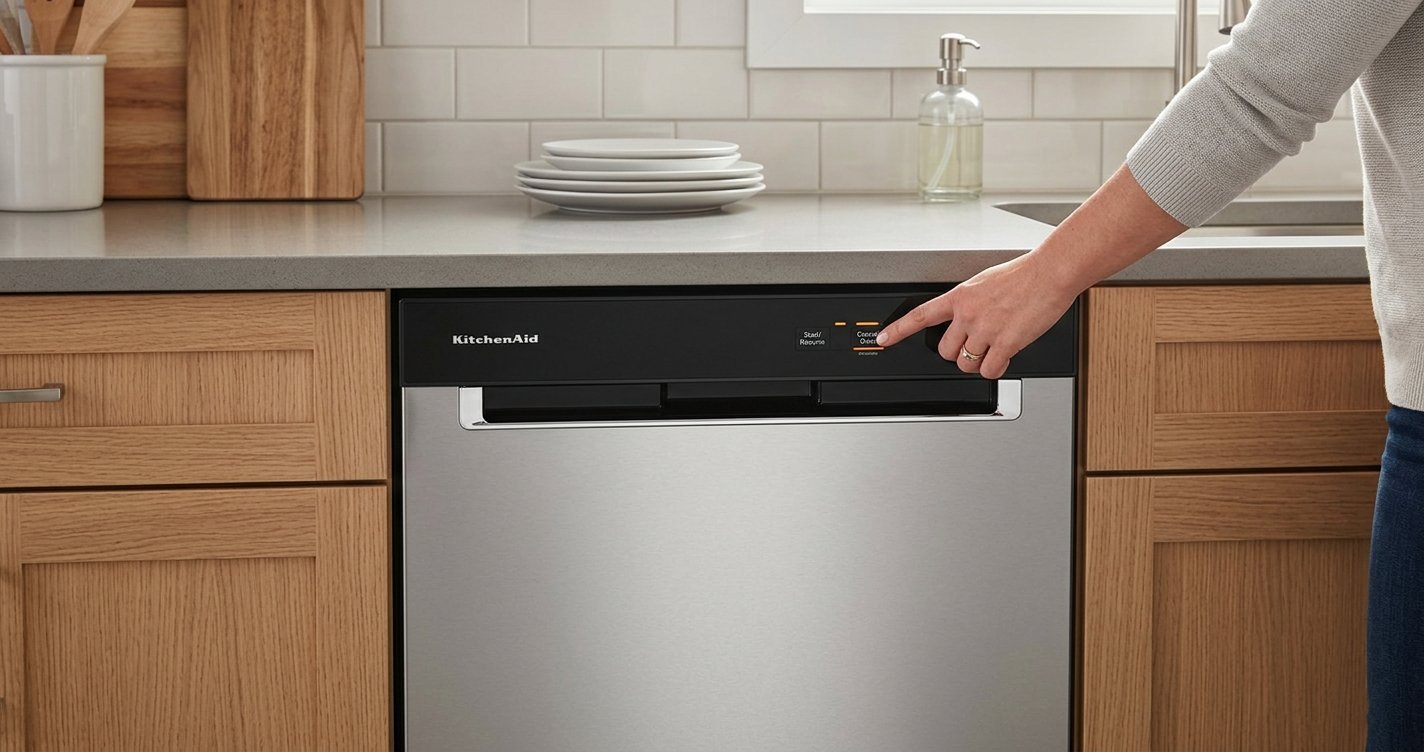
Many KitchenAid dishwashers have a Cancel/Drain or similarly labeled button.
- Press the Cancel/Drain button.
- Allow the dishwasher to complete its drain operation.
- Wait for the dishwasher to finish draining.
- Select a new wash cycle.
- Press Start/Resume to begin the cycle.
If the dishwasher was simply stuck in an interrupted cycle, this may be enough to get it working again.
Method 2: Turn the Dishwasher Off and On
If the control panel is still acting strangely, try a power reset.
- Turn the dishwasher off using its controls.
- Wait several minutes.
- Turn it back on.
- Select a wash cycle.
- Press Start/Resume.
If the dishwasher does not respond to the controls, you may need to disconnect its power supply.
Method 3: Disconnect the Power
A power cycle can reset the electronic controls.
- Switch off the dishwasher’s circuit breaker, or unplug the dishwasher if it has an accessible plug.
- Leave the power disconnected for several minutes.
- Restore power.
- Turn the dishwasher on.
- Select a cycle and press Start/Resume.
If the dishwasher returns to normal operation after the power cycle, the problem may have been a temporary electronic control issue.
Important: If accessing the dishwasher’s electrical connection requires removing panels or exposing wiring, do not attempt it unless you are qualified to work safely with electrical equipment.
What to Do After Resetting the Dishwasher
After you reset your KitchenAid dishwasher, check whether it responds normally. Run a short or normal wash cycle and watch for these signs:
- The control panel responds to button presses.
- The dishwasher fills with water.
- The spray arms operate.
- The dishwasher drains properly.
- The cycle progresses normally.
- No error code returns.
If everything works correctly, the issue may have been temporary.
KitchenAid Dishwasher Still Not Working After a Reset?
If resetting does not solve the problem, the underlying issue may be unrelated to the electronic controls. Check some basic things before arranging a repair.
Check the Door
The dishwasher generally needs its door to close and latch properly before a cycle can start. Make sure nothing is preventing the door from closing completely.
Check the Water Supply
Make sure the dishwasher’s water supply is turned on. A closed supply valve or water-supply problem can prevent the dishwasher from operating correctly.
Check the Drain
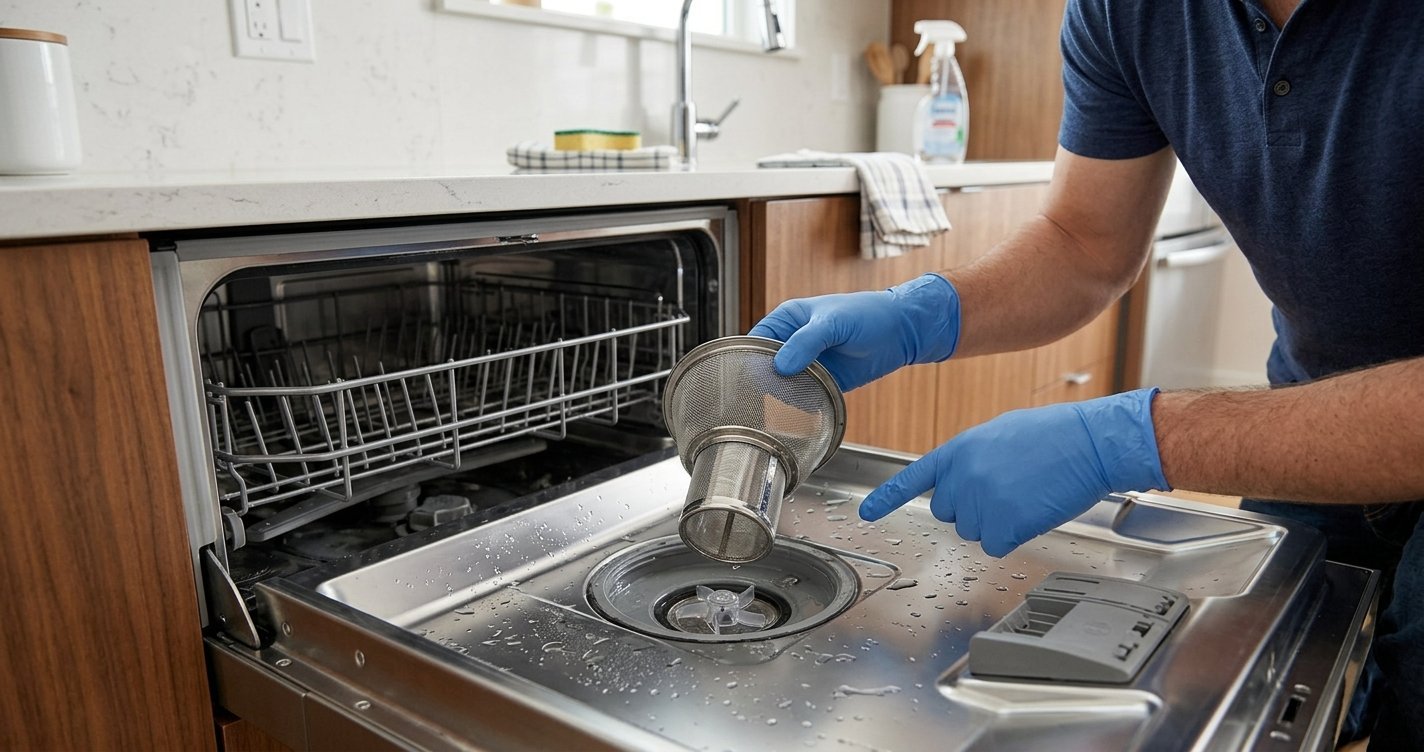
If water remains inside the dishwasher after a cycle, inspect the filter and drain area for visible debris. A blocked drain can interfere with normal operation.
Check the Control Lock
Some KitchenAid models have a control-lock feature that prevents accidental button presses. If the controls appear unresponsive, check whether the control lock is enabled and consult your model’s instructions for how to disable it.
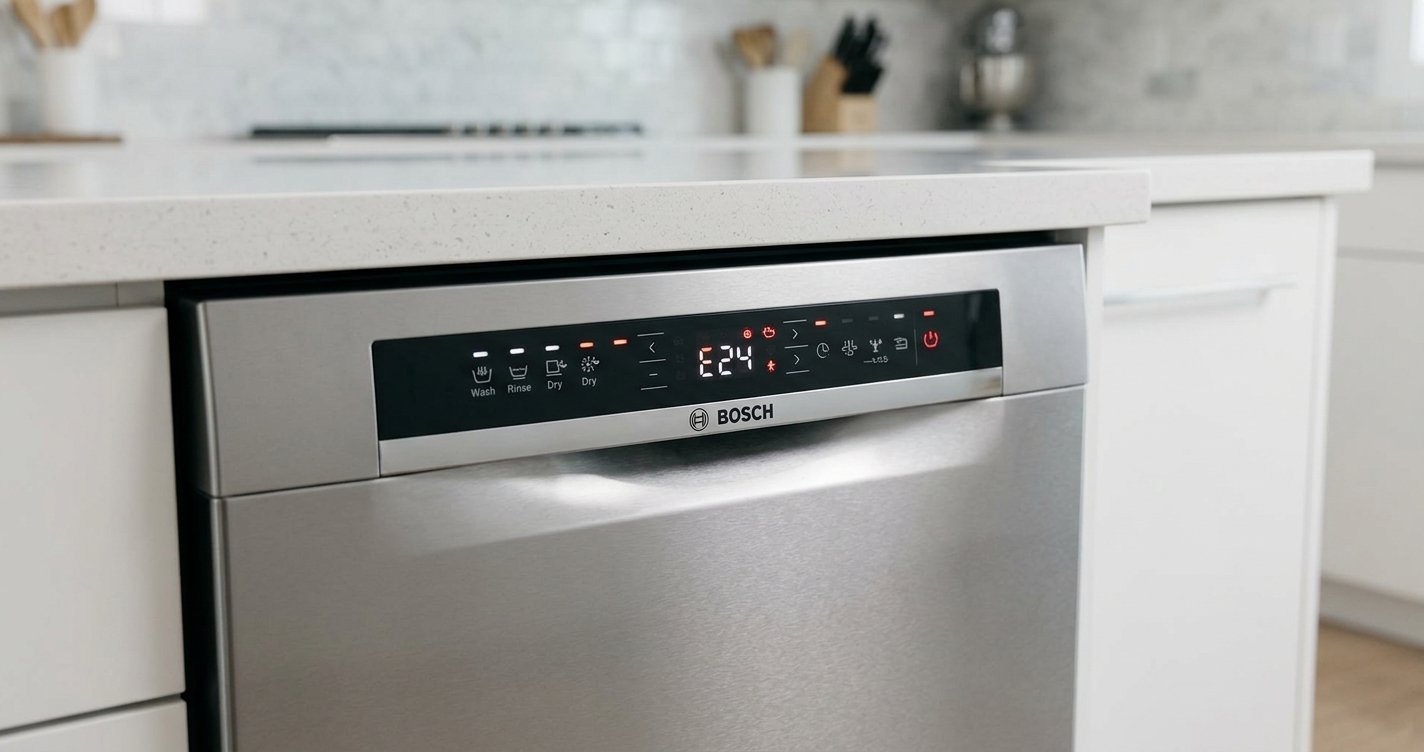
Check for an Error Code
If an error code appears again after the reset, record it before resetting the dishwasher another time. The code can provide useful information about the problem and help identify the appropriate troubleshooting procedure.
When Should You Avoid Repeatedly Resetting the Dishwasher?
A reset is useful for temporary electronic problems, but repeatedly resetting the appliance is not a substitute for diagnosing a persistent fault.
Consider professional service if:
- The same error keeps returning.
- The dishwasher will not power on.
- The circuit breaker repeatedly trips.
- You notice burning smells or unusual electrical sounds.
- The dishwasher leaks.
- It does not fill or drain correctly after basic checks.
- The dishwasher stops during every cycle.
- The control panel remains unresponsive.
If you notice smoke, exposed wiring, sparking, or another electrical safety concern, disconnect power only if you can do so safely and seek qualified assistance.

Does Resetting a KitchenAid Dishwasher Erase Its Settings?
A basic reset or power cycle generally addresses the dishwasher’s current operating state rather than functioning as a complete restoration of every appliance setting. However, the exact behavior depends on the model. KitchenAid produces multiple dishwasher models with different control panels and features, so the instructions in your owner’s manual should take priority.
How Long Should You Leave a KitchenAid Dishwasher Unplugged to Reset It?
For a basic power reset, disconnecting power for several minutes is a reasonable troubleshooting step. The exact required time can vary by model. If your dishwasher continues to malfunction after power is restored, leaving it disconnected longer is unlikely to fix a persistent mechanical, electrical, water-supply, or drainage problem.
Frequently Asked Questions
How do I reset my KitchenAid dishwasher?
Start by canceling the current cycle and allowing the dishwasher to drain. If that does not work, turn the dishwasher off and perform a power cycle by disconnecting its power for several minutes before restoring it.
Why is my KitchenAid dishwasher not responding?
A temporary control issue, control lock, door-latch problem, power issue, or another fault may cause the dishwasher to become unresponsive. Try the appropriate reset procedure for your model and check the owner’s manual for model-specific instructions.
Will resetting fix a KitchenAid dishwasher that won’t drain?
Not necessarily. A reset may clear a temporary control problem, but a dishwasher that consistently fails to drain may have a clogged filter, drain hose issue, pump problem, or another fault that requires troubleshooting.
Why does my KitchenAid dishwasher keep stopping?
Repeated interruptions can have several causes, including power problems, water-supply issues, drainage problems, door-latch issues, or electronic faults. If the same problem continues after a reset, further diagnosis is recommended.
How often should I reset my KitchenAid dishwasher?
You should not need to reset the dishwasher regularly. If you find yourself frequently resetting it to complete normal cycles, the recurring problem should be investigated rather than continually cleared with resets.
Final Thoughts
Knowing how to reset your KitchenAid dishwasher is a useful first troubleshooting step when the appliance becomes unresponsive or a cycle behaves unexpectedly. Start by canceling the current cycle, then try a power cycle if necessary.
If the dishwasher continues to show an error, stops repeatedly, fails to drain or fill, or presents an electrical or water-related problem, a reset alone is unlikely to resolve the underlying cause. In those situations, use the instructions for your specific KitchenAid model or contact a qualified appliance professional.