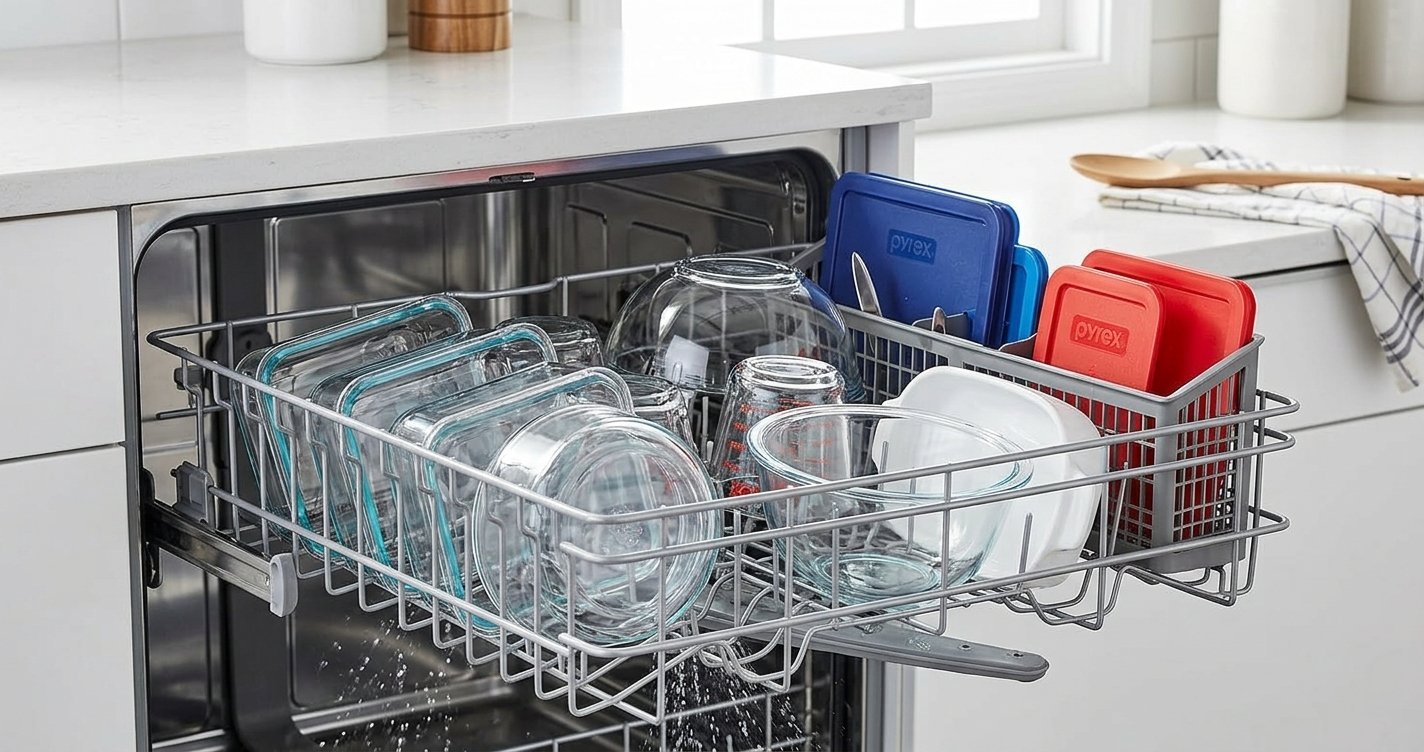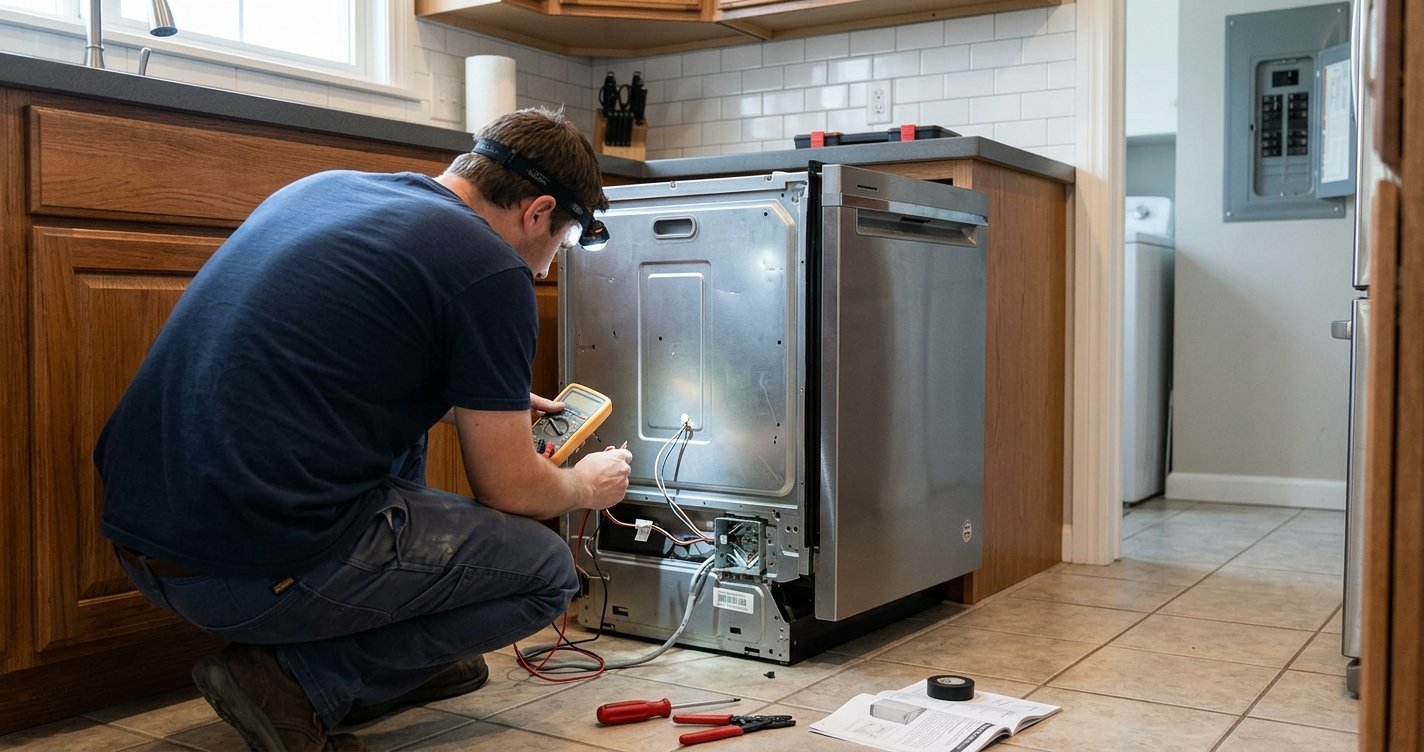
A dishwasher that stops mid-cycle, displays an error code, or refuses to start may simply need a reset. Resetting a dishwasher clears temporary electronic settings and can help the appliance restart normally. While the exact process varies by brand and model, most dishwashers can be reset using a few general methods.
Read More: How to Reset Your KitchenAid Dishwasher: A Complete Guide
Table of contents
Why Reset a Dishwasher?
A reset can be useful when your dishwasher:
- Stops during a wash cycle
- Won’t start after you press the Start button
- Becomes unresponsive
- Shows a temporary error message
- Has buttons or controls that appear frozen
- Stops after a power interruption
A reset does not necessarily fix an underlying mechanical or electrical problem. If the same error returns after resetting, further troubleshooting may be necessary.
Reset a Dishwasher: General Steps
1. Check the Control Panel
Before resetting the appliance, make sure the dishwasher door is completely closed. Many dishwashers will not operate unless the door latch is engaged. Also check whether the Control Lock, Child Lock, or similar feature is enabled. If it is, the controls may appear unresponsive even though the dishwasher is working normally.
2. Try the Cancel or Reset Button
Many modern dishwashers have a Cancel, Cancel/Drain, or Reset button. Press and hold the appropriate button for several seconds. Depending on the model, the dishwasher may cancel the current program and drain the remaining water.
The exact button combination differs between manufacturers, so check your owner’s manual if the controls do not respond.
3. Turn the Dishwasher Off
If there is no obvious reset button, turn the dishwasher off using its Power button. Wait a short period before turning it back on. This gives the electronic controls time to shut down and restart.
After powering it back on, select a new cycle and press Start.
4. Disconnect the Power
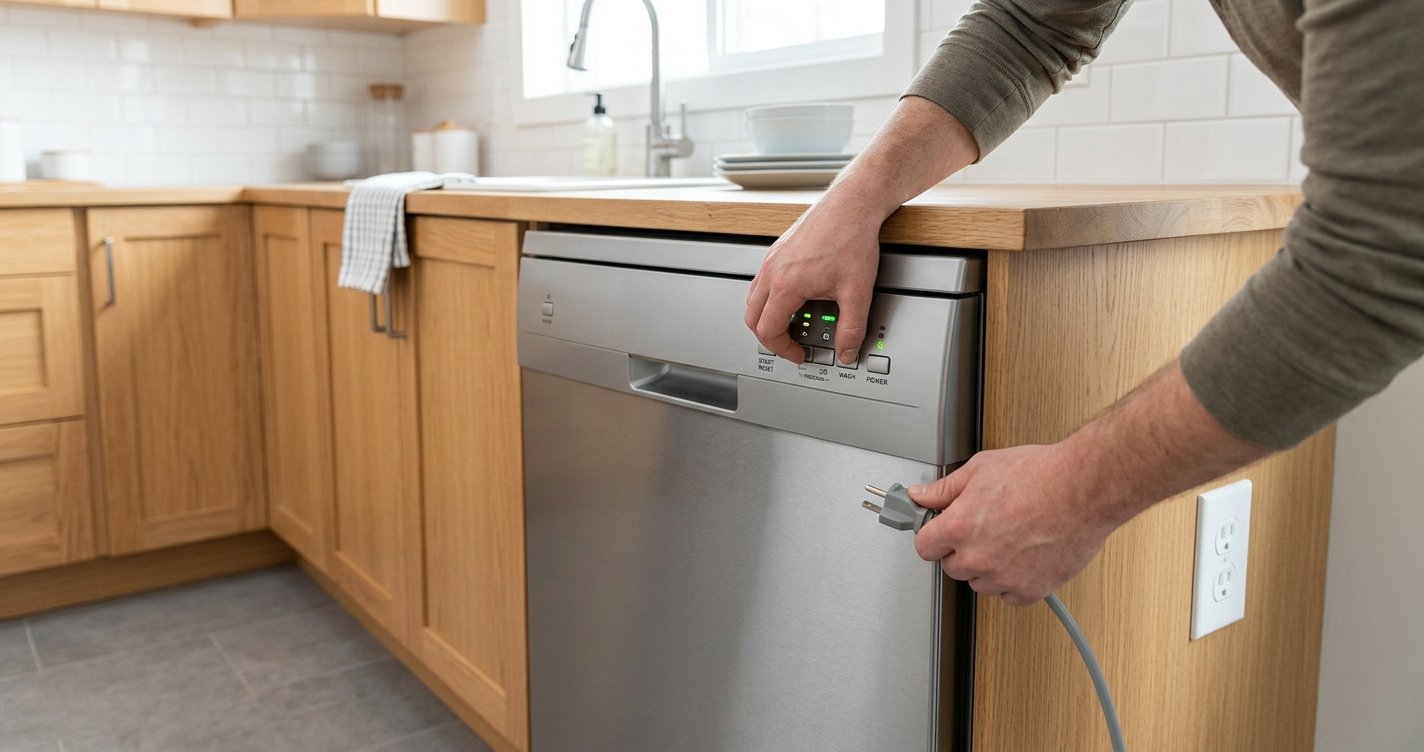
If the control panel remains unresponsive, a power reset may help. Unplug the dishwasher from its electrical outlet if the plug is safely accessible. Leave it disconnected for several minutes, then reconnect it.
For a dishwasher that is hardwired rather than plugged into an outlet, do not remove electrical covers or attempt wiring repairs yourself. If you need to reset the circuit breaker, identify the dishwasher’s breaker and switch it off, wait several minutes, then switch it back on.
5. Restart the Dishwasher
Once power has been restored, close the dishwasher door securely. Choose the desired wash cycle and press Start. Some models require you to press Start and then close the door within a few seconds.
If the dishwasher starts normally, the reset may have cleared a temporary control issue.
What If There Is Water Inside?
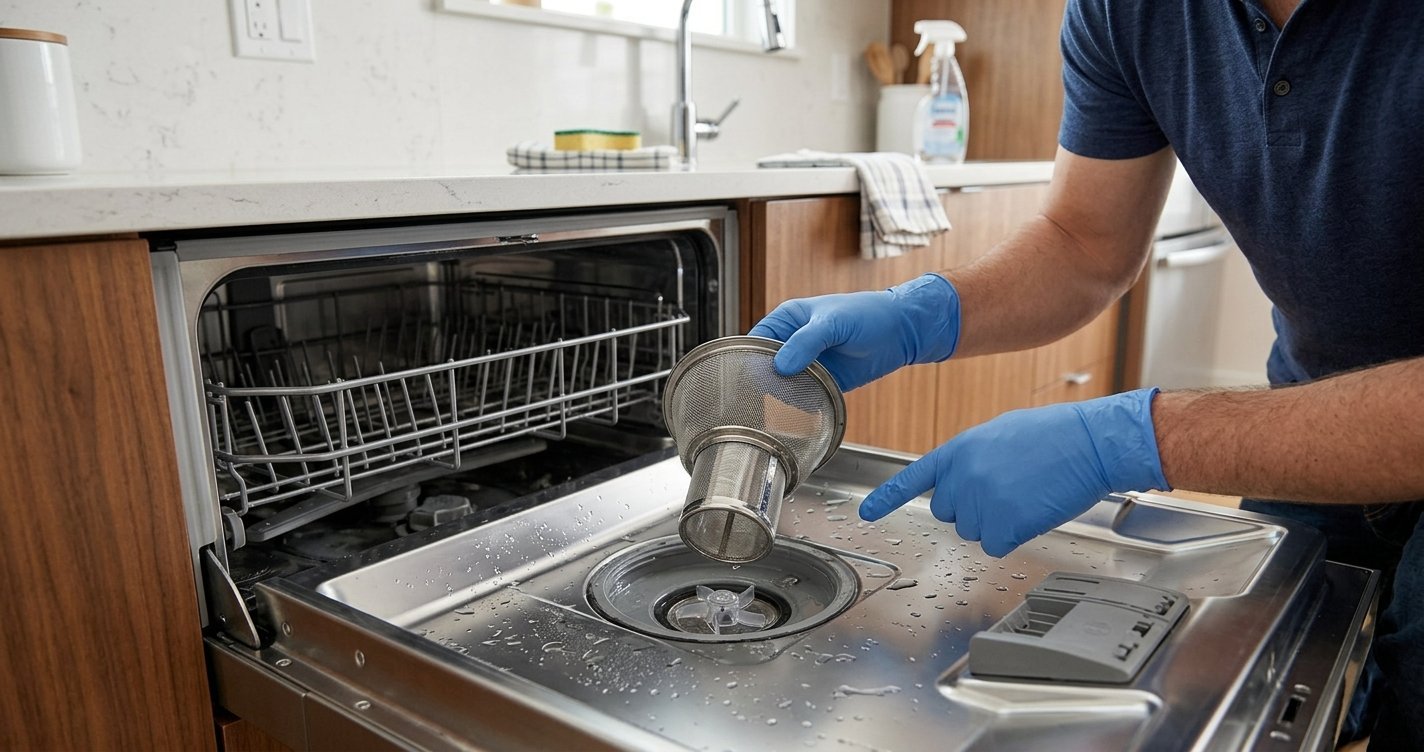
If water remains in the bottom of the dishwasher, use the Cancel/Drain function if your model provides one. If the dishwasher will not drain after a reset, the problem may involve a clogged filter, drain hose, pump, or garbage-disposal connection rather than the electronic controls.
Before inspecting or cleaning components, disconnect the dishwasher from power and follow the manufacturer’s safety instructions.
What If the Dishwasher Still Won’t Start?
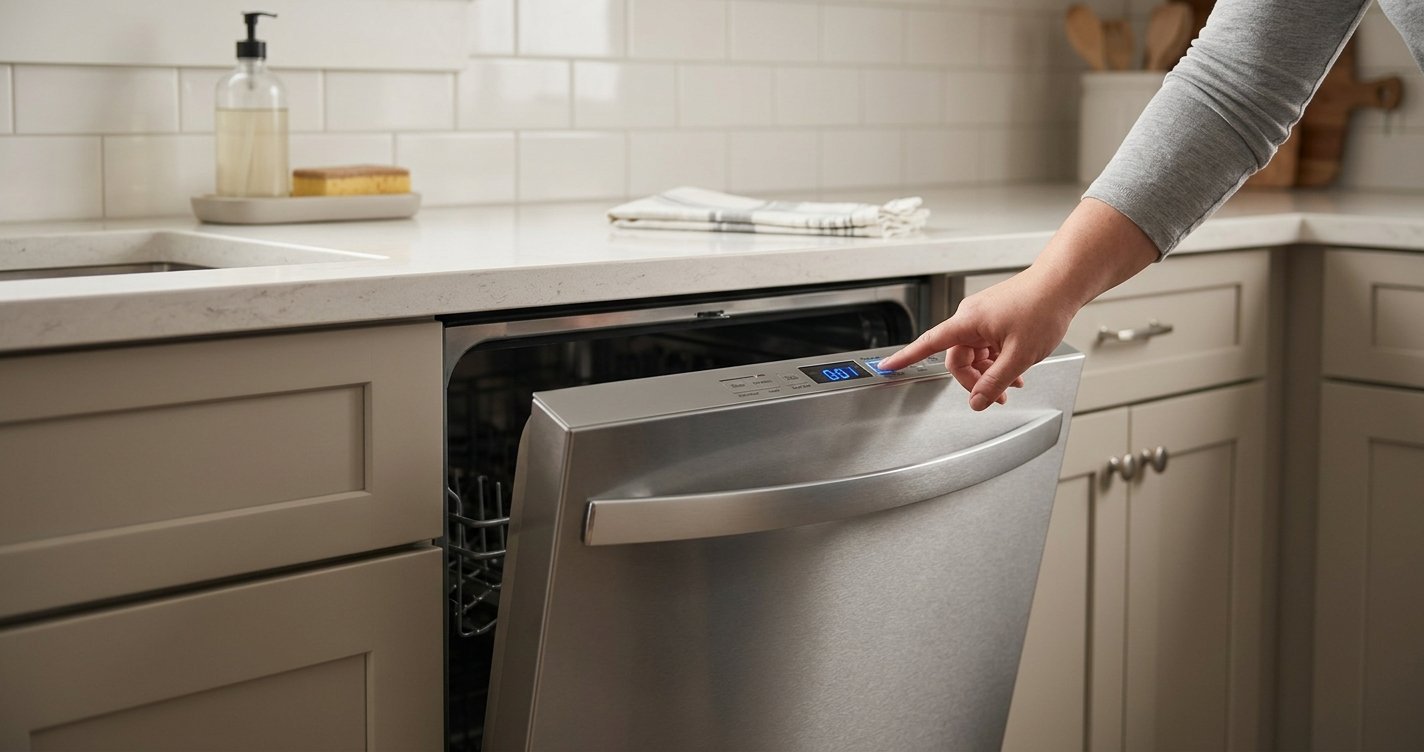
A reset is only a first troubleshooting step. If the dishwasher remains unresponsive, check:
- Whether the door is closing and latching properly
- Whether the dishwasher has power
- Whether the circuit breaker has tripped
- Whether Control Lock is enabled
- Whether a delayed-start setting is active
- Whether an error code is displayed
- Whether the water supply is turned on
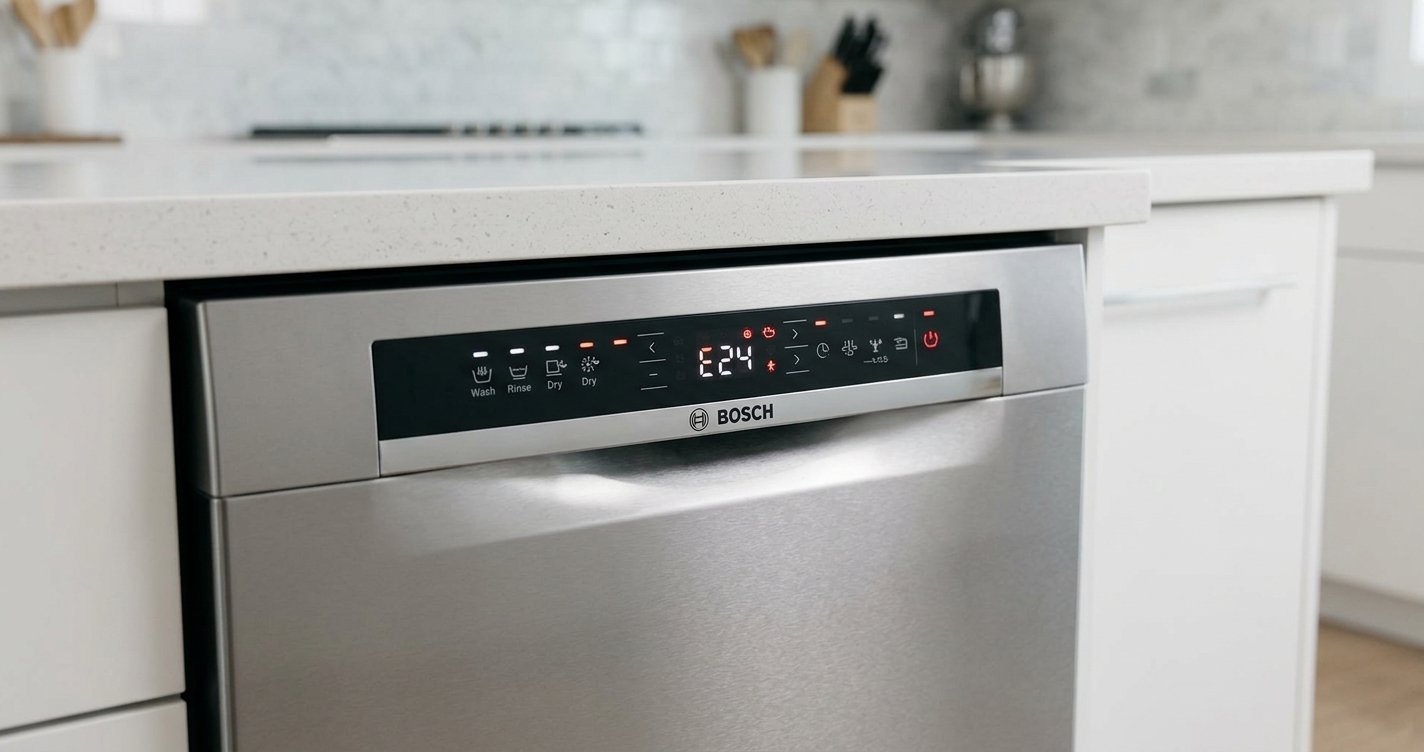
If an error code continues to appear, look it up in the dishwasher’s owner’s manual. Error codes are model-specific so the same code can mean different things on different appliances.
When to Call a Professional
Consider contacting a qualified appliance technician if the dishwasher repeatedly stops working after a reset, trips the circuit breaker, produces burning smells or unusual electrical sounds, leaks, or displays an error that does not clear.
Do not attempt electrical repairs or bypass safety switches yourself.
FAQs
How do I reset a dishwasher?
Turn the dishwasher off, wait a few minutes, and turn it back on. Some models require you to press and hold a Cancel, Reset, or Start button. Check the owner’s manual for model-specific instructions.
How long should I unplug a dishwasher to reset it?
If your dishwasher can be safely unplugged, leaving it disconnected for several minutes can allow the electronic controls to reset. Reconnect it and try starting a new cycle.
Will resetting a dishwasher drain the water?
Some dishwashers automatically drain when you select Cancel/Drain or a similar function. A basic power reset does not necessarily drain standing water.
Why is my dishwasher still not working after a reset?
The problem may be related to the door latch, power supply, water supply, clogged filter, drain system, or another component. Check the manufacturer’s troubleshooting instructions for the specific model.
Does every dishwasher have a reset button?
No. Reset procedures vary by brand and model. Some dishwashers use a dedicated reset or cancel button, while others can be reset by powering the appliance off and back on.
Can resetting a dishwasher clear an error code?
A reset may clear a temporary error, but persistent error codes can indicate an underlying problem. If the code returns, consult the owner’s manual or a qualified technician.
Final Thoughts
The general process to reset a dishwasher is straightforward: check the controls and door, cancel the current cycle, power the dishwasher off, and, if necessary, disconnect its power briefly before restarting it. Because reset procedures vary by manufacturer and model, the owner’s manual remains the best source for model-specific instructions.
A reset can resolve temporary control problems, but it cannot repair a failed component, blocked drain, water-supply issue, or electrical fault. If the problem returns, identifying the underlying cause is the next step.