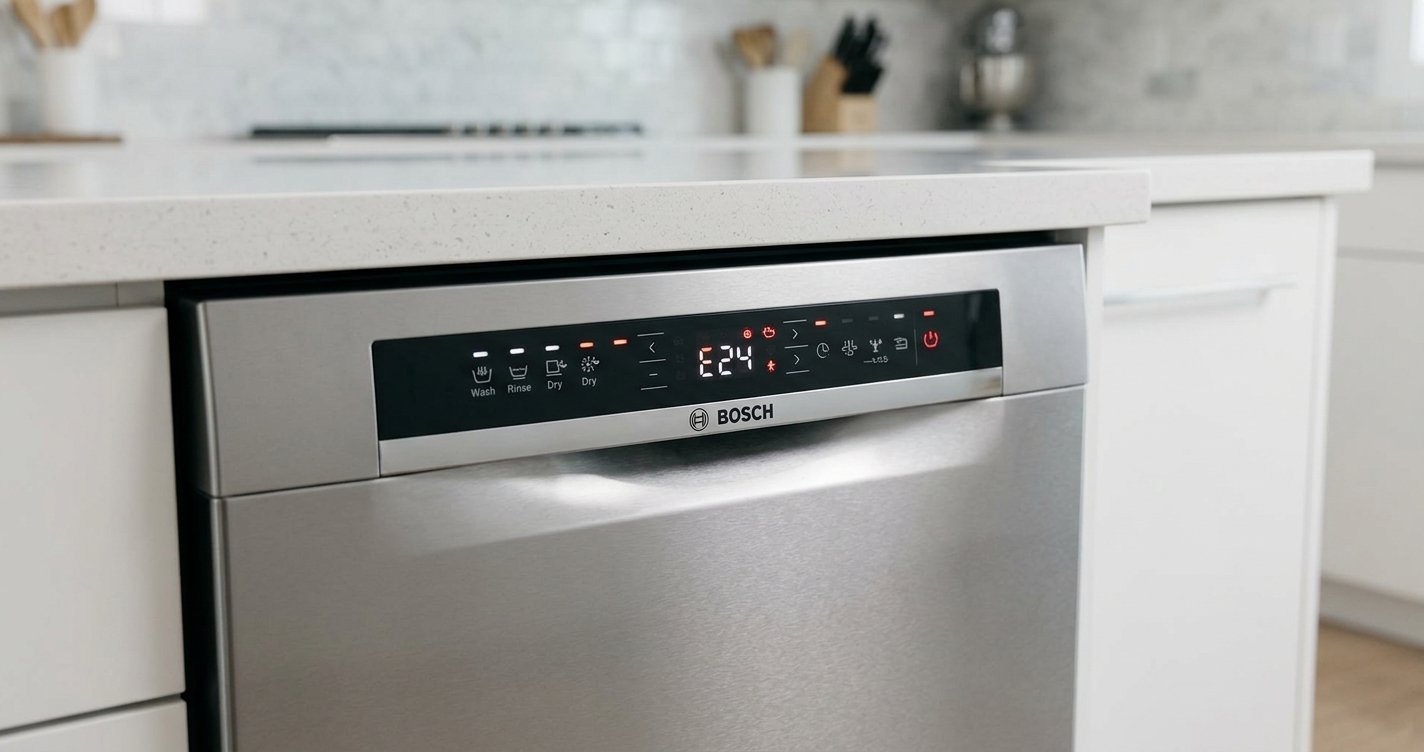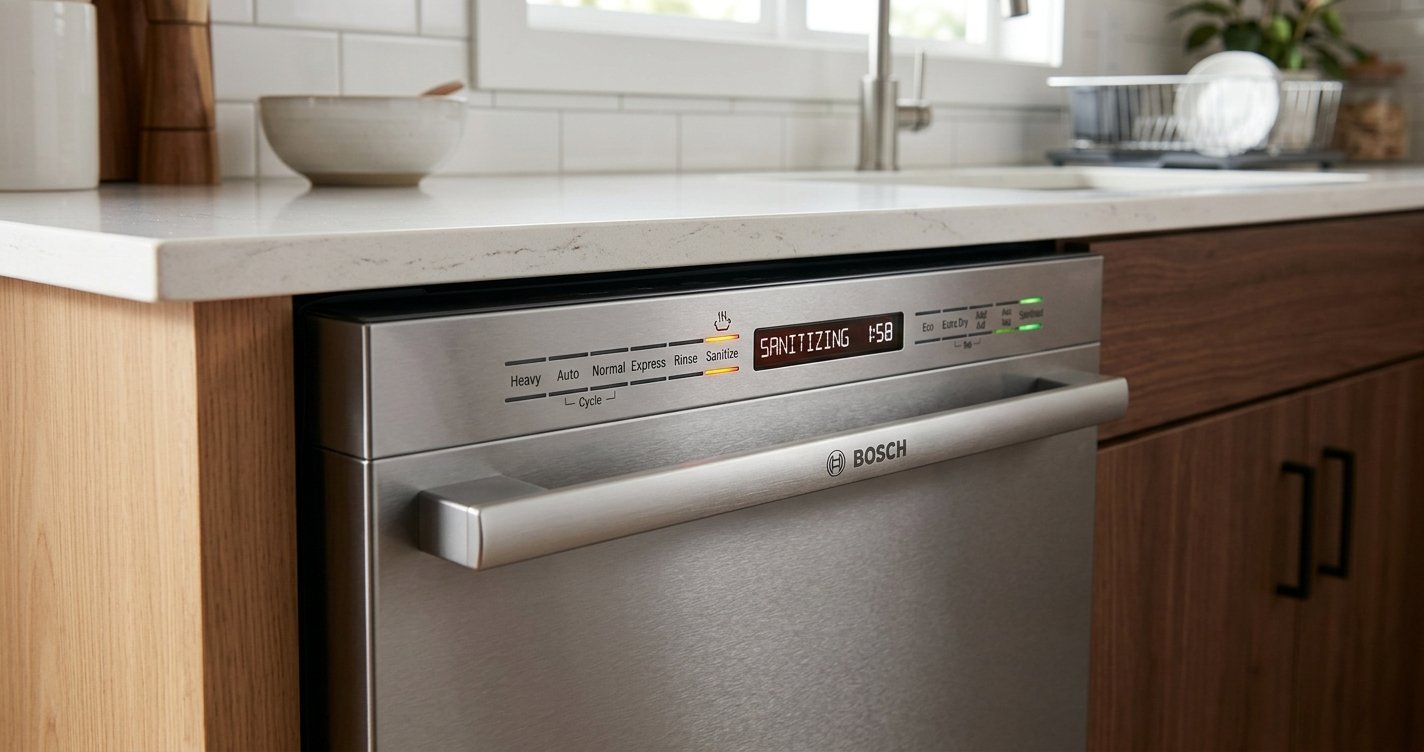
All the indicator lights on a dishwasher control panel being illuminated at once, while the machine refuses to start or respond normally, is a common and confusing symptom for many homeowners.
When a Bosch dishwasher shows all lights on, it usually indicates that the appliance is stuck in a fault state, control lock condition, or electronic control glitch rather than a single obvious mechanical failure. In most cases, the issue is related to the control panel, power supply interruptions, or a triggered error condition that prevents the dishwasher from running its cycle.
Table of contents
What “All Lights On” Usually Means
On a Bosch dishwasher, the control panel is designed to communicate status through indicator lights and error signals. When all lights illuminate simultaneously, the machine is typically signaling one of the following:
- A system reset is needed
- The control board is frozen or unresponsive
- A power surge or interruption occurred
- The child lock or control lock is activated
- A stuck button or moisture in the control panel
- An internal error requiring reset or service
Unlike a single error code, this “all lights on” behavior is more of a general warning that the dishwasher cannot proceed with normal operation.
Common Causes of All Lights Being On
1. Control Panel Freeze or Software Glitch
Modern dishwashers rely on electronic control boards. Sometimes, the system simply locks up due to a minor software fault. This can happen after a power outage or voltage fluctuation.
Typical signs:
- No response to buttons
- Lights stay on continuously
- Dishwasher does not start
2. Power Interruption or Surge
A sudden loss of power or a surge can confuse the control board. When power returns, the dishwasher may enter a protective or error state.
This is one of the most common reasons for this symptom.
3. Control Lock / Child Lock Activated
Many Bosch dishwashers include a control lock feature to prevent accidental operation. When active, it may cause the panel lights to behave unusually or remain fully lit depending on the model.
4. Stuck or Faulty Buttons
If one or more buttons are physically stuck or shorted due to dirt, wear, or moisture, the control panel may register continuous input, triggering all lights.
5. Moisture in the Control Panel
Steam or water ingress into the touchpad or button assembly can confuse the electronics, causing erratic light behavior.
This is more common if:
- The dishwasher door seal is worn
- The unit was recently cleaned heavily around the panel
- Condensation has built up inside the door
6. Control Board Failure
If none of the simpler issues apply, the electronic control board may be failing. This is less common but more serious.
Signs include:
- Persistent all-lights-on condition after resets
- Random behavior or flashing lights
- No cycle progression at all
Step-by-Step Troubleshooting Guide
Step 1: Perform a Basic Reset
Start with the simplest fix.
- Turn off the dishwasher
- Unplug it or switch off the circuit breaker
- Wait 5–10 minutes
- Restore power and try starting a cycle
This clears temporary glitches in many cases.
Step 2: Check for Control Lock
Look for a key symbol or “CL” indicator on the panel.
- Hold the designated lock button (varies by model)
- Usually 3–5 seconds
- Wait for confirmation that lock is off
Step 3: Inspect the Buttons
Press each button individually and check for:
- Sticking or lack of movement
- Unusual resistance
- Signs of moisture or residue
If a button is stuck, gently clean around the panel with a dry cloth.
Step 4: Power Cycle at the Breaker
If unplugging isn’t practical:
- Switch off the dishwasher breaker for 10 minutes
- Turn it back on
- Avoid pressing buttons during restart
This is more effective than a quick off/on cycle.
Step 5: Dry Out the Control Panel
If moisture is suspected:
- Leave the dishwasher door slightly open
- Allow airflow for several hours
- Avoid running cycles until fully dry
A fan aimed at the control panel area can help speed up drying.
Step 6: Check for Error Reset Mode
Some Bosch models enter diagnostic or error modes after faults.
Try:
- Holding Start/Reset for 3–5 seconds
- Waiting for lights to clear or blink
- Restarting a normal cycle afterward
When the Problem Is More Serious
If all lights remain on after basic troubleshooting, the issue may involve:
- Faulty control module (main board)
- Damaged wiring harness inside the door
- Failed user interface panel
- Internal power supply issue
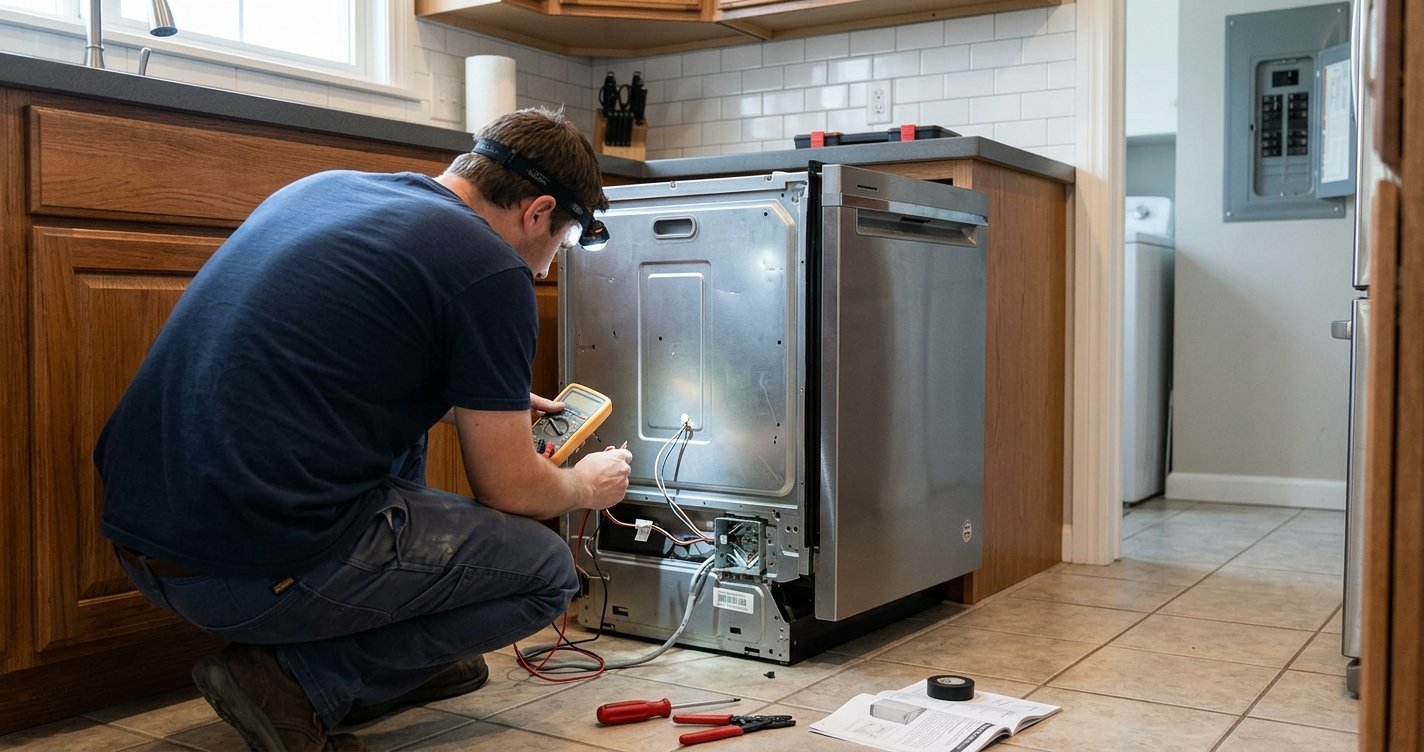
At this stage, DIY fixes are limited. A technician will typically test voltage output, inspect the control board, and replace faulty components if needed.
Preventing the Issue in the Future
To reduce the chance of seeing all lights on again:
- Avoid slamming the dishwasher door
- Keep the control panel dry during cleaning
- Use a surge protector if possible
- Run periodic maintenance cycles
- Ensure proper ventilation in the kitchen
- Clean around buttons gently and regularly
Final Thoughts
When a Bosch dishwasher displays all lights on the control panel, it is usually signaling an electronic or control-related issue rather than a mechanical breakdown. In many cases, a simple reset or unlocking the control panel restores normal operation, but persistent symptoms point toward moisture damage or a failing control board that may require professional repair.
If the problem repeats frequently, tracking when it happens (after power outages, cleaning, or cycle interruptions) can help narrow down the root cause and prevent future occurrences.
If all the lights on a Bosch dishwasher are on (often with no response or blinking indicators), it usually points to a control lock, a stuck cycle, or a control board/door latch issue.
Here’s a focused way to narrow it down:
First, check for a control lock (child lock). On many Bosch models, holding the “Start” or “Delay” button for 3–5 seconds will toggle the lock. If it’s on, the panel can light up but won’t respond normally.
Next, try a hard reset. Turn the dishwasher off, unplug it (or switch off the breaker) for about 5–10 minutes, then restore power. This clears minor electronic glitches that can cause all LEDs to illuminate.
If it powers on with all lights again, look at the door latch. A misaligned or failing latch can trick the machine into thinking the door is open/closed incorrectly, leaving the panel in an error state.
Also check if there’s a stuck cycle or error state. On some Bosch models, all lights can appear after a cycle interruption (like a power outage). Press and hold “Start” for ~3–5 seconds to cancel/reset the cycle.
If none of that changes anything, the likely culprits are:
- Faulty control board
- Moisture in the control panel
- Failed door switch assembly
At that point, it’s usually a service issue rather than a user-resettable one.
If you tell me the exact model number (usually on the door edge), I can give you the precise meaning of the light pattern for your unit.