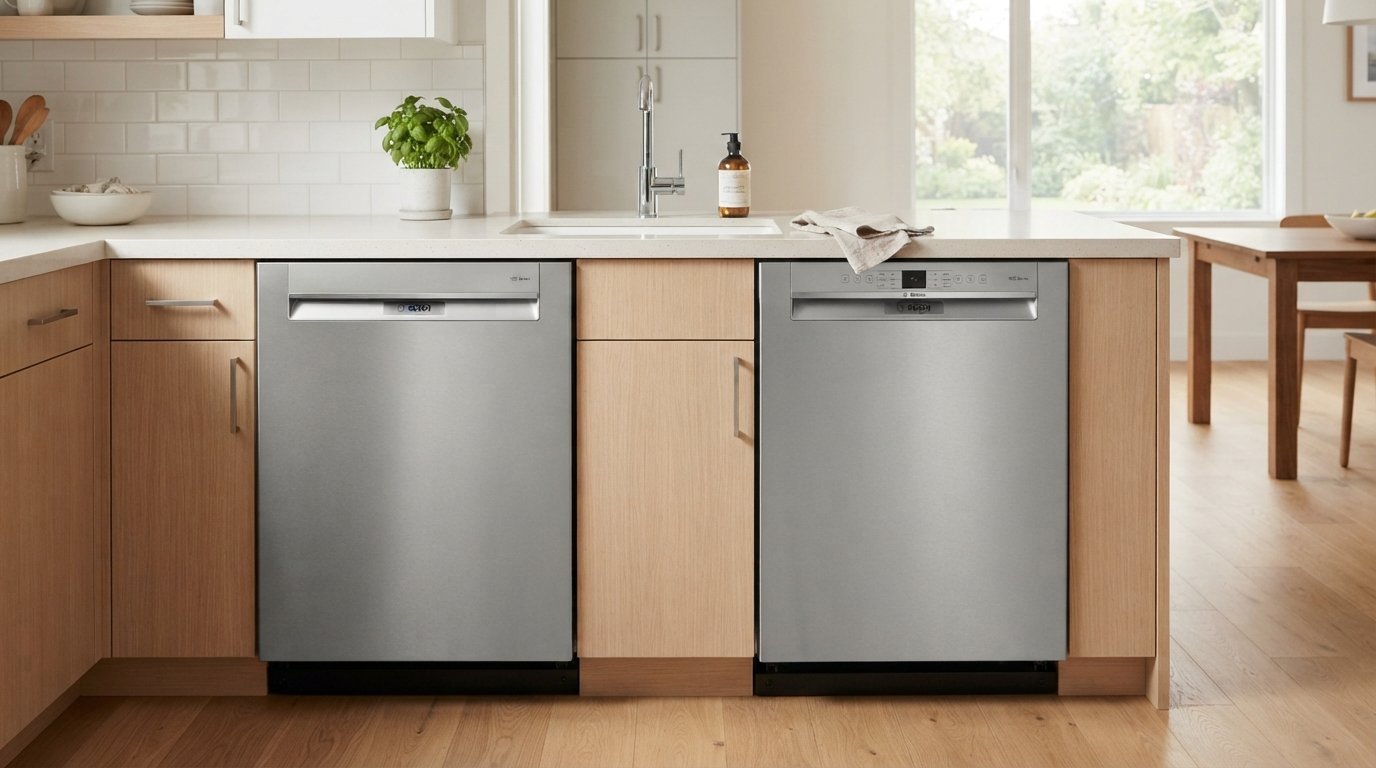
Starting a Bosch dishwasher is straightforward once you understand its basic controls. Although button layouts differ between models, most Bosch dishwashers follow the same operating process.
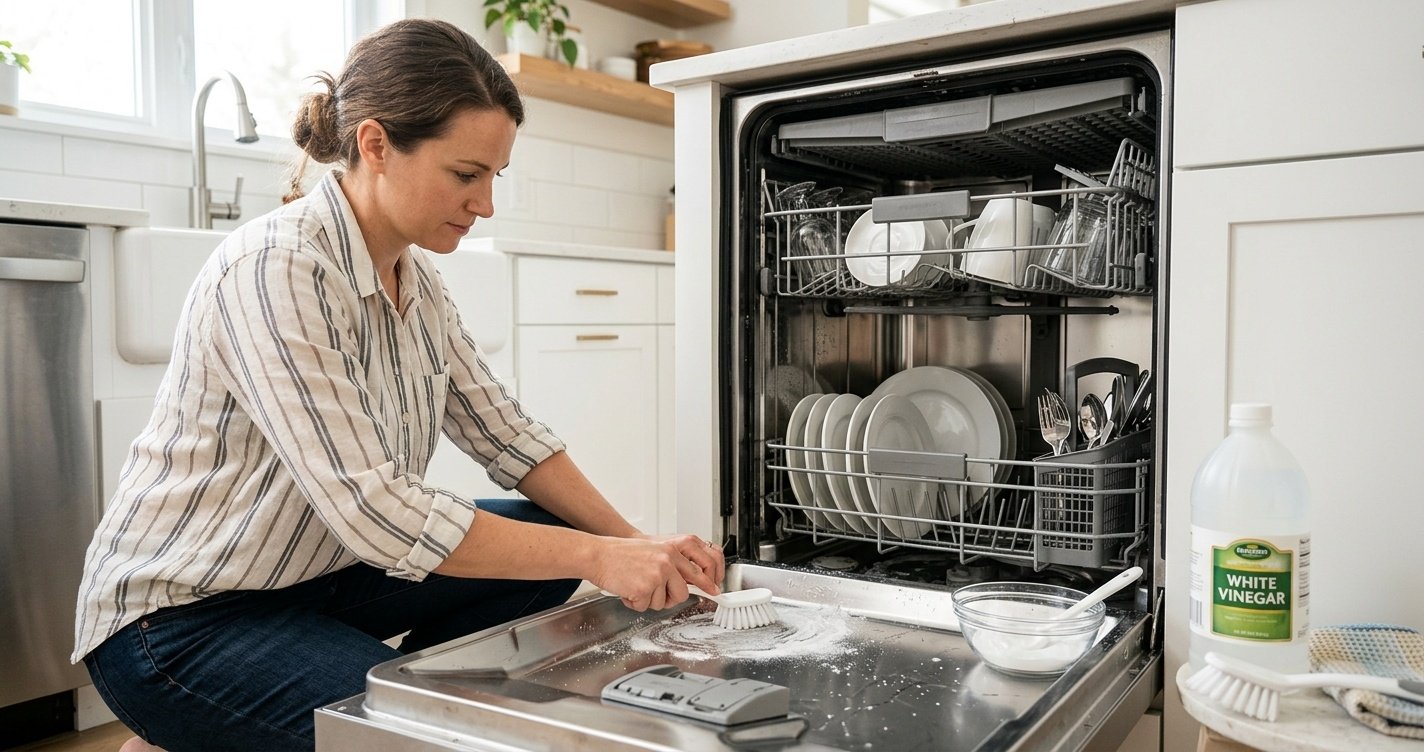
Read More: How to clean Dishwasher with Vinegar and Baking Soda: A Complete Guide
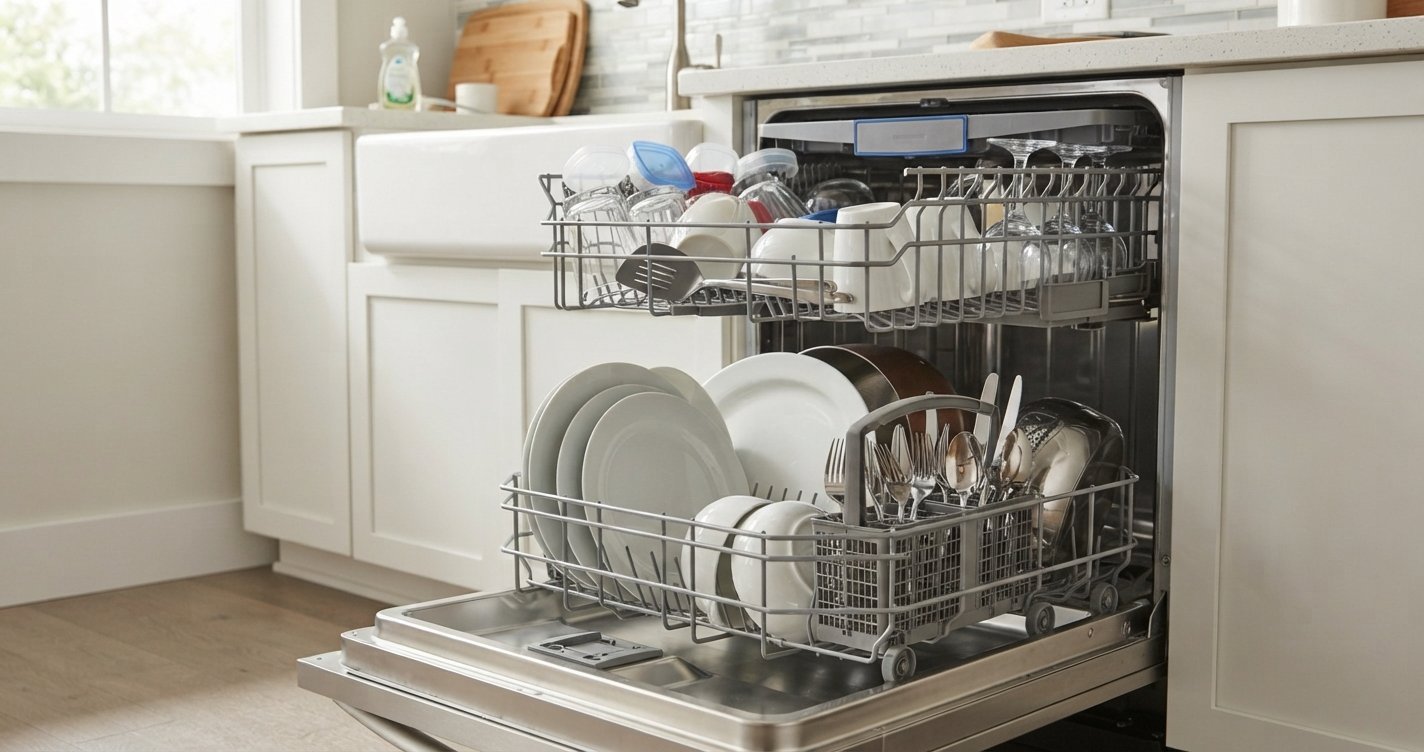
Step 1: Load the Dishwasher Properly
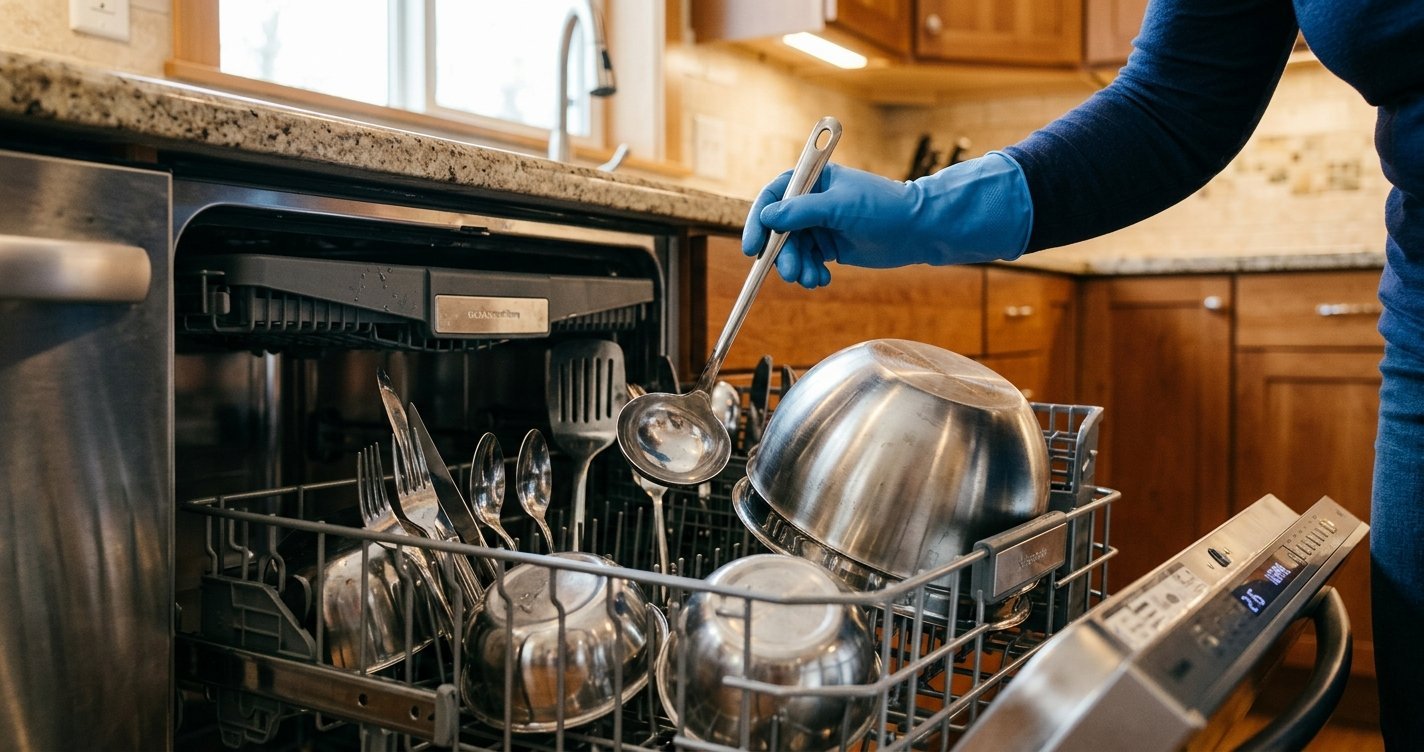
Before starting the appliance, arrange your dishes inside the dishwasher.
- Place plates, bowls, and larger items in the bottom rack.
- Put cups, glasses, and smaller items in the upper rack.
- Place silverware in the cutlery basket or third rack, if available.
- Keep dishes from blocking the spray arms.
- Scrape large food particles into the trash before loading.
Avoid overcrowding the racks because dishes need enough space for water to circulate.
Step 2: Add Dishwasher Detergent
Open the detergent dispenser, usually located on the inside of the dishwasher door.
- Add dishwasher-specific detergent powder, gel, or a detergent tablet.
- Follow the detergent packaging instructions for the correct amount.
- Close the dispenser lid until it clicks into place.
Do not use regular dishwashing liquid or handwashing soap. These products can create excessive foam and cause problems during the wash cycle.
Helpful tip: Add rinse aid to the separate rinse-aid compartment to improve drying performance and reduce water spots on glasses.
Step 3: Turn On Your Bosch Dishwasher

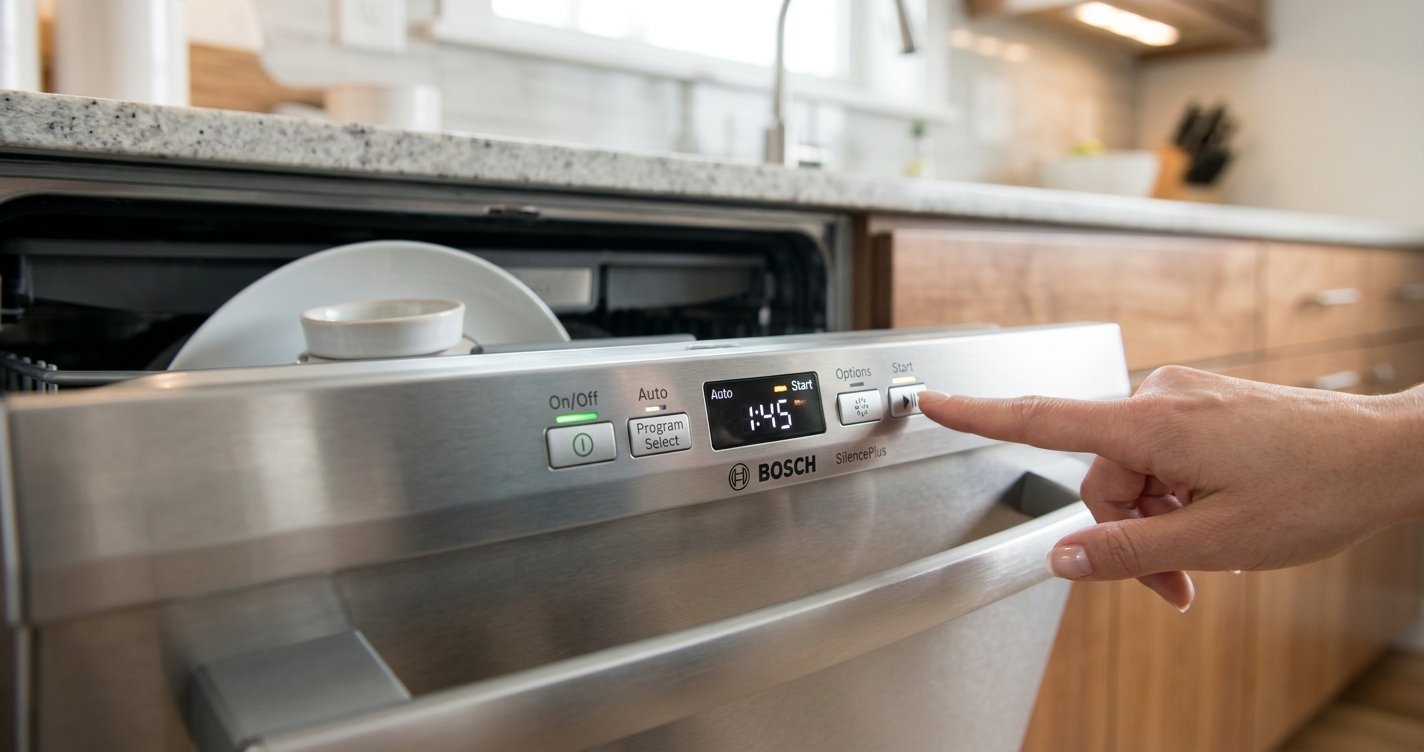
Locate the Power or On/Off button on your dishwasher’s control panel.
- Open the dishwasher door if your model has hidden top controls.
- Press the Power button once.
- Check that the display or indicator lights turn on.
If the control panel does not respond, check that the dishwasher is properly connected to its power supply.
Step 4: Select a Wash Cycle

Choose a wash programme according to the amount of dirt on your dishes and the type of load.
Common Bosch dishwasher programmes include:
| Wash cycle | Best for |
|---|---|
| Auto | Everyday mixed dishes |
| Eco | Normally soiled dishes with energy-efficient operation |
| Intensive/Heavy | Pots, pans, and heavily soiled dishes |
| Quick/Express | Lightly soiled dishes when you need a shorter wash |
| Delicate/Glass | Glassware and delicate dishwasher-safe items |
Not every Bosch dishwasher includes all these programmes. Check your model’s manual to confirm which options are available.
Which cycle should you choose?
For an ordinary load of everyday dishes, Auto is a convenient choice if your model offers it. Eco is another good option when energy efficiency is your priority and you have enough time for a longer cycle.
Step 5: Press the Start Button

After selecting your preferred programme, locate the Start or Start/Resume button.
- Press the Start button.
- Check the display for a countdown or cycle indicator, if available.
- Close the dishwasher door securely.
On many Bosch models, the cycle begins when the door is closed. Some models require you to close the door within approximately four seconds after pressing Start. If the door remains open too long, you may need to press Start again.
Important: The dishwasher may take a few moments to begin filling with water. This is normal, so avoid repeatedly pressing the buttons.
Step 6: Allow the Dishwasher to Complete the Cycle
Once the dishwasher starts, leave the door closed while it completes the selected programme.
The display may show the remaining wash time, depending on your model.
When the programme finishes:
- Check for the Clean indicator or completion signal.
- Open the door carefully, allowing hot steam to escape.
- Allow dishes to cool before unloading.
- Remove dishes from the lower rack first to prevent water dripping from the upper rack onto clean dishes.
Table of contents
How to Start Different Types of Bosch Dishwashers
Bosch dishwasher controls can vary depending on the model and design. Understanding the differences can help prevent confusion when starting your appliance.
1. Bosch Dishwasher With Front Controls

Front-control Bosch dishwashers have buttons or a display panel visible on the front of the door.
To start:
- Press On/Off.
- Select your preferred wash programme.
- Choose additional options if needed.
- Press Start/Resume if required by your model.
- Close the door securely.
2. Bosch Dishwasher With Hidden Top Controls

Fully integrated Bosch dishwashers often have their controls along the top edge of the door.
To start:
- Open the dishwasher door.
- Locate the control buttons along the upper edge.
- Press Power or On/Off.
- Select your desired programme.
- Press Start if required.
- Close the door to begin the cycle.
Remember that some top-control models require the door to close within four seconds after pressing Start.
3. Bosch Dishwasher With Home Connect

Some newer Bosch dishwashers support Home Connect, allowing users to control compatible appliances through a smartphone.
The general process is:
- Connect your dishwasher to your home Wi-Fi network.
- Set up the appliance in the Home Connect app.
- Select an available wash programme.
- Follow the app’s instructions to start the cycle remotely.
Remote starting depends on your model, app settings, safety requirements, and whether the appliance has remote-start functionality enabled.
How to Start a Bosch Dishwasher on Delay Start
The Delay Start feature allows you to schedule a wash cycle to begin later. It is useful if you want your dishwasher to operate at a particular time.
Follow these steps:
- Turn on your Bosch dishwasher.
- Select the desired wash programme.
- Press the Delay Start button.
- Choose your preferred delay time using the available controls.
- Press Start to confirm the setting.
- Close the door if required by your model.
Depending on the dishwasher, the delay can be set in hourly increments, sometimes up to 24 hours.
Refer to your appliance manual for the exact delay-start procedure.
What to Do If Your Bosch Dishwasher Won’t Start
Sometimes a Bosch dishwasher may not start even after pressing the Start button. Several common issues can cause this problem.

Here are some things to check before contacting a technician.
1. Check the Power Supply
Make sure the dishwasher is connected to a working electrical outlet.
Check the circuit breaker and confirm that the power supply has not been interrupted.
2. Make Sure the Door Is Closed Properly
A Bosch dishwasher will not operate if its door is not securely closed.
Check for:
- Dishes or utensils blocking the door.
- A damaged or obstructed door latch.
- Incorrectly positioned racks.
- Anything preventing the door from closing completely.
3. Check the Water Supply
Your dishwasher needs an adequate water supply to operate.
Make sure the water inlet valve is open and the supply hose is not kinked or obstructed.
4. Check Whether Child Lock Is Activated
Some Bosch models include a child-lock feature that prevents accidental changes to the controls.
If the controls are unresponsive, check the display for a lock indicator. Follow your model’s manual to deactivate the feature.
5. Check for a Delayed Start Setting
If Delay Start is activated, the dishwasher may be waiting for the scheduled time rather than starting immediately.
Check the display and cancel the delay setting if you want to run the programme straight away.
6. Reset or Cancel the Current Programme
If the dishwasher is stuck in a programme, you may need to cancel the cycle.
On many Bosch models, you can:
- Open the door carefully.
- Press and hold Start/Resume or the designated Reset control, following your model’s instructions.
- Allow the dishwasher to complete its draining process.
- Select a new programme and start again.
Reset procedures differ between models, so avoid using a button combination from another Bosch dishwasher.
If the appliance still does not start, consult Bosch customer support or a qualified technician.
Common Bosch Dishwasher Symbols and Their Meanings
Understanding the symbols on your dishwasher makes operating it easier.

| Symbol or indicator | Meaning |
|---|---|
| Power symbol (⏻) | Turns the dishwasher on or off |
| Start/Resume | Starts or resumes a wash programme |
| Auto | Automatic wash programme |
| Eco | Energy-efficient wash programme |
| Intensive | Heavy-duty cleaning |
| Delay | Delays the start of a programme |
| Rinse aid indicator | Indicates that rinse aid may need refilling |
| Salt indicator | Indicates that dishwasher salt may need refilling |
| Child lock | Indicates that the controls are locked |
The symbols and indicators can vary by Bosch dishwasher series and market. Always check your model’s operating manual for accurate identification.
Tips for Getting the Best Results From Your Bosch Dishwasher
Starting the dishwasher correctly is important, but a few additional practices can improve cleaning and drying performance.
- Use the correct detergent: Always choose detergent specifically designed for automatic dishwashers.
- Avoid overcrowding: Leave enough room between dishes for water to circulate.
- Use rinse aid: It helps reduce water spots and improves drying.
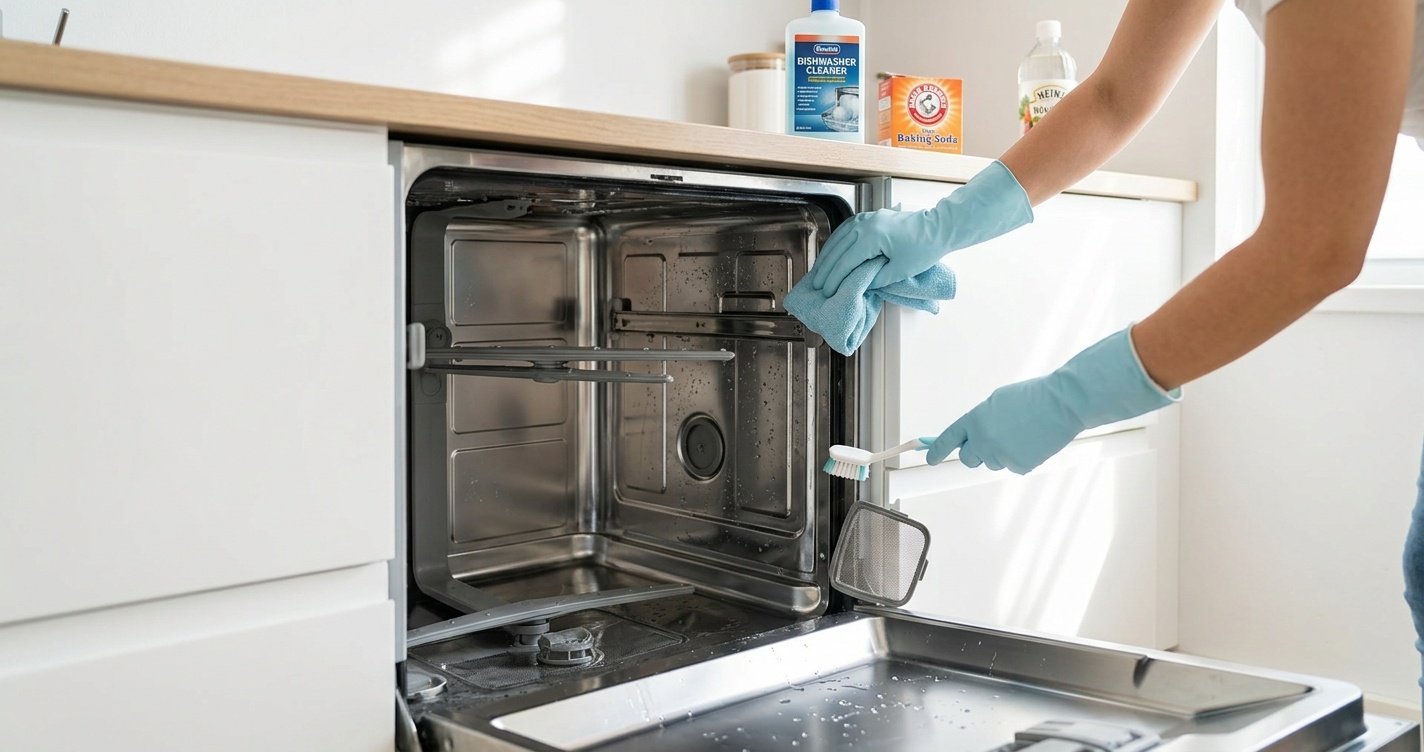
- Clean the filter regularly: Remove trapped food particles according to the manufacturer’s cleaning instructions.
- Check the spray arms: Make sure they can rotate freely.
- Choose the appropriate cycle: Use Intensive for heavily soiled cookware and Auto or Eco for suitable everyday loads.
- Avoid unnecessary pre-rinsing: Scrape off large food remnants rather than washing every dish before loading.
These simple habits can help maintain cleaning performance and keep your appliance working efficiently.
Frequently Asked Questions (FAQs)
1. How do I start my Bosch dishwasher for the first time?
Load the dishwasher with suitable dishes, add detergent and rinse aid, turn on the appliance, select a wash programme, and press Start. Close the door according to your model’s instructions.
For a brand-new dishwasher, follow the installation and first-use instructions in its manual.
2. Do I need to press Start before closing my Bosch dishwasher?
On many Bosch models, yes. You select the programme, press Start, and then close the door. However, some models start automatically when the door closes after programme selection.
Always follow the instructions for your specific model.
3. Why does my Bosch dishwasher beep but not start?
A beep without a running cycle may indicate that the door is not properly closed, the controls need attention, or a delay-start setting is active. Check the display and door before trying again.
4. How long does a Bosch dishwasher take to complete a cycle?
The duration depends on the selected programme, model, water temperature, and soil level.
Eco programmes generally take longer than quick programmes. Some automatic programmes can also adjust their duration based on the load.
5. Can I open my Bosch dishwasher while it is running?
Yes, many models allow you to pause a cycle by opening the door. However, open it carefully because hot water and steam can escape.
Follow the operating instructions before resuming the cycle.
6. What is the best setting for everyday dishes?
Auto or Eco is generally suitable for everyday dishes, depending on your cleaning needs and energy-saving preferences.
7. Why does my Bosch dishwasher keep flashing the Start light?
A flashing Start light can indicate that the cycle is paused, the door is not properly closed, or the appliance needs attention. The exact meaning depends on the model.
Check the display and consult the troubleshooting section of your manual.
Conclusion
Starting a Bosch dishwasher is easy once you understand its basic controls. Load your dishes correctly, add the appropriate detergent, turn on the appliance, select a wash programme, and press Start.
Remember that Bosch dishwashers come with different control-panel designs and operating features. While the basic starting process is similar across many models, some details, such as door-closing requirements and reset procedures, may differ.
For the best results, consult your dishwasher’s user manual and follow the manufacturer’s recommendations for detergent, loading, and maintenance.