When a KitchenAid dishwasher finishes a cycle, but the dishes are still wet, the problem may be related to the Heat Dry function. In some cases, the dishwasher may clean normally but fail to produce enough heat during the drying stage. This can happen because of an incorrect cycle setting, a blocked vent, a faulty heating element, or another component that affects drying performance.
The good news is that you can check several common causes at home before calling for professional service.
Read More: KitchenAid Dishwasher Stuck on Clean and Beeping: Causes and Fixes
Table of contents
Why Is My KitchenAid Dishwasher Heat Dry Not Working?
A KitchenAid dishwasher may not dry dishes properly for several reasons, including:
- Heat Dry is not selected.
- The dishwasher is using an energy-saving or air-dry setting.
- The heating element is damaged or covered with residue.
- The vent or vent fan is blocked.
- The dishwasher is not filling or draining correctly.
- The thermostat or temperature sensor is malfunctioning.
- A control-board problem is preventing the heating circuit from operating.
- Plastic items are positioned where they cannot drain properly.
Before troubleshooting, remember that some KitchenAid dishwasher models use different drying technologies and cycle options. Check the owner’s manual for your specific model.
1. Make Sure Heat Dry Is Selected
The simplest explanation is that the Heat Dry option was not selected. Depending on the model, the option may be labeled Heat Dry, ProDry, or have another drying-related name. Some cycles may also use different drying methods.
Select the appropriate drying option and run a normal cycle. If dishes remain wet afterward, continue with the following checks.
2. Check Whether the Dishwasher Is Using an Energy-Saving Setting
Some dishwasher cycles are designed to reduce energy consumption and may use less heat during drying. This can leave dishes wetter than expected, particularly plastic containers.
Check the selected cycle and options before assuming there is a mechanical fault. If your dishwasher has a heated-drying option, enable it and compare the results.
3. Inspect the Heating Element
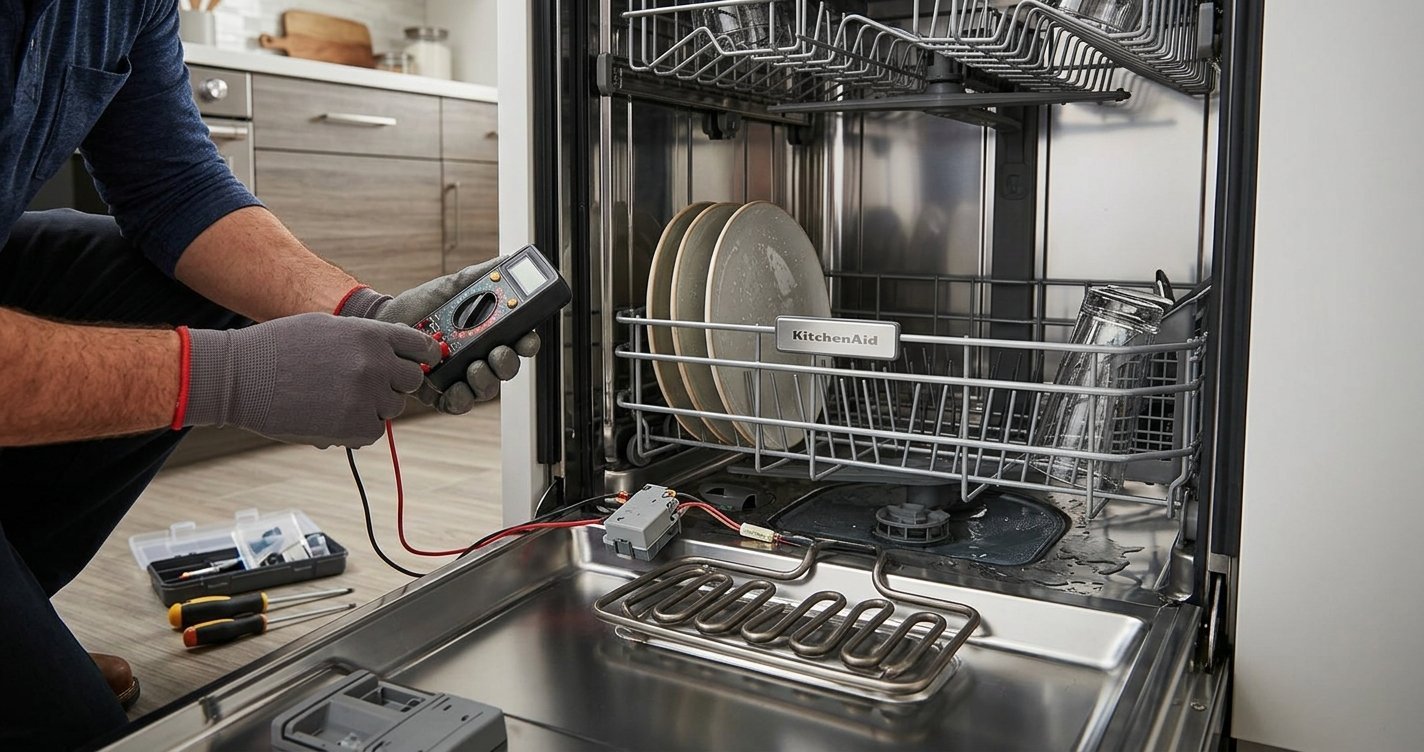
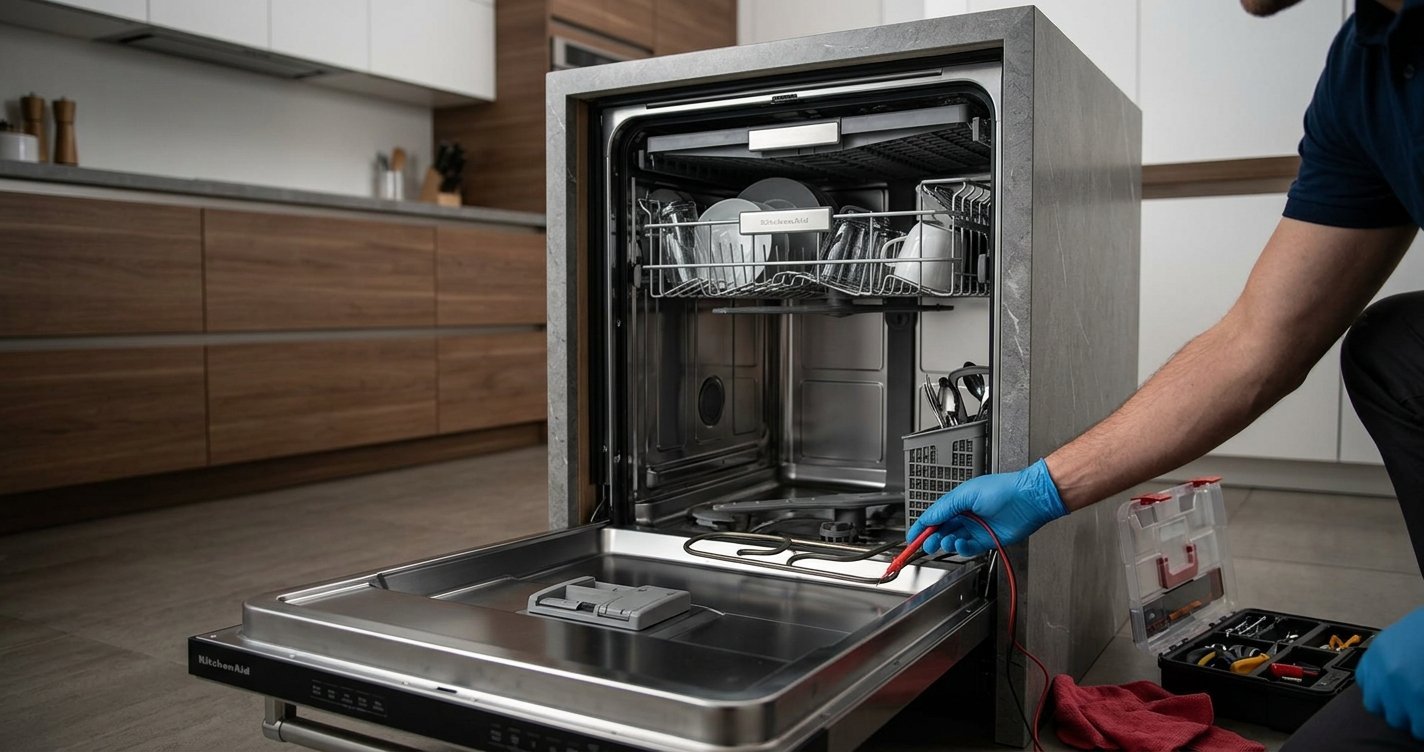
The heating element is one of the most important components for heated drying. It is usually located at the bottom of the dishwasher tub. Turn off the dishwasher’s power before inspecting it.
Look for:
- Visible cracks or damage
- Burn marks
- Heavy mineral or food buildup
- Areas that appear unusually discolored
Do not operate or touch the element while the dishwasher is powered. If the element appears damaged, it may need to be tested with a multimeter or replaced.
4. Check the Dishwasher Vent
A dishwasher needs to release moisture as dishes dry. A blocked or restricted vent can interfere with drying performance and leave excessive moisture inside the tub.
Look for the vent opening inside the dishwasher and make sure it is not covered by dishes, food debris, or mineral deposits. Do not remove internal components unless you are comfortable working on appliances and have disconnected the power.
5. Check the Vent Fan, If Your Model Has One
Some KitchenAid dishwasher models use a fan to help move moist air out of the dishwasher. If the fan is obstructed or defective, moisture may remain inside the tub after the cycle ends. Unusual noises, poor airflow, or consistently wet dishes can indicate a problem with the ventilation system.
Because fan designs vary by model, consult the model-specific service information before attempting a repair.
6. Make Sure the Dishwasher Is Draining Properly
A dishwasher that does not drain correctly can leave excess water and humidity inside the tub, making the drying problem appear worse.
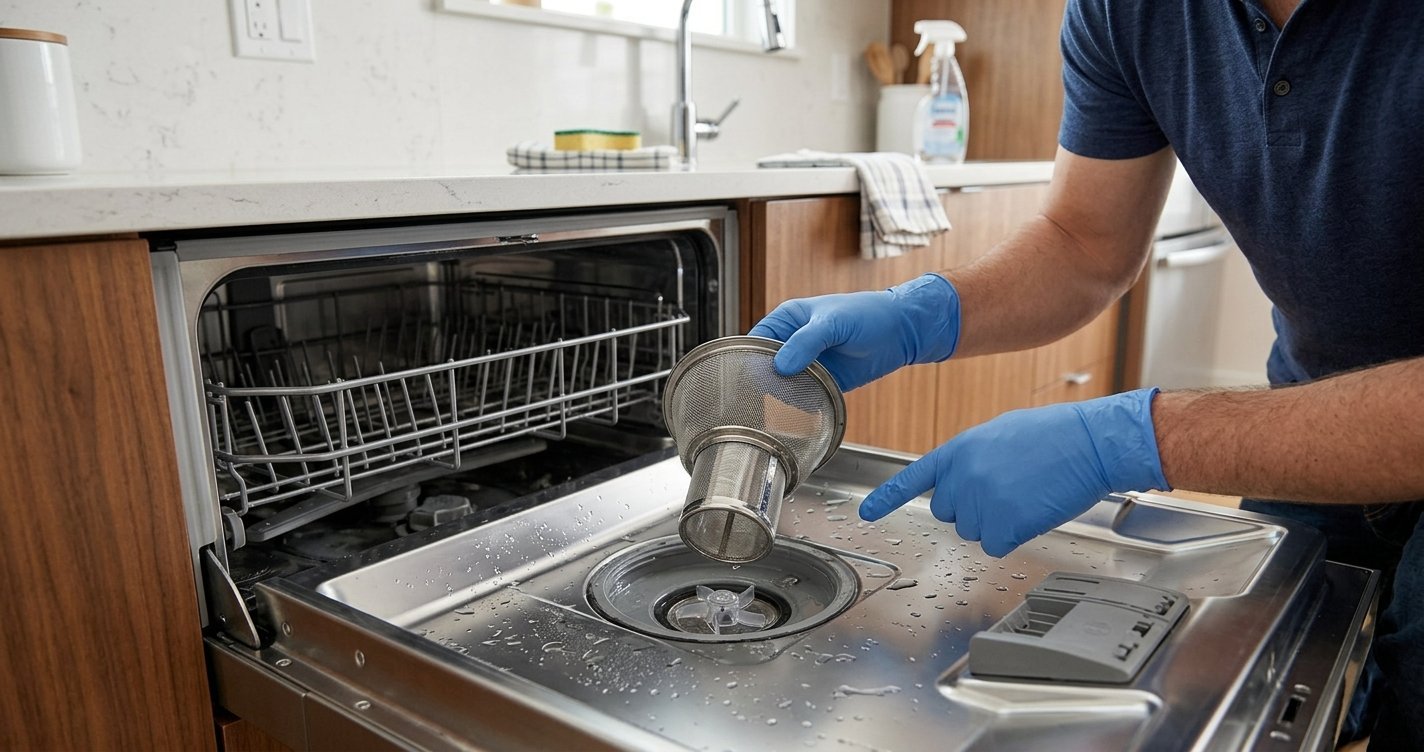
After a cycle, check the bottom of the dishwasher for standing water. If you find water remaining in the tub, inspect the filter and drain area for debris. A clogged filter can interfere with proper drainage and cleaning performance.
If the dishwasher still fails to drain after basic cleaning, the drain hose, pump, or another component may require further inspection.
7. Load Dishes So They Can Drain
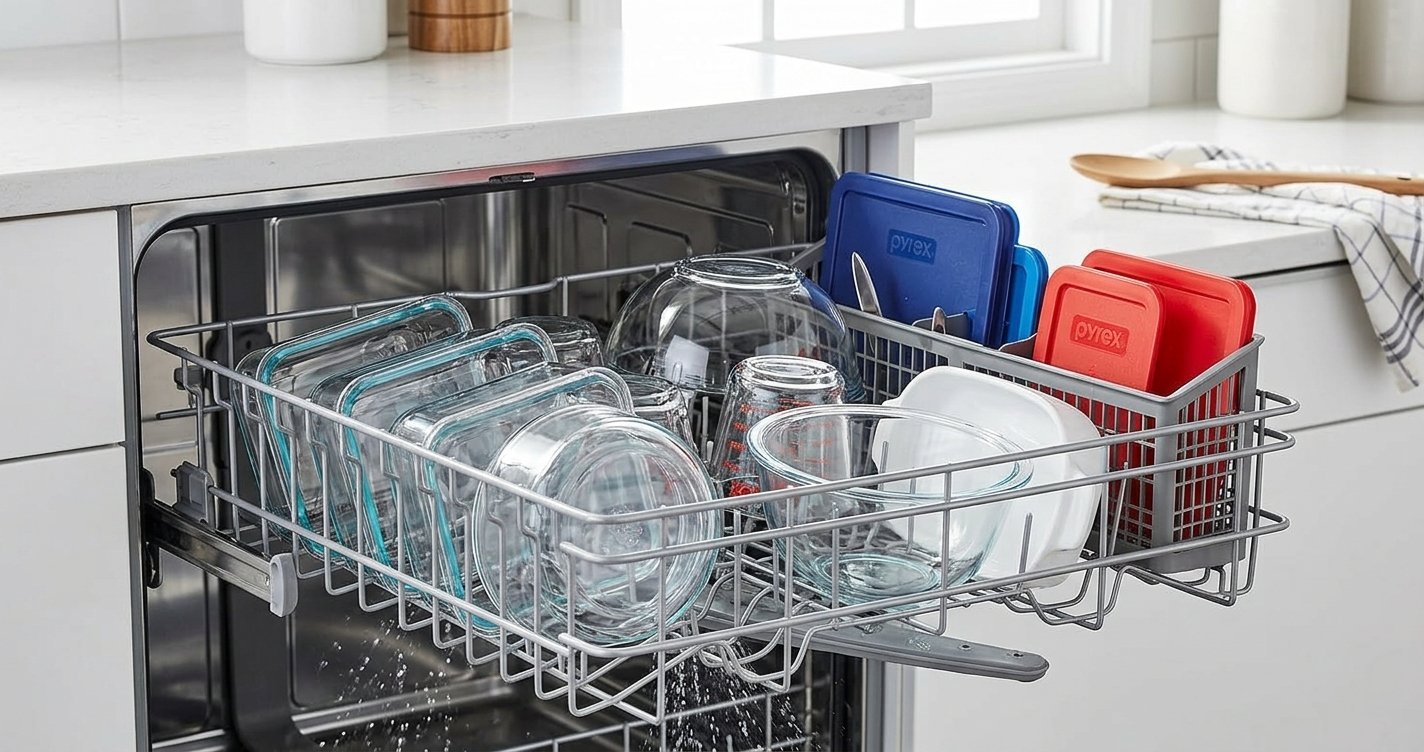
Poor loading can make a properly functioning dishwasher appear as though the Heat Dry feature is failing. Place cups, bowls, and containers at an angle so water can run off rather than collect inside them. Avoid nesting items together, and make sure large dishes are not blocking the spray arms or vent.
Plastic items are especially likely to remain wet because they retain less heat than glass or metal.
8. Check the Thermostat or Temperature Sensor
The dishwasher needs to reach the appropriate temperature for effective heated drying. A faulty thermostat or temperature sensor can prevent the heating system from operating correctly.
Signs that this component may be involved include:
- Dishes remain cold after a heated cycle.
- The dishwasher cleans but never seems to heat the water.
- The drying performance suddenly becomes poor.
- The heating element appears intact but does not warm up.
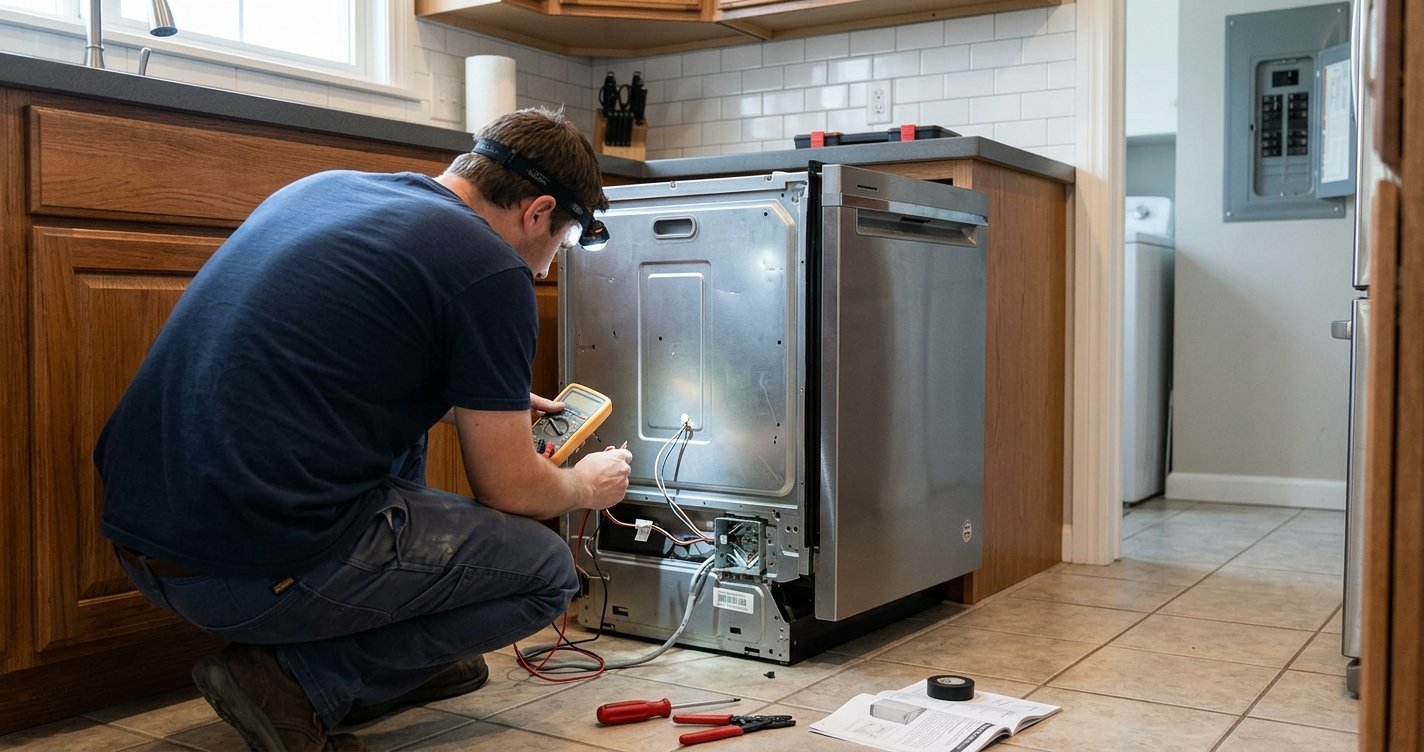
Testing these components generally requires electrical troubleshooting and a multimeter. If you are not experienced with appliance electrical repairs, professional diagnosis is safer.
9. Consider a Faulty Control Board
If the heating element, vent, drainage system, and temperature-related components are functioning correctly, the electronic control may be preventing the heating circuit from operating.
Control-board problems can be difficult to diagnose because several different symptoms can look similar. Replacing the board without testing the other components first can also be unnecessarily expensive.
For that reason, a technician should normally confirm the underlying fault before replacing the control board.
What to Do If the Dishwasher Still Won’t Dry
If your KitchenAid dishwasher is still leaving dishes wet after checking the cycle settings, loading, filter, vent, and visible heating-element condition, the next step is model-specific diagnosis.
Have the dishwasher’s model number available. KitchenAid uses different designs across its dishwasher lineup, so the exact location and testing procedure for the heating element, thermostat, vent, fan, and control components can vary.
For electrical testing or component replacement, disconnect power to the appliance and follow the manufacturer’s service instructions. If you are unsure how to safely test a component, contact a qualified appliance technician.
Frequently Asked Questions
Why is my KitchenAid dishwasher not drying dishes?
Common causes include Heat Dry not being selected, an energy-saving cycle, poor loading, blocked ventilation, a faulty heating element, or a problem with the temperature-sensing or control system.
Why are plastic dishes still wet?
Plastic does not retain heat as well as glass or metal, so water evaporates more slowly. Some moisture on plastic items can therefore be normal even when the dishwasher’s drying system is working properly.
Should the heating element be hot during drying?
If your KitchenAid model uses a heating element for drying, it should generate heat when the appropriate heated-dry function is operating. However, the exact operation varies by model, so use the model-specific documentation when testing it.
Can a dirty dishwasher filter cause wet dishes?
Yes. A dirty filter can interfere with drainage and leave more moisture inside the dishwasher. Cleaning the filter regularly can help maintain proper dishwasher performance.
Final Thoughts
When a KitchenAid dishwasher’s Heat Dry function stops working, start with the simplest possibilities: confirm the drying option, check the cycle, improve the loading arrangement, clean the filter, and inspect the vent for obstructions. If the dishwasher remains cold or dishes are consistently soaking wet, the heating element, temperature sensor, vent system, or electronic controls may require further testing.
Always use the correct service information for your specific KitchenAid dishwasher model, especially before testing or replacing electrical components.