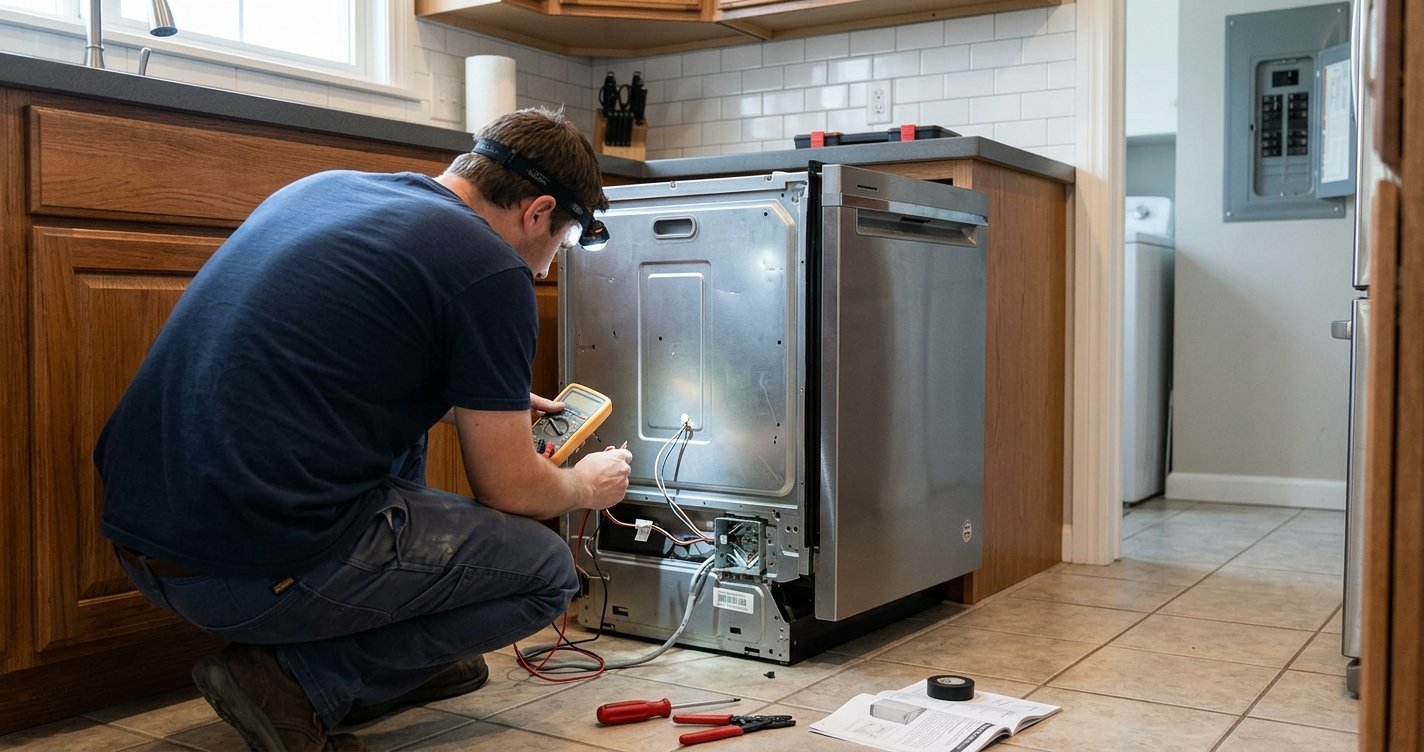
If your KitchenAid dishwasher is stuck on “Clean” and keeps beeping, the dishwasher may have detected a problem that is preventing it from completing or starting a cycle. In some cases, the issue is caused by a simple control glitch, while other situations may involve the door latch, water supply, heating system, or control board.
This guide explains the most common reasons a KitchenAid dishwasher gets stuck on Clean, what the beeping can indicate, and the troubleshooting steps you can safely try at home.
Read More: KitchenAid Dishwasher Diagnostic Mode
Table of contents
What Does “Clean” Mean on a KitchenAid Dishwasher?
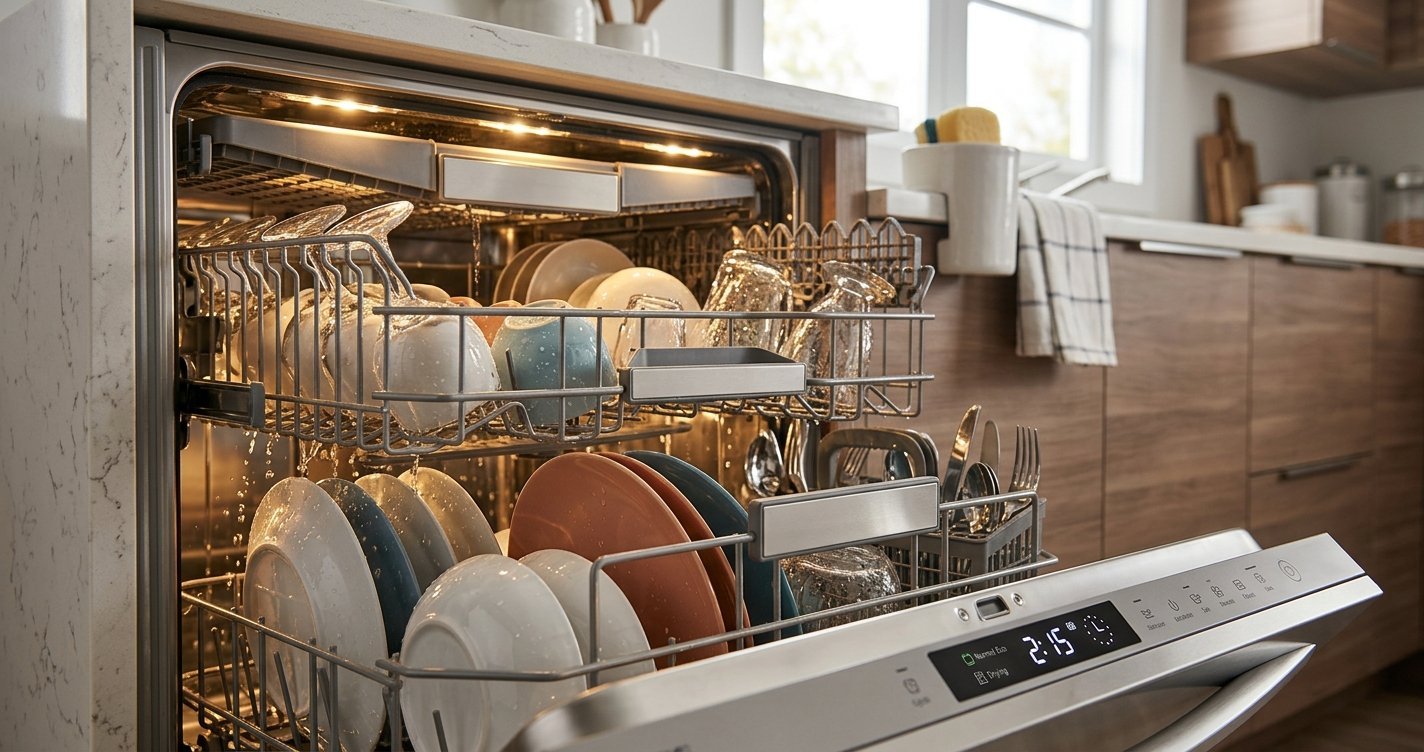
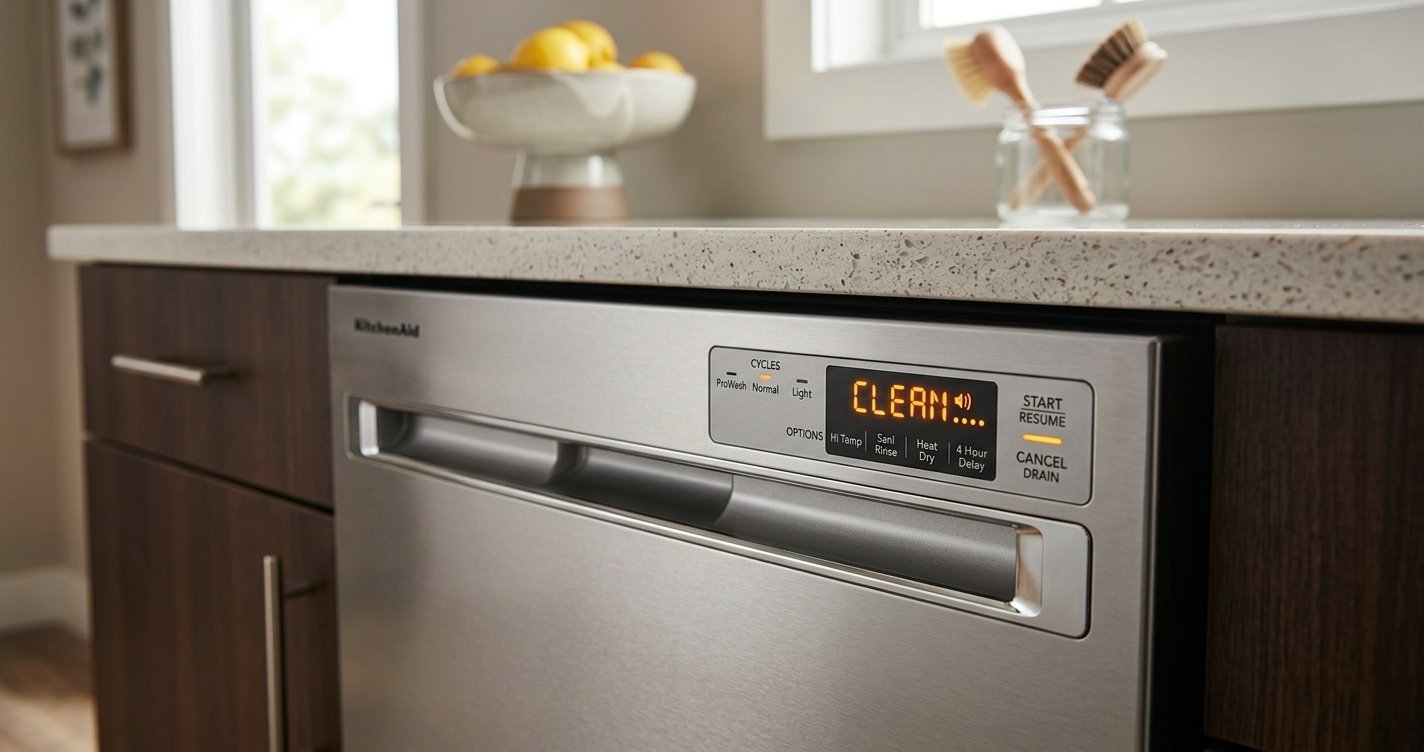
The Clean light normally indicates that the dishwasher has completed its wash cycle. However, if the Clean light remains on and the dishwasher begins beeping or refuses to start another cycle, the controls may have detected an error.
Depending on the model, a flashing or repeatedly illuminated Clean light can also be part of an error-code pattern. Because KitchenAid dishwasher controls vary by model, the meaning of the light and beep pattern can differ.
Why Is My KitchenAid Dishwasher Stuck on Clean and Beeping?
Several problems can produce this symptom.
1. The Dishwasher Needs a Reset
A temporary electronic glitch can cause the control panel to remain stuck on a cycle status. Turning the dishwasher off and restoring power can sometimes clear the problem.
Try this first:
- Press Cancel/Drain if your model has that button.
- Turn off power to the dishwasher at the circuit breaker.
- Leave it without power for about 5 minutes.
- Restore power.
- Select a new cycle and press Start.
If the dishwasher returns to normal operation, the problem may have been a temporary control error.
2. The Door Is Not Latching Properly
A dishwasher may beep or refuse to begin a cycle if the door isn’t completely closed.
Check for:
- Dishes or utensils preventing the door from closing
- A damaged or misaligned door latch
- Food or debris around the latch area
- A door that feels loose after closing
Close the door firmly and try starting a cycle again.
3. The Control Lock Is Activated
If the controls don’t respond normally, Control Lock may be enabled. On many KitchenAid models, holding the designated Control Lock button for several seconds disables the lock.
The exact button combination varies by model, so check the control panel markings and your owner’s manual.
4. The Dishwasher Did Not Drain Completely
Standing water in the bottom of the dishwasher can indicate a drainage problem. A blocked filter, drain hose, air gap, or garbage-disposal connection can prevent proper draining. Open the dishwasher and check whether water remains in the tub.
If there is standing water:
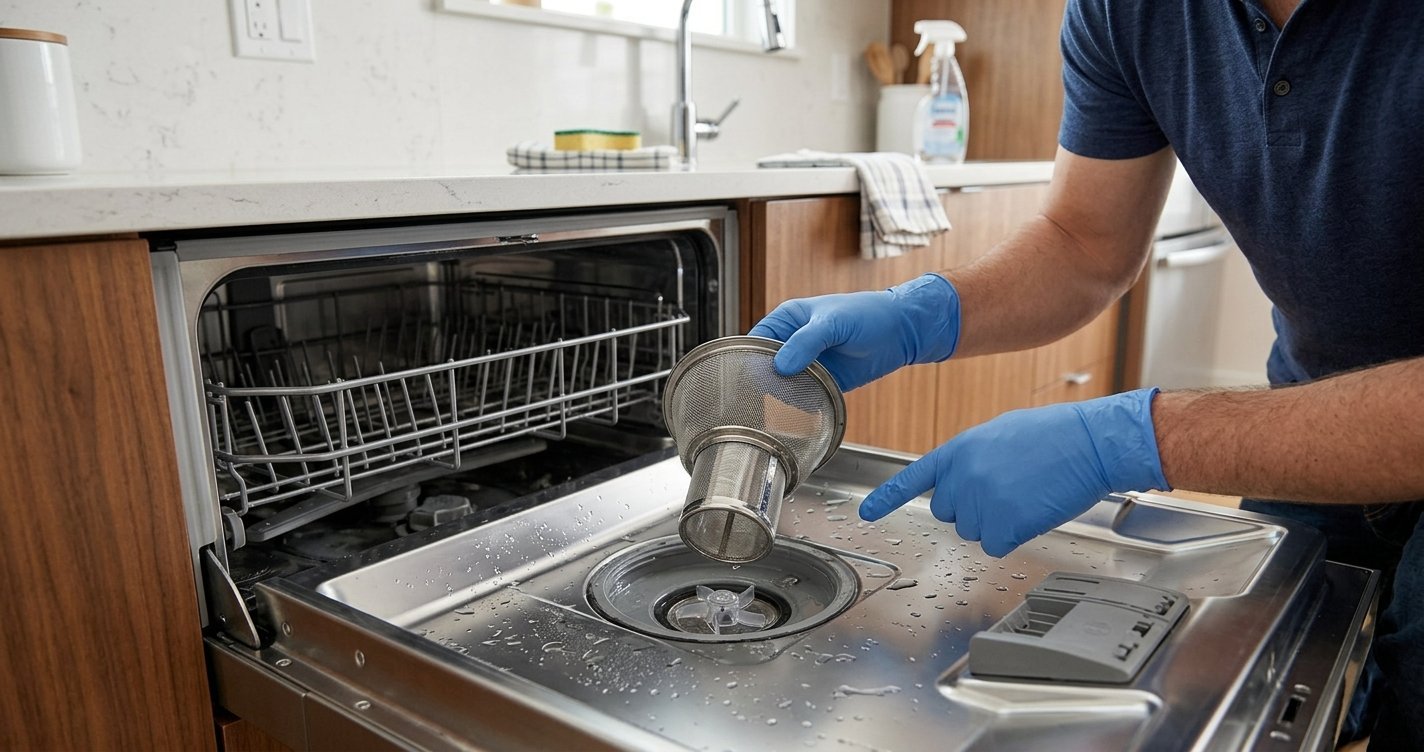
- Clean the dishwasher filter.
- Check the visible drain area for debris.
- Inspect the drain hose for kinks.
- If the dishwasher connects to a garbage disposal, make sure the disposal’s dishwasher inlet was properly opened during installation.
Avoid reaching into areas containing sharp debris.
5. The Dishwasher Is Not Heating the Water
A dishwasher can stop progressing normally if it cannot reach the required water temperature. Possible causes include a faulty heating element, temperature sensor, wiring issue, or control problem.
If the dishwasher fills and runs but repeatedly gets stuck before completing the cycle, a heating-related problem is worth investigating.
6. There May Be an Error Condition
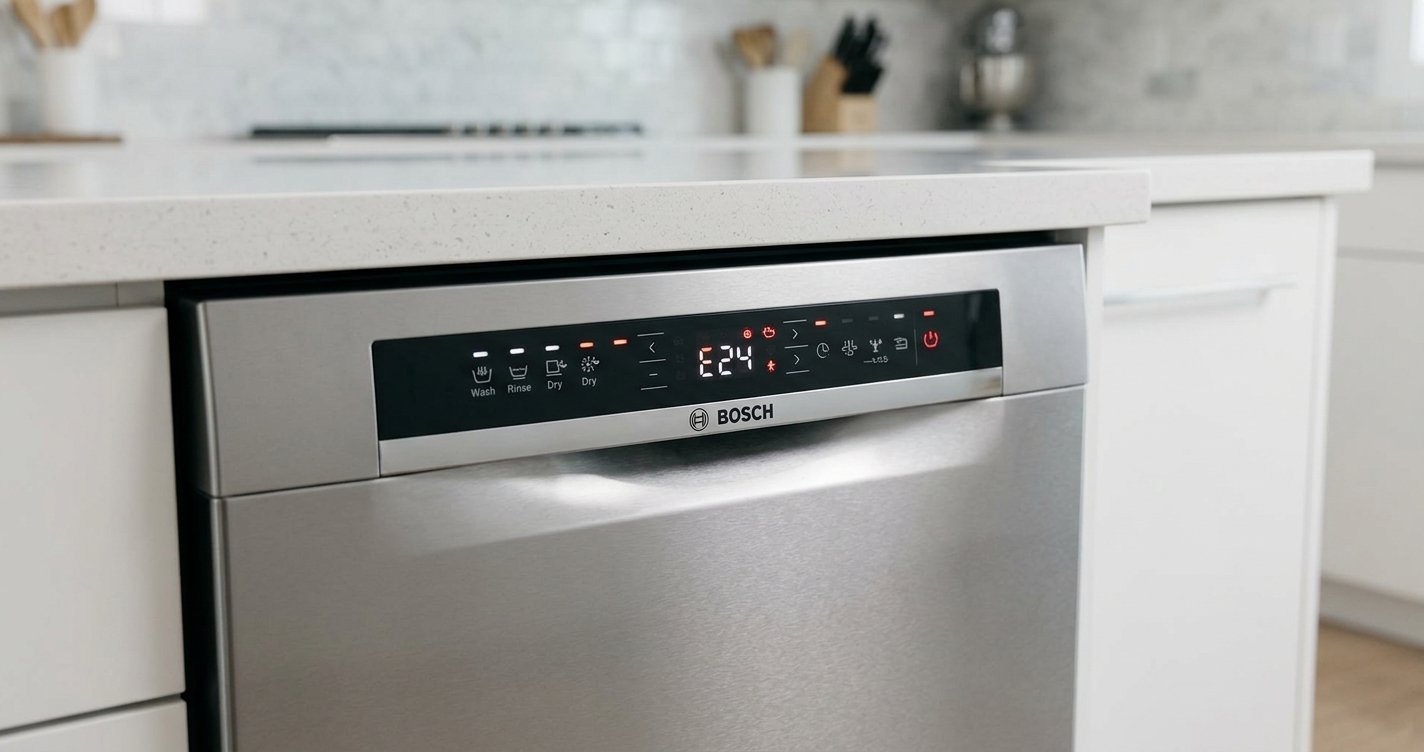
On some KitchenAid models, a flashing Clean light is used as part of a diagnostic or error indication. The number and pattern of flashes can help identify the problem.
If the Clean light is flashing, count the flashes before the pause and repeat the observation. That pattern can be useful when checking the model-specific troubleshooting information.
How to Reset a KitchenAid Dishwasher
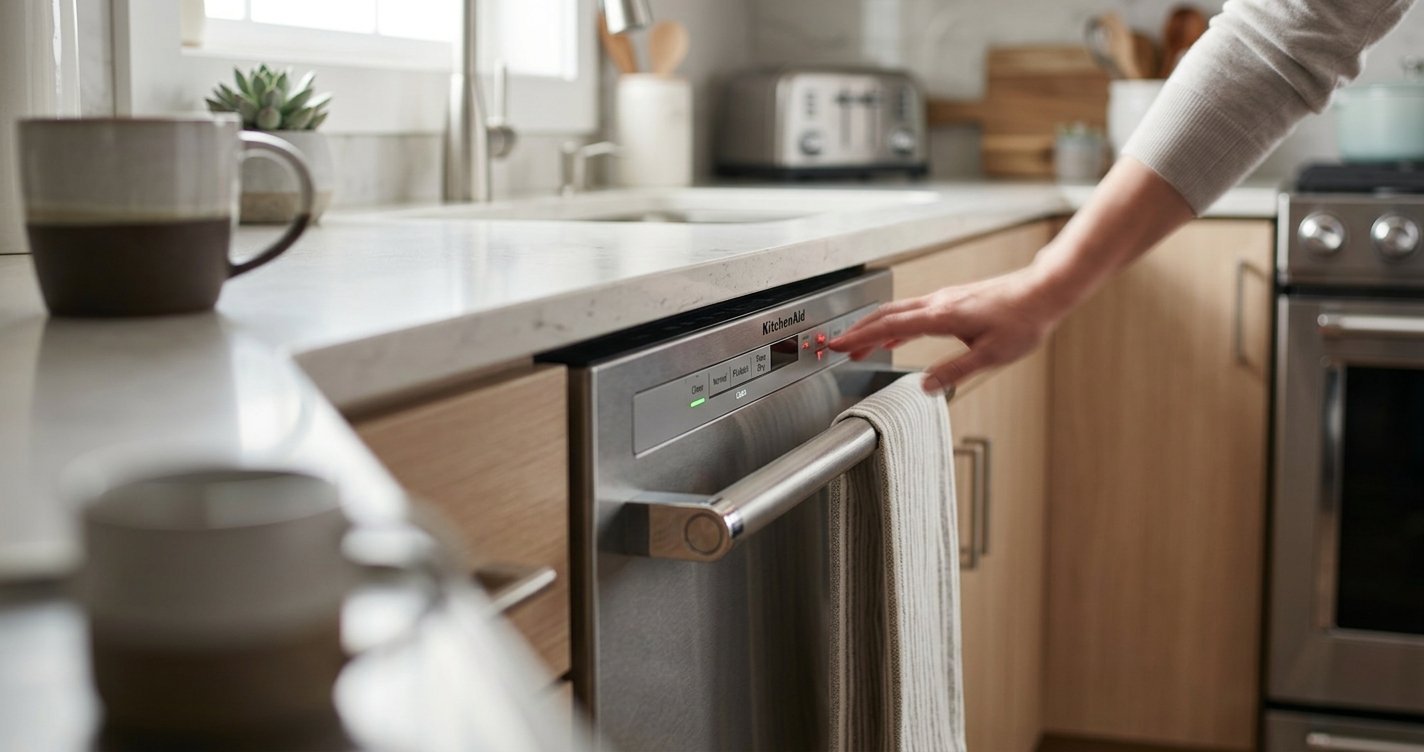
A reset is one of the simplest troubleshooting steps. Start by pressing Cancel/Drain and allowing the dishwasher to finish its cancellation sequence, if applicable.
If that doesn’t work, disconnect electrical power:
- Turn off the dishwasher’s circuit breaker.
- Wait approximately 5 minutes.
- Turn the breaker back on.
- Open and close the dishwasher door.
- Select a wash cycle.
- Press Start.
Some KitchenAid models use different button combinations for diagnostics and resetting, so avoid repeatedly pressing random buttons if the problem continues.
Check the Filter and Drain Area
A dirty filter can interfere with draining and normal dishwasher operation. Remove the lower dish rack and locate the filter assembly at the bottom of the tub. Follow your model’s instructions for removing and cleaning it.
Rinse the filter under running water and remove food particles or buildup. Reinstall it securely before running another cycle. Don’t assume the filter is necessarily the problem. It can be the dishwasher’s way of indicating it is improperly installed.
When the Beeping Is a Warning
The beeping itself is not necessarily the problem. It can be the dishwasher’s way of indicating that a button was pressed, a cycle was interrupted, the door is open, or an error has occurred.
Pay attention to when the beeping happens:
- Immediately after pressing Start: Check the door latch and Control Lock.
- During a cycle: Look for drainage, water-supply, or heating problems.
- After the cycle finishes: A control or sensor issue may be preventing the dishwasher from returning to normal operation.
- Along with a flashing Clean light: Check the model-specific error indication.
When to Call for Dishwasher Repair
If resetting the dishwasher, checking the door, and cleaning the filter don’t solve the problem, the appliance may have an electrical or component failure.
Professional diagnosis may be appropriate if:
- The Clean light keeps flashing.
- The dishwasher repeatedly stops during cycles.
- The dishwasher won’t fill with water.
- Water remains in the tub after draining.
- The heating element isn’t working.
- The dishwasher trips the circuit breaker.
- The control panel behaves erratically.
- The dishwasher continues beeping after a reset.
Do not attempt to repair live electrical components yourself. Turn off power before inspecting anything that requires access to electrical wiring.
FAQs
Why is my KitchenAid dishwasher stuck on Clean and beeping?
It may be experiencing a temporary control error, drainage issue, door-latch problem, heating problem, or another model-specific fault. Try resetting the dishwasher first.
How do I reset a KitchenAid dishwasher stuck on Clean?
Press Cancel/Drain if available, then turn off the dishwasher’s circuit breaker for about 5 minutes. Restore power, select a cycle, and press Start.
Why is the Clean light flashing on my KitchenAid dishwasher?
A flashing Clean light can indicate an error condition on some KitchenAid models. Count the flashes between pauses and check the troubleshooting information for your specific model.
Can a dirty filter cause my KitchenAid dishwasher to beep?
Yes. A clogged filter can interfere with draining and may contribute to abnormal dishwasher operation. Remove, clean, and properly reinstall the filter according to your model’s instructions.
Why does my KitchenAid dishwasher beep but not start?
Check that the door is fully closed and latched. Also make sure Control Lock isn’t activated. If the dishwasher still won’t start, a control or component problem may be present.
Should I keep using my dishwasher if it keeps beeping?
If the dishwasher repeatedly beeps, stops mid-cycle, leaves standing water, or trips the circuit breaker, it’s better to stop using it until the cause is identified.
When should I call a professional?
Contact a qualified appliance technician if resetting the dishwasher and checking the door, filter, and drain don’t resolve the problem, or if the dishwasher shows a persistent error pattern.
Final Thoughts
A KitchenAid dishwasher stuck on Clean and beeping can be caused by anything from a temporary control glitch to a door, drainage, heating, or electronic-control problem. Start with the simple steps: cancel the cycle, reset the dishwasher, check the door latch, and inspect the filter and drain area.