If your dishwasher’s lights are on but pressing Start does nothing, the electrical supply usually isn’t the problem — something is stopping the wash cycle from beginning. The most common causes are an unlatched door, an activated control lock, a hung or interrupted cycle, or a Delay Start setting that’s silently counting down. Checking these four things resolves most cases without a service call. If none of them fix it, the issue is more likely a failed door latch switch, a stuck float switch, a blown thermal fuse, or a failing control board — all of which typically need a technician.
Read More: Dishwasher Not Draining? Causes & How to Fix It
Table of contents
Why “Has Power” Changes the Diagnosis
A dishwasher with lights on and a responsive control panel has already ruled out the most common cause of appliance failures: no electricity. Modern dishwashers run through a series of safety checks and mechanical confirmations before a wash cycle is allowed to begin — the door must be latched, no lockout mode can be active, and the unit can’t be paused mid-cycle from a previous run. When any one of these conditions isn’t met, the dishwasher will sit there, fully powered, and simply refuse to start. That’s why the fix is almost always about clearing a blocked condition rather than restoring electricity.
Step-by-Step: How to Fix a Dishwasher That Won’t Start
1. Check the Door Latch
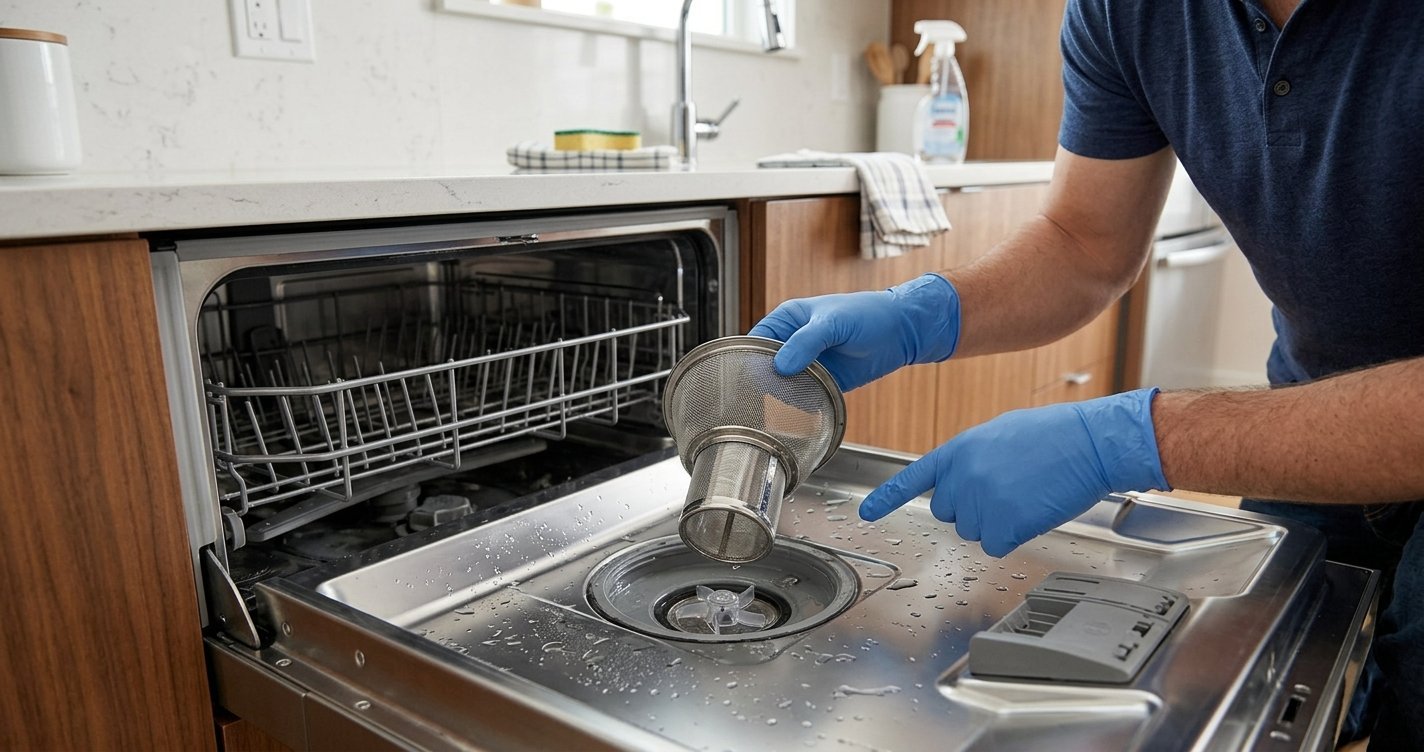
This is the single most common cause. The dishwasher will not run unless the latch detects the door is fully closed. Open the door and close it again firmly, making sure you hear or feel it click into place. If the latch itself looks loose, dirty, or doesn’t engage cleanly, clean off any residue or debris around the latch mechanism before trying again.
2. Turn Off the Control Lock
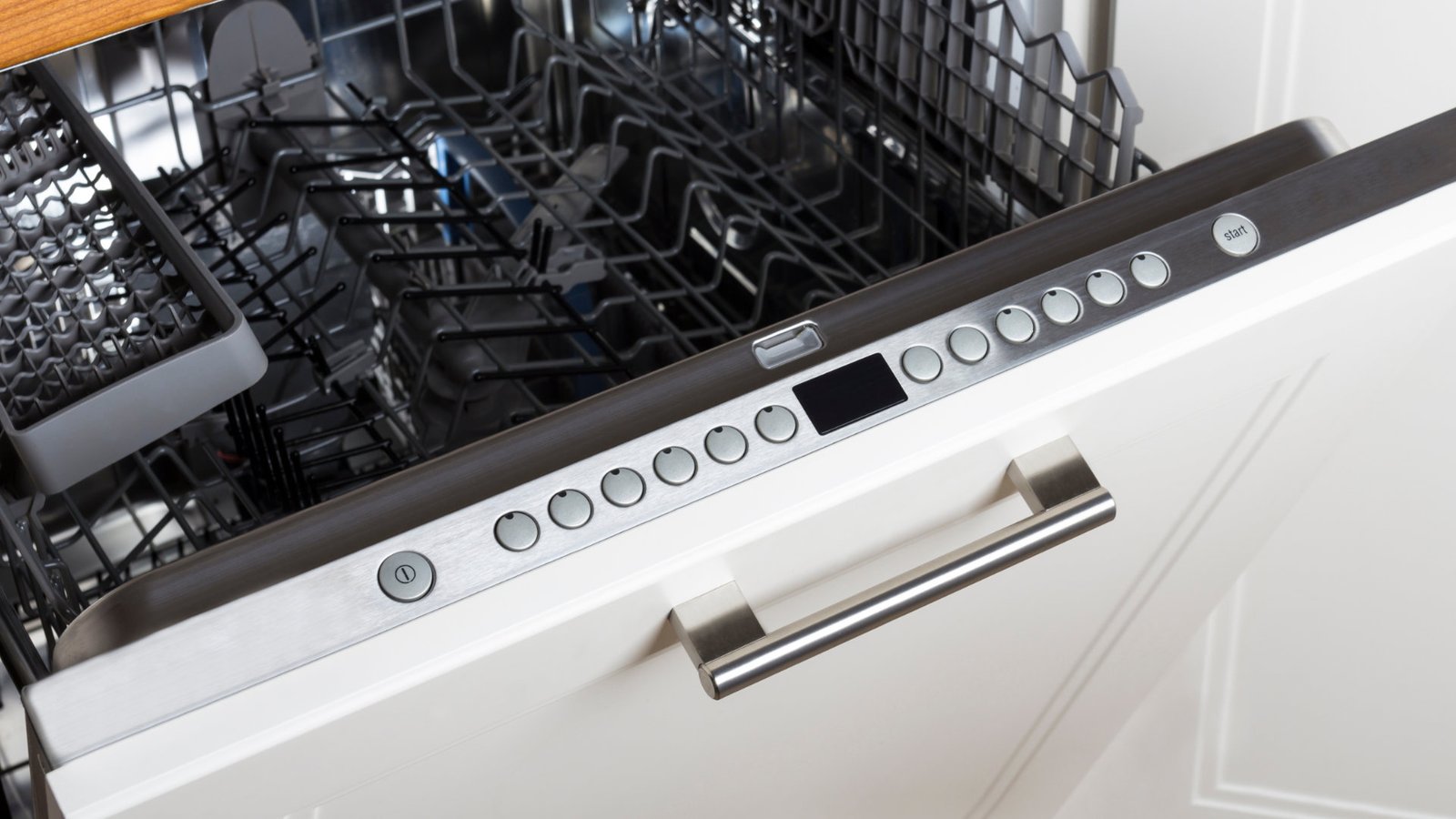
Most dishwashers have a child lock feature that disables the control panel to prevent accidental starts or setting changes. If it’s active, pressing Start typically does nothing, or the lock icon may flash. Deactivate it by pressing and holding the lock button (often labeled Control Lock, Heated Dry, or Sanitize, depending on the model) for about three seconds.
3. Clear a Hung or Interrupted Cycle
If the dishwasher was stopped mid-cycle — from a power outage, an accidental double-press of Start, or opening the door mid-wash — it can get stuck between cycles. Symptoms include flashing lights or a completely unresponsive panel. To clear it, either press and hold the Start/Reset button for the time specified in your manual (often 3–5 seconds) to trigger a drain cycle, or unplug the dishwasher (or shut off its breaker) for 5–10 minutes to force a full reset. After reconnecting power, wait roughly 60–90 seconds before pressing Start again.
4. Check for Delay Start or Sleep Mode
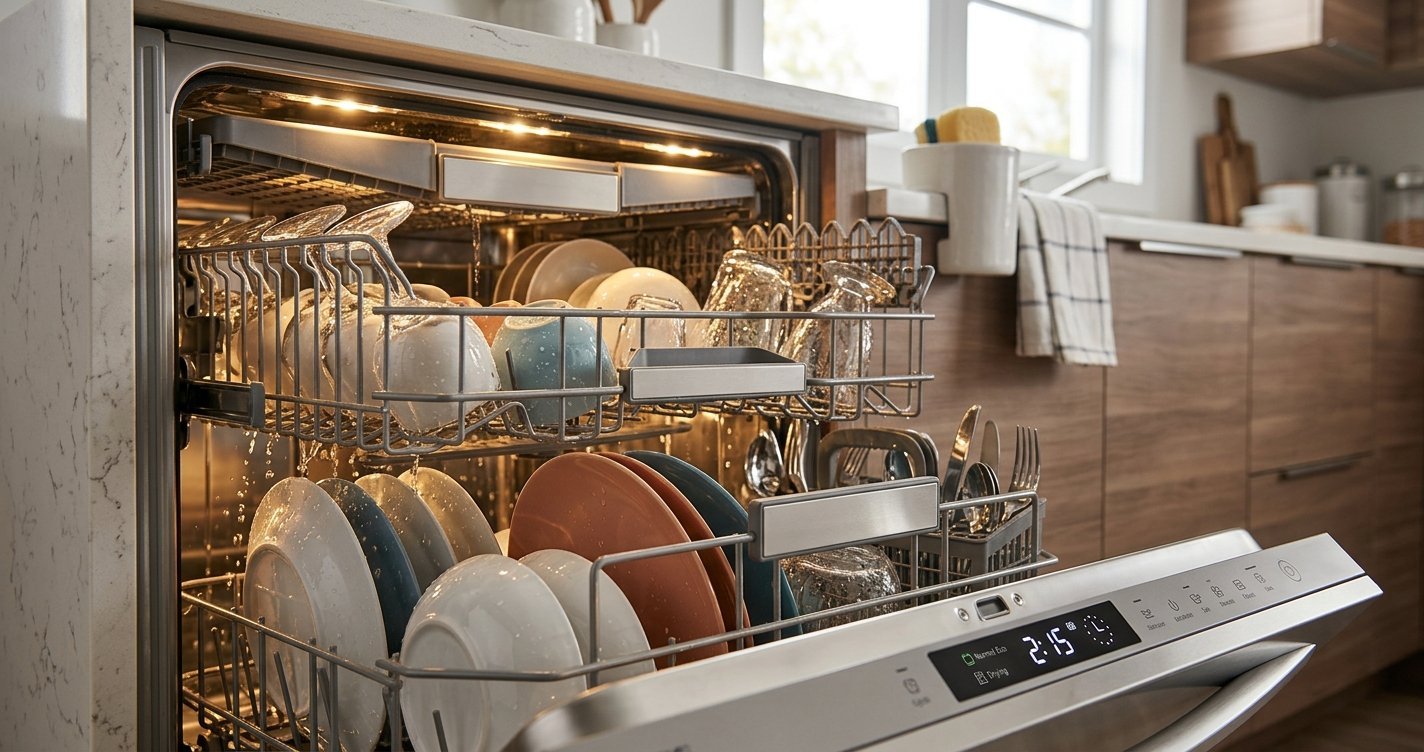
If Delay Start is enabled, the dishwasher is working exactly as intended — it’s just waiting for the timer to run out before beginning. Check the display for a delay indicator or countdown. Separately, some dishwashers enter a sleep or standby mode when idle; opening and closing the door, or pressing Start/Resume or Cancel, should wake it back up.
5. Confirm the Door Is Fully Latched and Nothing Is Blocking It
A slightly warped door, an overloaded rack pressing against the door, or debris on the latch strike can all prevent full engagement even when the door looks closed. Remove any items pressing against the door and try closing it again with firm, even pressure.
6. Check for an Error Code
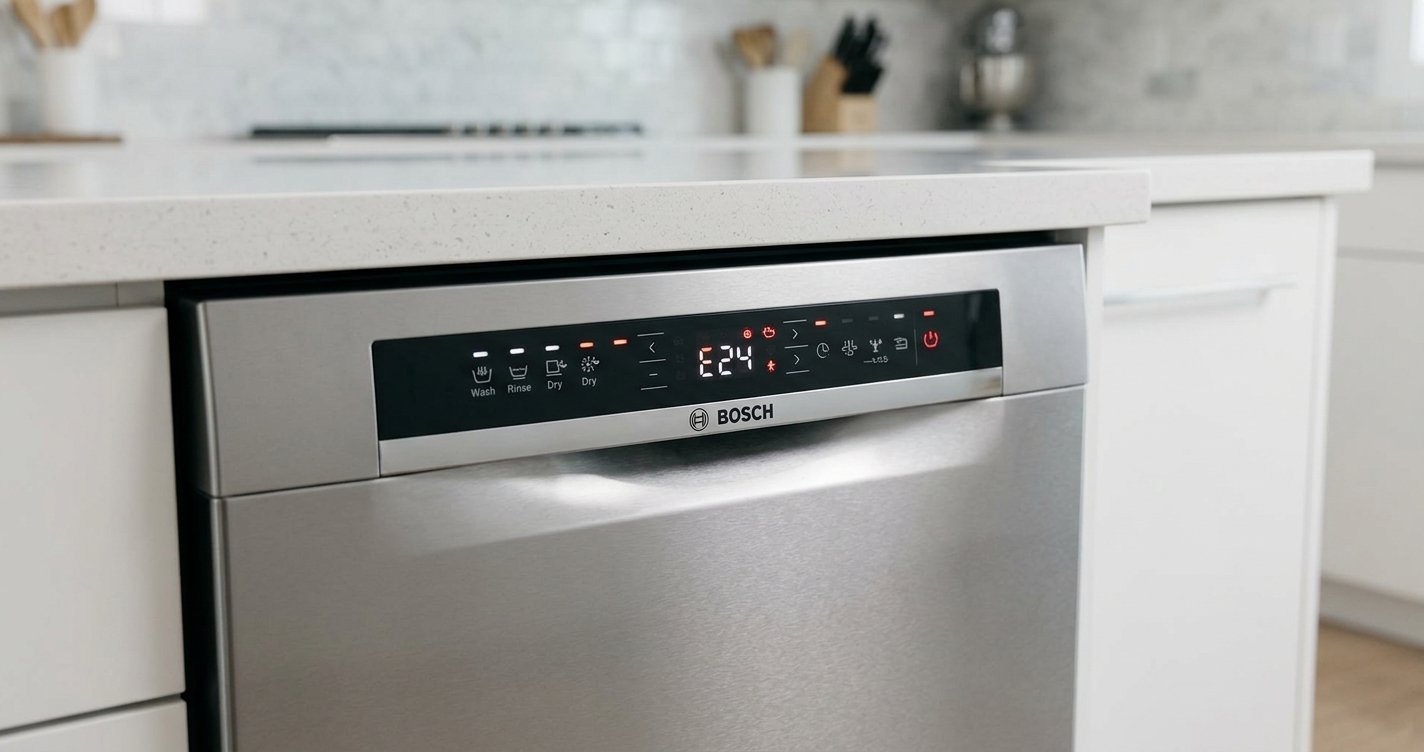
On models with a digital display, blinking lights or a flashing number often correspond to a specific error code rather than a generic “won’t start” issue. Check your owner’s manual (or the manufacturer’s online error code guide) to see what the specific code means before assuming it’s a simple reset issue.
When It’s Likely a Hardware Problem, Not a Setting
If you’ve gone through the steps above and the dishwasher still won’t start, the cause is more likely one of these, each of which generally needs a technician:
Failed door latch switch
The latch may physically close, but the switch inside that signals the control board can wear out or fail electrically, so the dishwasher never “knows” the door is shut.
Stuck float switch
This switch prevents overfilling. If it’s stuck in the “up” position, the dishwasher thinks it’s already full of water and won’t start a new cycle.
Blown thermal fuse
This fuse protects the control board from overheating. If it’s blown, the panel and lights can still work normally, but the fuse cuts off power to the parts needed to actually run a cycle.
Failing control board or wiring
Loose, damaged, or corroded wiring between the control panel and the main board can prevent the Start signal from ever reaching the components that begin the wash. This is also the most common explanation when the display lights up but every button press does nothing at all.
Faulty start button or selector switch
Less common, but a mechanically stuck or electrically failed button can behave exactly like a “power but no response” situation.
When to Call a Technician
Call for professional repair if:
- You’ve checked the door latch, control lock, and reset steps, and the dishwasher still won’t start.
- The panel lights up but buttons don’t respond at all, even after a full power reset.
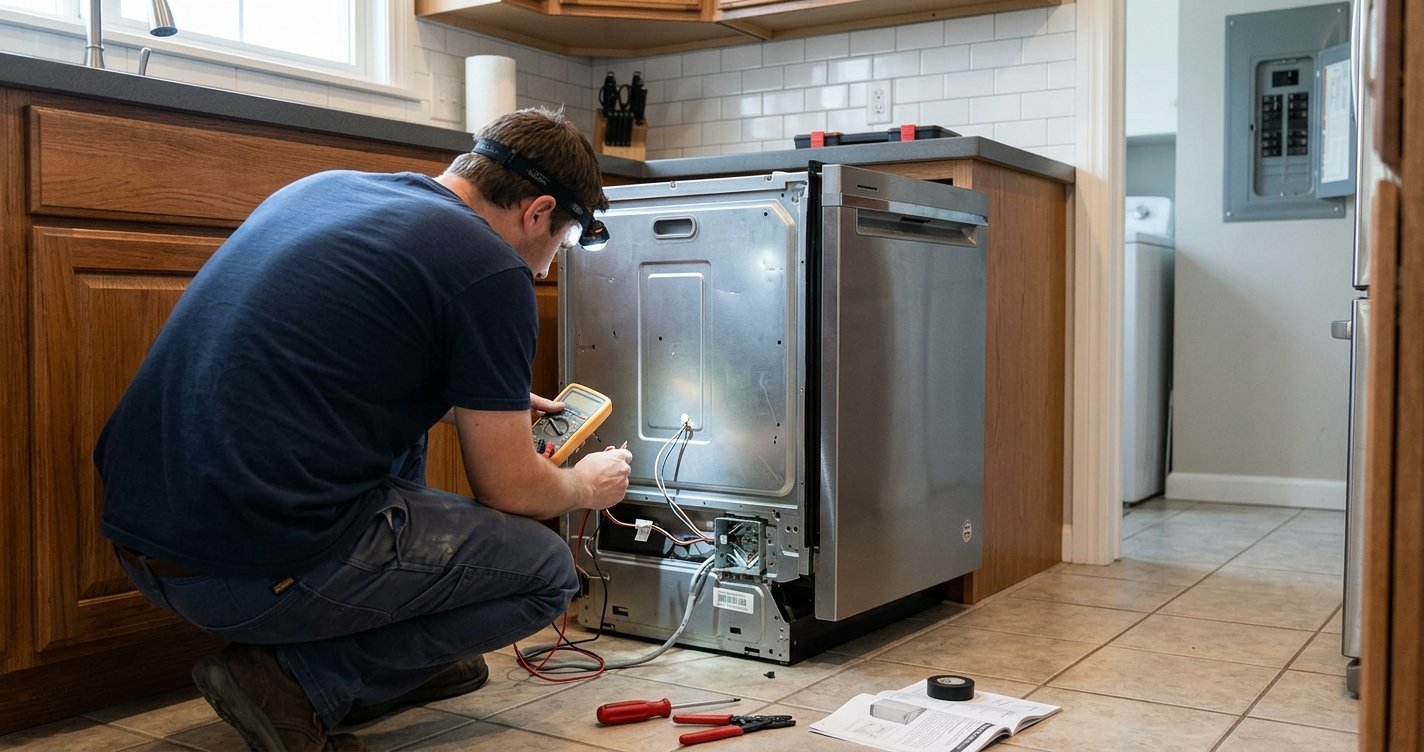
- You suspect a blown thermal fuse or failed control board and don’t have the tools or experience to safely test components with a multimeter.
- The dishwasher makes an unusual sound, smell, or shows visible wiring damage — these warrant stopping DIY troubleshooting and calling a technician for safety reasons.
Frequently Asked Questions
Why does my dishwasher have power but won’t start?
It’s almost always a blocked condition rather than a loss of electricity — most commonly an unlatched door, an active control lock, a hung cycle from a previous run, or a Delay Start timer that’s still counting down.
How do I reset a dishwasher that has power but won’t start?
Unplug the dishwasher or switch off its breaker for 5–10 minutes, then restore power and wait about 60–90 seconds before pressing Start. Many models also have a dedicated reset achieved by holding the Start/Reset button for a few seconds.
Why are my dishwasher’s lights flashing and it won’t start?
Flashing lights typically indicate either a hung cycle that needs a reset, an active error code you should check against your manual, or in some cases a failing door latch or control board.
Can a bad door latch really stop the whole dishwasher from starting?
Yes — it’s the single most common reason a dishwasher with power won’t start. The door latch switch has to confirm the door is closed before the control board will allow any cycle to begin.
Is it safe to keep pressing Start if nothing happens?
It won’t damage most dishwashers, but repeatedly pressing Start without addressing the underlying cause (like a control lock or hung cycle) won’t fix the issue either. Work through the door latch, control lock, and reset steps first.
How do I know if the problem is the control board and not something simpler?
If the door latches fully, the control lock is off, a full power reset doesn’t help, and buttons still don’t respond at all, a failing control board or wiring issue becomes the more likely explanation — and that’s when a technician’s diagnosis is worth the cost.
Conclusion
A dishwasher that has power but won’t start is rarely an electrical problem — it’s almost always a safety check that isn’t being satisfied. Start with the door latch, since it’s the single most common culprit, then work through the control lock, a possible hung cycle, and Delay Start before assuming anything is actually broken. These checks resolve the vast majority of cases in a few minutes without any tools or a service call. If you’ve ruled all of that out and the dishwasher still sits there fully lit but unresponsive, you’re likely looking at a door latch switch, float switch, thermal fuse, or control board issue — all reasonable jobs for a technician rather than something worth forcing through on your own.