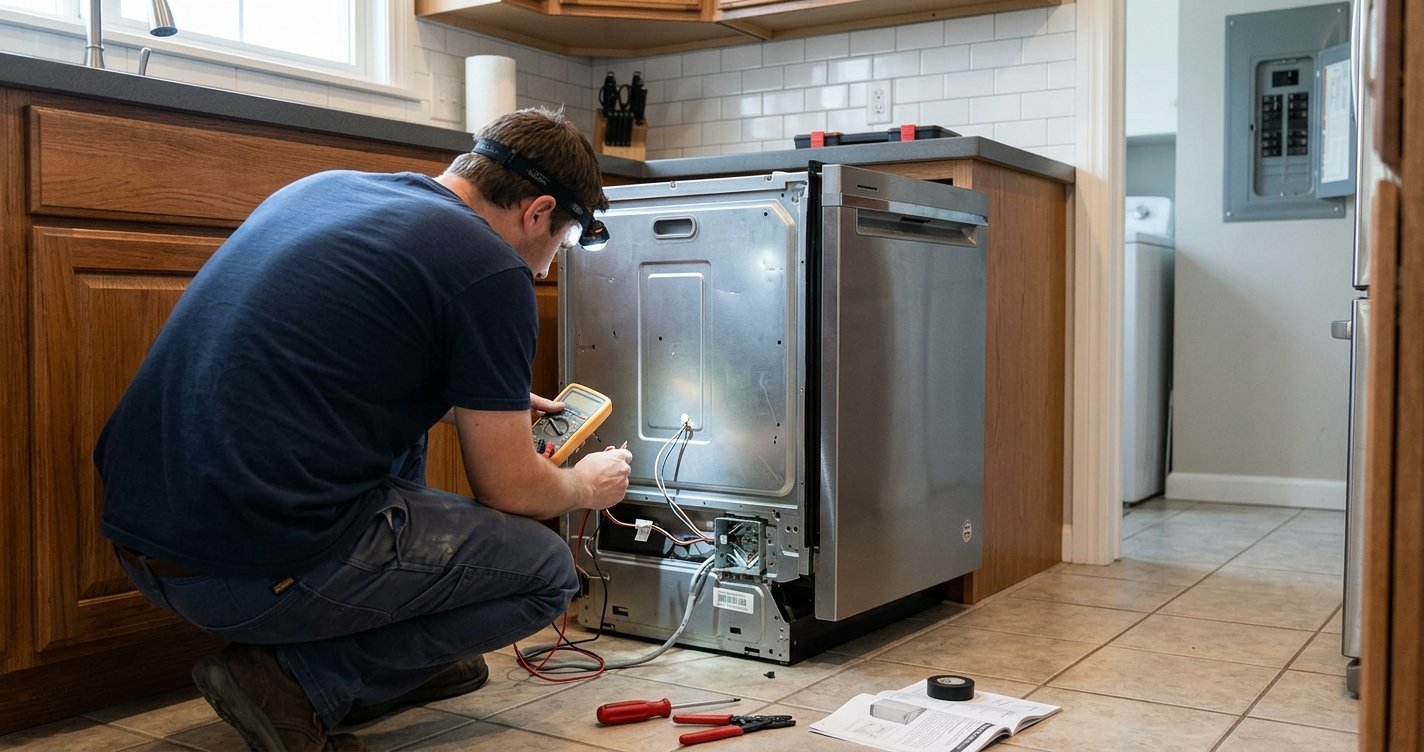
If you have ever looked at your Bosch dishwasher control panel and wondered what a brush, water tap, star, or wavy-line symbol means, you are not alone. Bosch dishwashers use a range of icons to show wash programs, drying functions, operating status, maintenance alerts, and special features.
Understanding these Bosch dishwasher symbols can help you choose the right cycle, recognize when your dishwasher needs attention, and avoid confusing normal operating indicators with error messages.
While symbols can vary between Bosch dishwasher models, the following guide covers many of the most common icons and what they generally indicate.
Read More: Bosch 300 vs 500 Dishwasher: Which One Should You Buy?
Table of contents
Bosch Dishwasher Symbols at a Glance
| Symbol or indicator | Meaning | What you should do |
| 🖌️ Brush | Dishwasher is washing | No action is normally required |
| 💧 Water tap | Water supply problem | Check the water supply, hose, and connection |
| ≋ Wavy lines | Drying phase | No action is normally required |
| 🔄 Pre-rinse | Pre-rinse cycle | Useful for dishes waiting to be washed |
| ⭐ Star/Favourite | Saved favorite program | Select or change your saved program |
| 📱 Wi-Fi/Home Connect | Connected features | Use Home Connect if supported |
| 🔑 Key | Child lock | Deactivate according to your model’s instructions |
| 🧂 Salt indicator | Dishwasher salt is low | Refill the salt reservoir if your model uses salt |
| ✨ Rinse-aid indicator | Rinse aid is low | Refill the rinse-aid dispenser |
| 🔴 Red floor light | Dishwasher is operating | Wait until the cycle has finished |
| Machine-care symbol | Maintenance cycle needed | Run the recommended machine-care program |
Important: Bosch uses different symbols and functions across dishwasher models. Your owner’s manual is the final reference for the exact meaning of an icon on your appliance. Bosch’s official symbol guide also notes that available features depend on the dishwasher model.
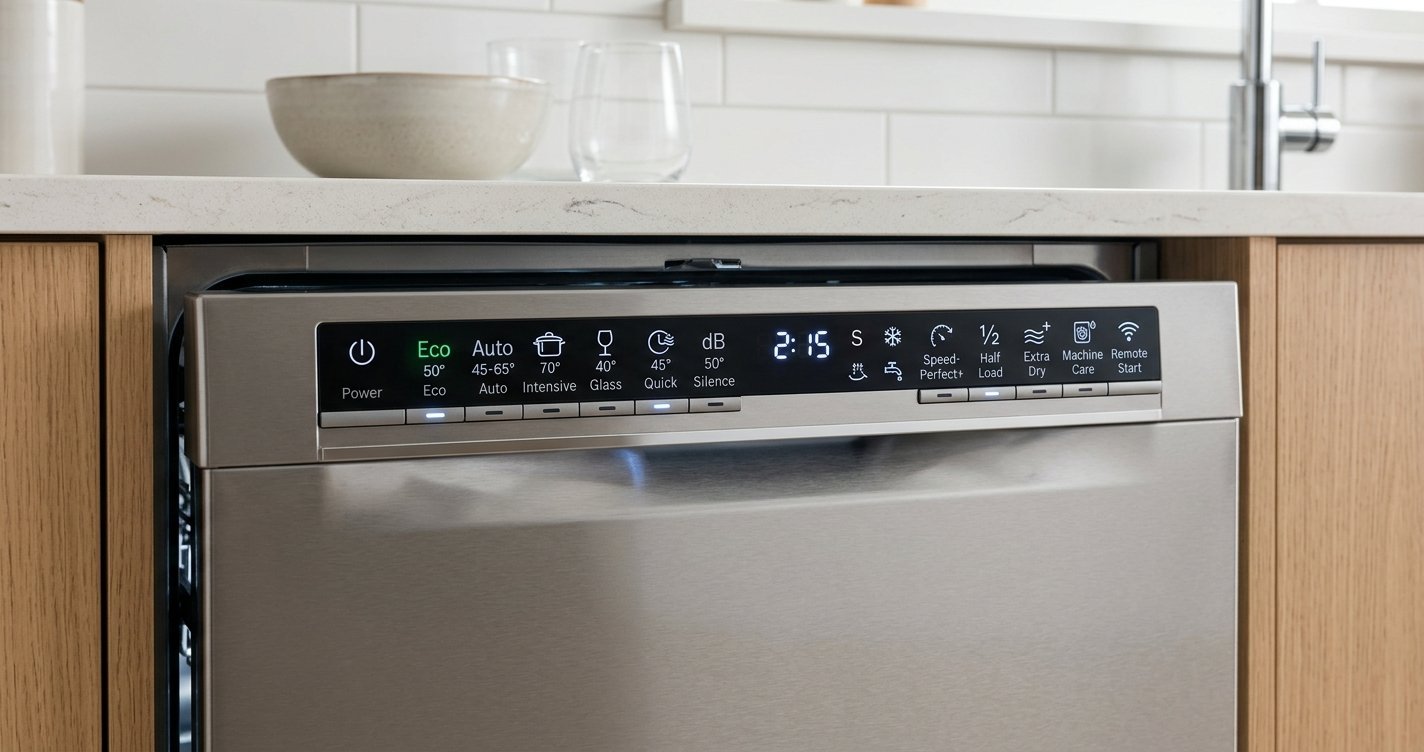
What Do the Bosch Dishwasher Symbols Mean?
1. Brush Symbol — Washing
A brush symbol generally indicates that the dishwasher is actively cleaning the dishes. When this indicator is illuminated, the dishwasher is carrying out its wash process. Bosch describes the brush icon as a status indicator rather than an error requiring user intervention.
What to do: Nothing. Allow the dishwasher to complete its cycle.
2. Wavy Lines — Drying
A symbol showing wavy lines can indicate that the dishwasher is in the drying phase. Drying occurs after the washing and rinsing stages. Depending on the model and selected program, Bosch dishwashers may use different drying technologies and indicators.
What to do: Usually nothing. Let the program finish.
3. Pre-Rinse Symbol
The pre-rinse symbol indicates a short rinse intended to remove loose food residue before a complete washing program.
This can be useful when dishes have been sitting in the dishwasher for some time or when food residue has dried onto them. Bosch identifies this as a status/program symbol on applicable models.
4. Water Tap Symbol — Check the Water Supply
The water tap symbol is one of the most important Bosch dishwasher symbols because it can indicate a problem with the water supply.
Possible causes include:
- The water supply tap is turned off.
- The inlet hose is kinked.
- The water connection is blocked.
- There is insufficient water entering the dishwasher.
- There may be an appliance or electronic issue.
Bosch recommends checking the water connection and hoses when the tap indicator appears. If the symbol remains illuminated after checking the water supply, consult your model-specific manual or Bosch support.
5. Salt Indicator — Dishwasher Salt Is Low
Some Bosch dishwashers have a salt refill indicator. Dishwasher salt is used by models equipped with a water-softening system. When the indicator illuminates, it generally means that the salt reservoir needs to be refilled.
Bosch manuals identify the salt refill indicator as a dedicated appliance display indicator on applicable models.
Tip: Do not confuse dishwasher salt with ordinary table salt. Use the type specified for your dishwasher.
6. Rinse-Aid Symbol — Refill Rinse Aid
A rinse-aid indicator tells you that the rinse-aid dispenser may need to be refilled. Rinse aid helps water drain from dishes during the final stages of the cycle and can improve drying and help reduce water spots.
Bosch lists the rinse-aid refill indicator among the display indicators on applicable dishwashers.
7. Child-Lock Symbol
Some Bosch dishwashers have a key or lock symbol associated with the child-lock function. The child lock helps prevent unintended operation or changes to the dishwasher settings. The exact method for activating or deactivating it varies by model.
Bosch advises using the relevant button combination or long-press procedure specified for the appliance. If your dishwasher appears unresponsive and a lock symbol is displayed, check whether the child lock has been activated.
8. Red Light on the Floor
Certain Bosch built-in dishwashers project a red light onto the floor. This is not necessarily an error. Bosch explains that the floor light can indicate that the dishwasher is operating. If the light is blinking, however, it may indicate that the appliance has encountered an issue.
The exact behavior depends on the model.
9. Wi-Fi or Home Connect Symbol
Wi-Fi-enabled Bosch dishwashers may display a wireless or Home Connect symbol. This indicates connectivity features associated with Bosch’s Home Connect system. Compatible appliances can provide additional control and information through the Home Connect app.
If connectivity is not working, consult the instructions for your specific dishwasher rather than assuming that the symbol represents a dishwasher fault.
10. Star or Favourite Symbol
Some Bosch dishwashers include a star-shaped Favourite symbol. On compatible models, this function allows you to save a frequently used program or combination of settings for easier access later. Bosch identifies Favourite as one of the symbols associated with its connected dishwasher features.
Bosch Dishwasher Program Symbols
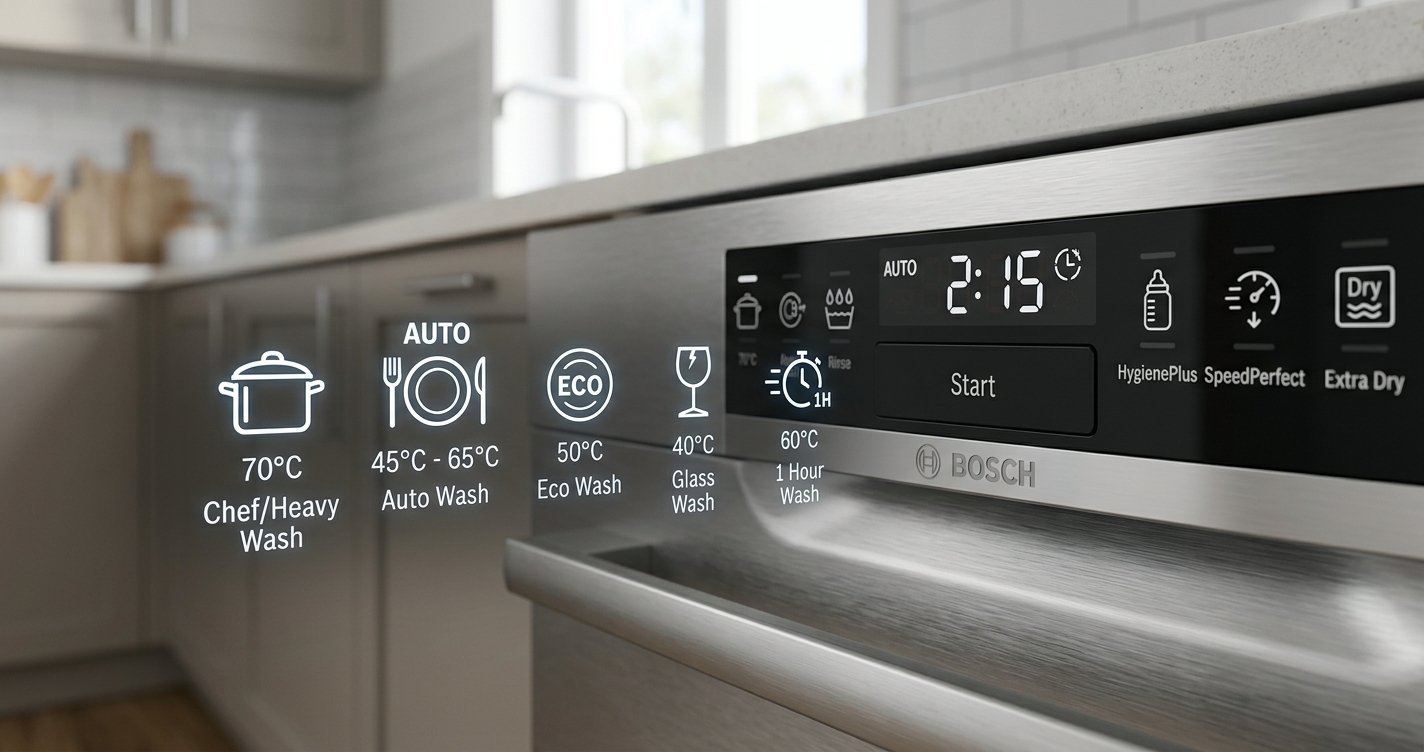
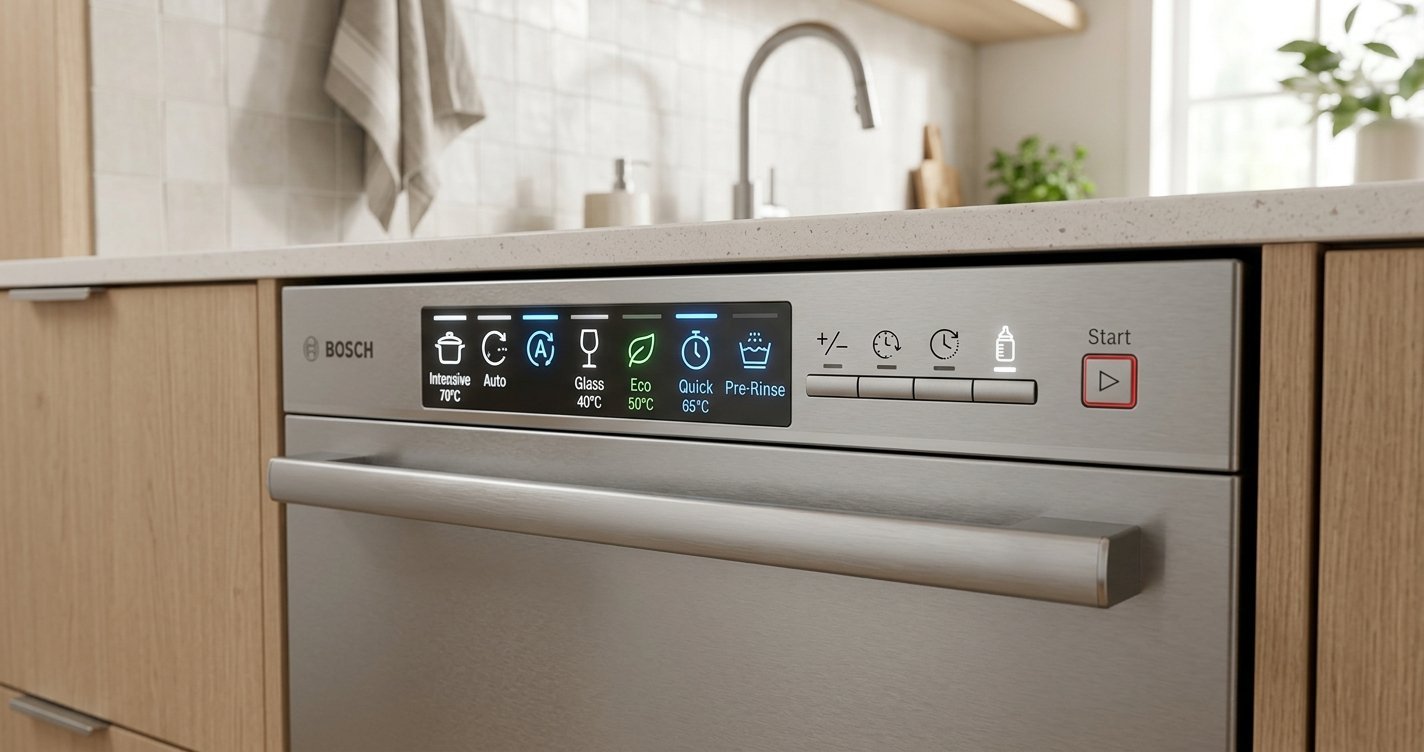
In addition to status indicators, Bosch dishwashers use symbols to represent washing programs.
Common programs may include:
Eco
The Eco program is designed for efficient everyday dishwashing. Depending on the model, it may use a longer cycle while reducing energy and water consumption compared with certain shorter or more intensive programs.
Auto
The Auto program adjusts the washing process based on the dishwasher’s sensing and programming system. It is intended for mixed loads when you want the appliance to determine appropriate washing parameters.
Intensive
An Intensive program is generally intended for heavily soiled dishes, pots, and pans. It typically uses stronger cleaning conditions than standard or economy programs.
Quick or 1-Hour Program
Some Bosch models offer a shorter program for lightly soiled dishes when you need a faster wash.
The exact duration and performance vary by model. Because Bosch offers numerous dishwasher series and configurations, the available programs and their symbols can differ. Bosch recommends checking the manual for your particular appliance.
Bosch Dishwasher Symbols That Indicate Maintenance
Not every illuminated symbol means there is a fault. Some indicators simply tell you that the dishwasher requires routine maintenance.
For example, Bosch manuals can include a machine-care symbol that indicates when a machine-care cycle should be run.
Regular maintenance can include:
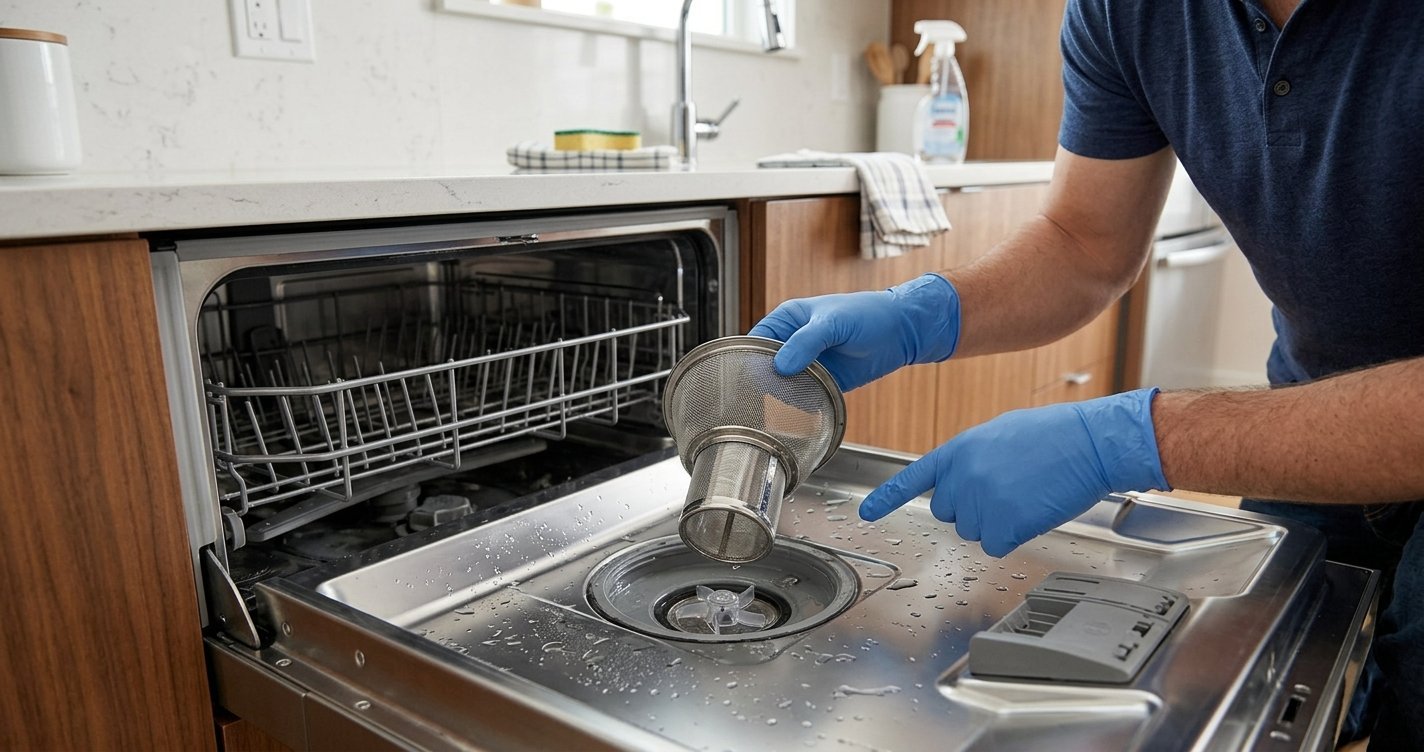
- Cleaning the dishwasher filter.
- Checking and cleaning spray arms.
- Refilling rinse aid.
- Refilling dishwasher salt when applicable.
- Running a machine-care or cleaning program when recommended.
- Checking the water and drain connections.
Keeping these components clean can help the dishwasher operate properly.
Bosch Dishwasher Symbols vs. Error Codes
Common examples
- Water tap symbol: May indicate a water-supply problem.
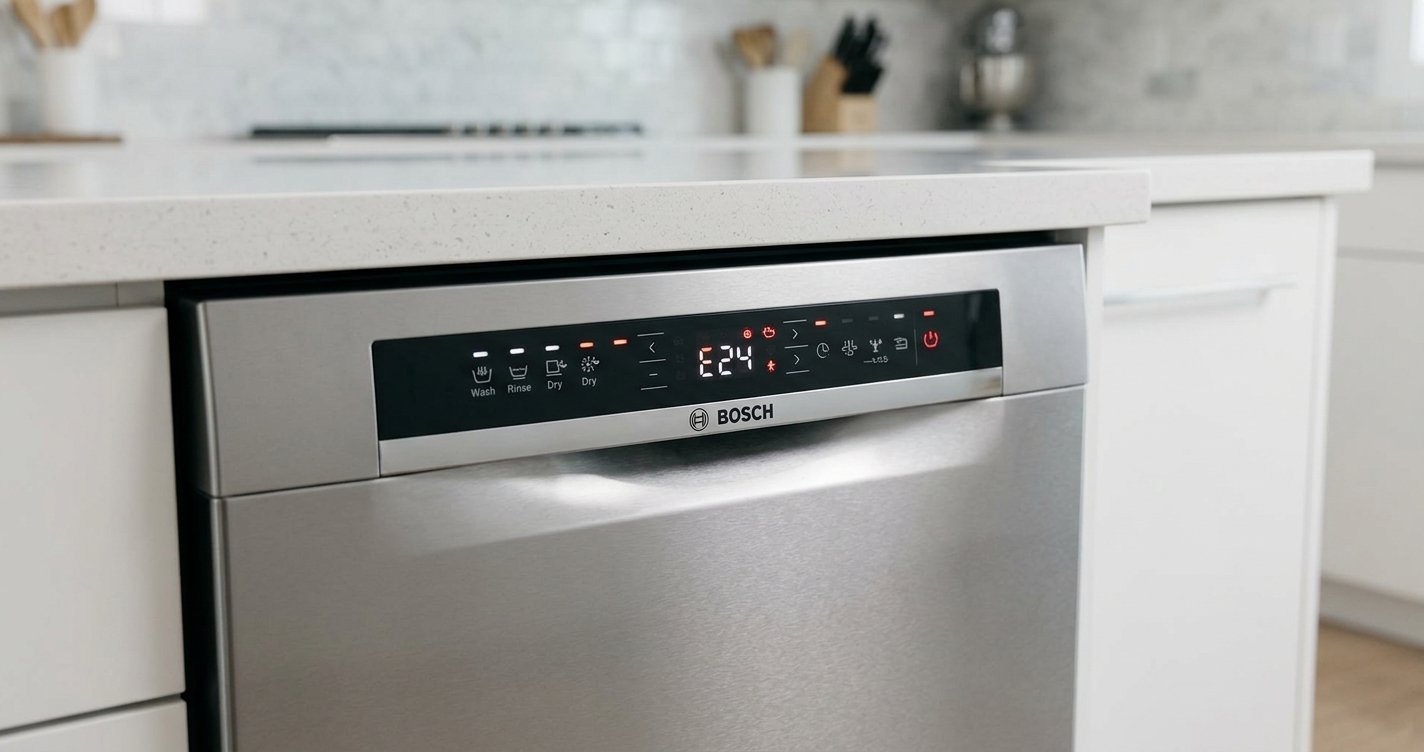
- E15: Bosch states that the safety switch has detected water in the dishwasher base and the leakage protection system has been activated.
- E18: Indicates a water-flow issue according to Bosch’s support information.
- E22: Can be associated with a blocked dishwasher filter on applicable models.
If you see an error code rather than a normal operating symbol, use Bosch’s model-specific troubleshooting information.
Why Bosch Dishwasher Symbols Can Differ Between Models
One reason people have difficulty identifying Bosch dishwasher symbols is that there is no single control panel shared by every Bosch dishwasher.
Different models can have different:
- Wash programs
- Display layouts
- Drying technologies
- Connectivity features
- Maintenance indicators
- Control buttons
- Error displays
For example, Bosch’s documentation for one dishwasher model identifies separate displays for water supply, special salt, rinse aid, and Wi-Fi, while other models may have different controls and indicators.
Therefore, an icon that appears on one Bosch dishwasher may not appear—or may function differently—on another.
How to Find the Exact Meaning of a Bosch Dishwasher Symbol
If you are unsure about a symbol, the most reliable approach is to identify your dishwasher model first. Look for the model number/E-Nr. on the appliance and use it to locate the appropriate Bosch documentation. Bosch provides model-specific manuals and support resources for its dishwashers.
You can also compare the symbol with Bosch’s official dishwasher-symbol guide. Bosch Dishwasher Symbols and Settings Guide
Frequently Asked Questions About Bosch Dishwasher Symbols
What does the brush symbol mean on a Bosch dishwasher?
The brush symbol generally means that the dishwasher is washing or cleaning the dishes. It is a normal operating indicator and does not usually require any action.
What does the tap symbol mean on a Bosch dishwasher?
The water tap symbol generally indicates a problem with the dishwasher’s water supply. Check that the water tap is open and inspect the inlet hose and connection for blockages or kinks.
What does the red light on the floor mean?
On compatible Bosch built-in dishwashers, a red floor light indicates that the dishwasher is operating. A blinking light may indicate an issue, depending on the model.
What does the salt symbol mean?
The salt indicator means that the dishwasher’s salt reservoir needs attention. It applies to Bosch models equipped with a water-softening system.
What does the rinse-aid symbol mean?
The rinse-aid indicator means the rinse-aid dispenser needs to be checked and potentially refilled.
Why is my Bosch dishwasher showing a symbol but not starting?
First, determine whether the icon is a normal status indicator, a child-lock indicator, or an error/maintenance warning. If a lock symbol is present, the child lock may be activated. If a water-related symbol is displayed, check the water supply. For an error code, consult the model-specific Bosch support information.
Final Thoughts
Learning the meaning of Bosch dishwasher symbols makes it easier to use your appliance confidently. Symbols such as the brush, drying indicator, water tap, salt, rinse aid, child lock, and Wi-Fi icons each communicate something different about the dishwasher’s operation or condition.
The key point is that Bosch dishwasher symbols are model-dependent. If a symbol is unfamiliar, identify your dishwasher’s model number and check the corresponding Bosch manual before troubleshooting.