

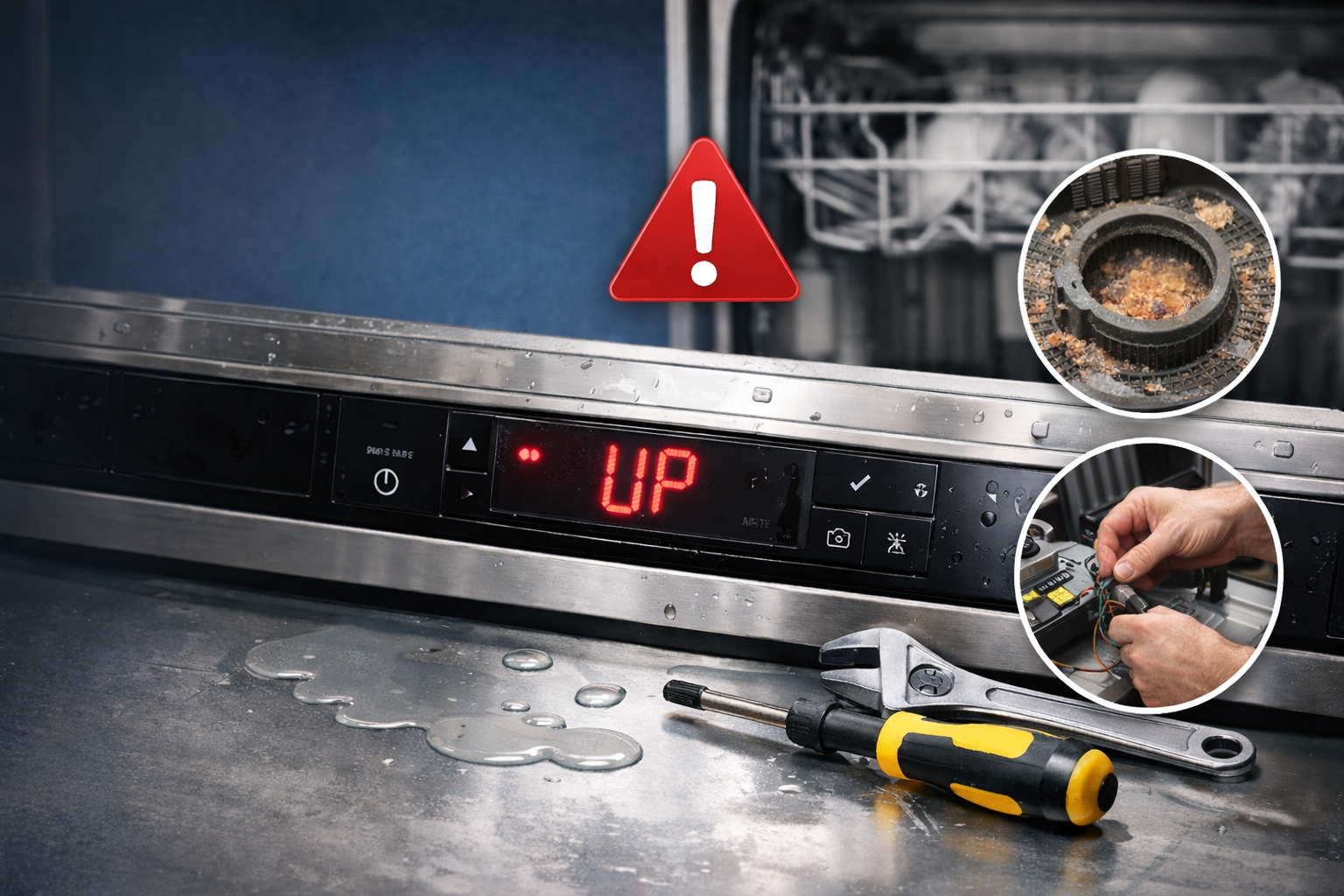
If your Bosch dishwasher displays the “UP” code, it typically indicates an issue with the dishwasher’s drainage system. This error code signals that the appliance is having trouble draining water properly. Here’s what you need to know to troubleshoot and fix the issue.
1. Understand the “UP” Code
- What It Means: The “UP” code on a Bosch dishwasher typically means that there is a drainage issue—the dishwasher is unable to properly drain the water out during or after a wash cycle.
- Common Causes: This could be caused by a blocked drain, clogged filter, or an issue with the drain pump.
2. Troubleshooting the “UP” Code
- Check the Filter: The first step is to check the dishwasher’s filter for any debris or buildup. A clogged filter can block the flow of water and cause the “UP” code to appear.
- Action: Remove the filter from the bottom of the dishwasher, clean it under warm water, and reinsert it.
- Inspect the Drain Hose: Ensure that the drain hose is not kinked, clogged, or obstructed. A blockage in the hose can prevent water from draining properly.
- Action: Disconnect the hose from the dishwasher and check for clogs. Clean the hose if needed.
- Check the Drain Pump: The drain pump is responsible for removing water from the dishwasher. If the pump is clogged or malfunctioning, the “UP” code may appear.
- Action: Listen for the sound of the pump during a cycle. If it’s not making any noise or sounds unusually loud, it could be faulty. In this case, the pump may need to be cleaned or replaced.
- Examine the Air Gap (if applicable): If your dishwasher has an air gap installed (usually located above the sink), check it for blockages.
- Action: Remove any debris or buildup from the air gap to ensure proper drainage.
3. Reset the Dishwasher
- Reset the Cycle: Sometimes, simply resetting the dishwasher can clear the error code.
- Action: Turn off the dishwasher, wait a few minutes, and turn it back on. If the “UP” code persists, move on to further troubleshooting.
- Factory Reset: If the code continues to appear, try resetting the dishwasher to its factory settings by holding the “Start” button for 5–10 seconds.
4. Call a Professional
- Persistent Issues: If the “UP” code continues to show after following the above steps, the issue may be with the dishwasher’s drain pump or a more complex plumbing problem.
- Action: Contact a professional technician to inspect and repair the dishwasher, particularly if the drain pump or electrical components need replacement.
FAQs
What does the “UP” code mean on a Bosch dishwasher?
The “UP” code indicates that the dishwasher is having trouble draining water, often due to a clogged filter, drain hose, or malfunctioning drain pump.
How do I fix the “UP” code on my Bosch dishwasher?
Clean the filter, check the drain hose for clogs, inspect the drain pump, and reset the dishwasher. If the problem persists, consider professional help.
Do I need to remove the air gap to fix the “UP” code?
If your dishwasher has an air gap, check it for blockages. Clean it to ensure proper drainage and to resolve the “UP” error code.
Can a clogged drain hose cause the “UP” code?
Yes, a clogged or kinked drain hose can prevent water from draining properly, triggering the “UP” code. Inspect and clean the hose to fix the issue.
Conclusion
The Bosch dishwasher “UP” code is typically related to drainage problems. By cleaning the filter, inspecting the drain hose, and checking the drain pump, you can usually fix the issue yourself. If the code persists, contact a professional to ensure your dishwasher is working properly again.