Connecting your Bosch 800 Series Dishwasher to Wi-Fi unlocks smart features, allowing you to control and monitor your dishwasher remotely using the Home Connect app. Here’s how to get your Bosch dishwasher online in just a few easy steps.
1. Ensure Your Dishwasher and Wi-Fi Network Are Ready
- Wi-Fi Requirements: Make sure you have a 2.4 GHz Wi-Fi network. The Bosch 800 Series only supports 2.4 GHz, not 5 GHz.
- Download the Home Connect App: If you haven’t already, download the Home Connect app from the Apple App Store or Google Play Store.
2. Prepare the Dishwasher for Connection
- Turn on the Dishwasher: Ensure your Bosch 800 Series dishwasher is powered on.
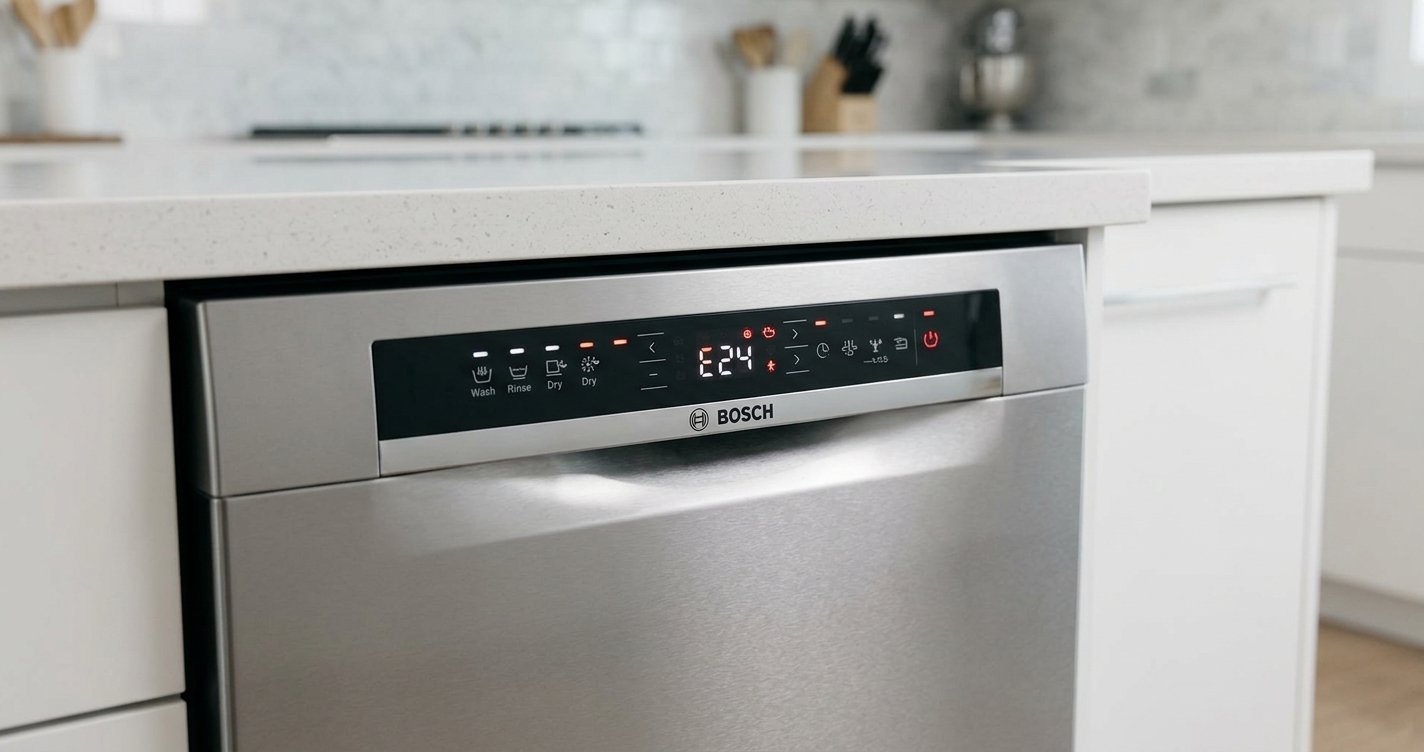
- Activate the Wi-Fi Function: Press and hold the “Wi-Fi” button on the dishwasher’s control panel for about 3-5 seconds until the Wi-Fi indicator starts blinking (usually near the “Start” button). This puts the dishwasher in Wi-Fi pairing mode.
3. Connect to Your Dishwasher Using the Home Connect App
- Open the Home Connect App: Launch the app on your smartphone or tablet.
- Create an Account or Log In: If you’re new to Home Connect, create an account. If you already have one, simply log in.
- Add Your Dishwasher: In the app, select “Add Appliance” and follow the prompts. The app will search for your Bosch dishwasher.
- Select Your Dishwasher: Once the app finds your Bosch 800 Series dishwasher, select it from the list.
4. Connect to Your Wi-Fi Network
- Choose Your Wi-Fi Network: The app will prompt you to select your home Wi-Fi network from the list of available networks.
- Enter Wi-Fi Credentials: Enter your Wi-Fi password and click “Connect.” Make sure the password is correct, as any typo will prevent the connection.
5. Confirm the Connection
- Successful Connection: Once the connection is complete, the Wi-Fi indicator on the dishwasher will stop blinking and remain solid, indicating a successful connection to your Wi-Fi network.
- Test Remote Control: Use the Home Connect app to start, stop, or monitor a cycle to ensure everything is working properly.
6. Troubleshooting
- Re-enter Wi-Fi Credentials: If the connection fails, double-check your Wi-Fi credentials and try again. You may need to repeat the process.
- Reset the Dishwasher’s Wi-Fi: If you’re still having trouble, reset the Wi-Fi settings by holding the Wi-Fi button for about 10 seconds until the indicator blinks. Then, start the process over.
FAQs
Can I connect my Bosch 800 Series dishwasher to a 5 GHz Wi-Fi network?
No, the Bosch 800 Series only supports 2.4 GHz Wi-Fi networks, so you’ll need to connect to a 2.4 GHz network.
What if my dishwasher won’t connect to Wi-Fi?
Double-check your Wi-Fi credentials, ensure your router supports 2.4 GHz, and ensure there are no obstacles or interference between the dishwasher and the router.
Can I control my Bosch dishwasher remotely with the Home Connect app?
Yes, once connected, you can monitor and control your dishwasher remotely using the Home Connect app, including starting or pausing a cycle.
Do I need a Home Connect account to use Wi-Fi features?
Yes, you’ll need a Home Connect account to connect your Bosch dishwasher to Wi-Fi and access its smart features.
Conclusion
Connecting your Bosch 800 Series Dishwasher to Wi-Fi allows you to take advantage of smart features, such as remote control and cycle monitoring. By following these simple steps, you can easily set up your dishwasher and enjoy a more connected, efficient experience.