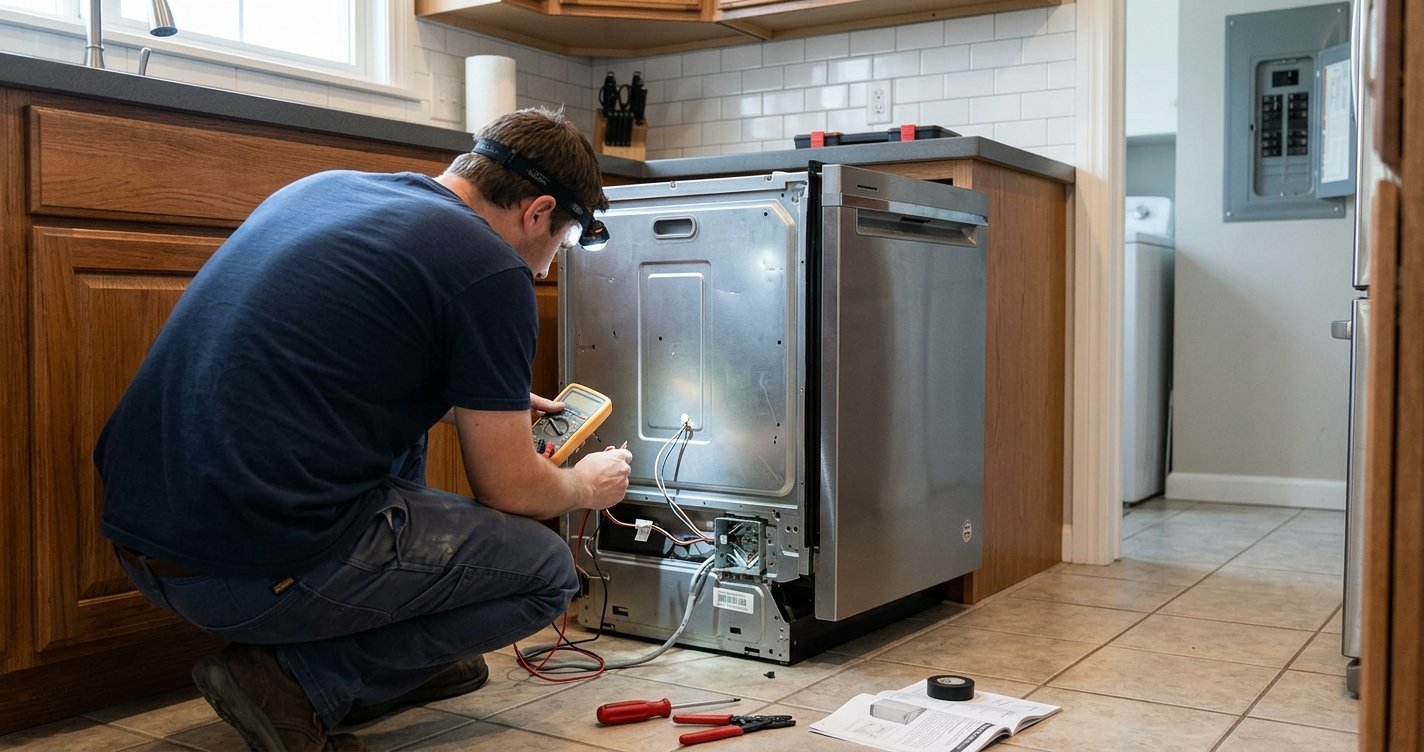
When a KitchenAid dishwasher is not cleaning properly, failing to drain, not filling with water, or displaying unusual lights, diagnostic mode can help identify the underlying problem. The diagnostic cycle checks different dishwasher components and can display stored error codes.
Because KitchenAid has produced many dishwasher models with different control panels, the exact procedure can vary. However, a common service-diagnostic sequence used on many models is 1-2-3, 1-2-3, 1-2-3. KitchenAid’s technical documentation confirms this sequence for several dishwasher platforms.
Read More: How to Unlock a KitchenAid Dishwasher
Table of contents
What Is KitchenAid Dishwasher Diagnostic Mode?
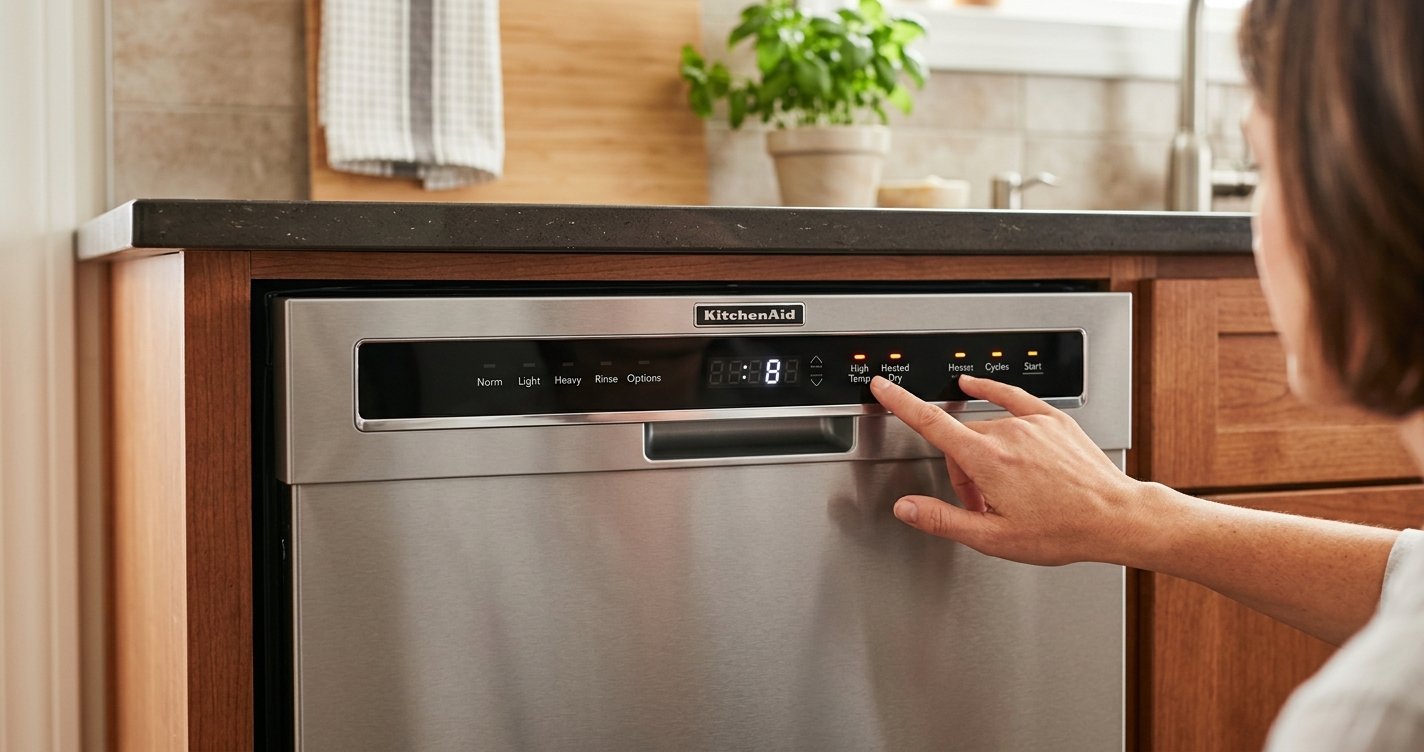
KitchenAid dishwasher diagnostic mode is a built-in service feature designed to test the dishwasher’s electronic controls, motors, sensors, valves, and other operating components.
Depending on the model, the diagnostic cycle can:
- Display or indicate stored error codes
- Test the wash motor
- Check water-temperature sensing
- Test the optical soil sensor (OWI)
- Operate the drain system
- Test other dishwasher loads and sensors
- Help technicians identify the source of a malfunction
KitchenAid service documentation describes the diagnostic cycle as a way to turn on various loads and check sensors.
How to Enter KitchenAid Dishwasher Diagnostic Mode
For many KitchenAid dishwasher models, try the following procedure:
- Make sure the dishwasher is in Standby.
- Wake the control panel by pressing Start/Resume if necessary.
- Press any three keys in this sequence:
1 – 2 – 3 – 1 – 2 – 3 – 1 – 2 – 3 - Each button press should be made within approximately one second of the previous press.
- Close the dishwasher door if it is open.
- The diagnostic cycle should begin.
KitchenAid’s service documentation specifically states that the three-key sequence is repeated three times, with no more than one second between presses.
Important: The Buttons Can Vary
The numbers above represent the order of three buttons, not necessarily buttons labeled 1, 2, and 3. For example, you may use three available keys on the control panel in the required sequence.
Since control layouts differ between models, check the technical sheet or service documentation for your exact model before assuming the sequence applies. KitchenAid provides model-specific manuals and technical documents through its Manuals & Literature section.
What Happens During Diagnostic Mode?
Once diagnostic mode starts, the dishwasher moves through a series of test intervals. The exact sequence depends on the dishwasher’s control system.
On some KitchenAid models, the initial portion performs a display test, turning LEDs on so the control panel can be checked. The diagnostic process can then display recent error information before proceeding through component and sensor tests.
The service cycle may check components such as:
Wash Motor
The diagnostic cycle can operate the wash motor to help determine whether the circulation system is functioning correctly. A motor that does not run during the appropriate test interval may indicate a motor, wiring, control, or related problem.
Drain System
The dishwasher can test its drain operation. If water remains inside after the test, the problem may involve the drain pump, drain hose, plumbing connection, or another part of the drainage system.
Temperature Sensor
The diagnostic cycle can check the dishwasher’s thermistor or temperature-sensing circuit. KitchenAid documentation notes that the diagnostic system monitors temperature-sensor operation.
OWI Soil Sensor
Some KitchenAid dishwashers use an Optical Water Indicator (OWI) sensor to detect water conditions and soil levels. Diagnostic testing can help determine whether the sensor is operating correctly.
How to Read KitchenAid Dishwasher Error Codes
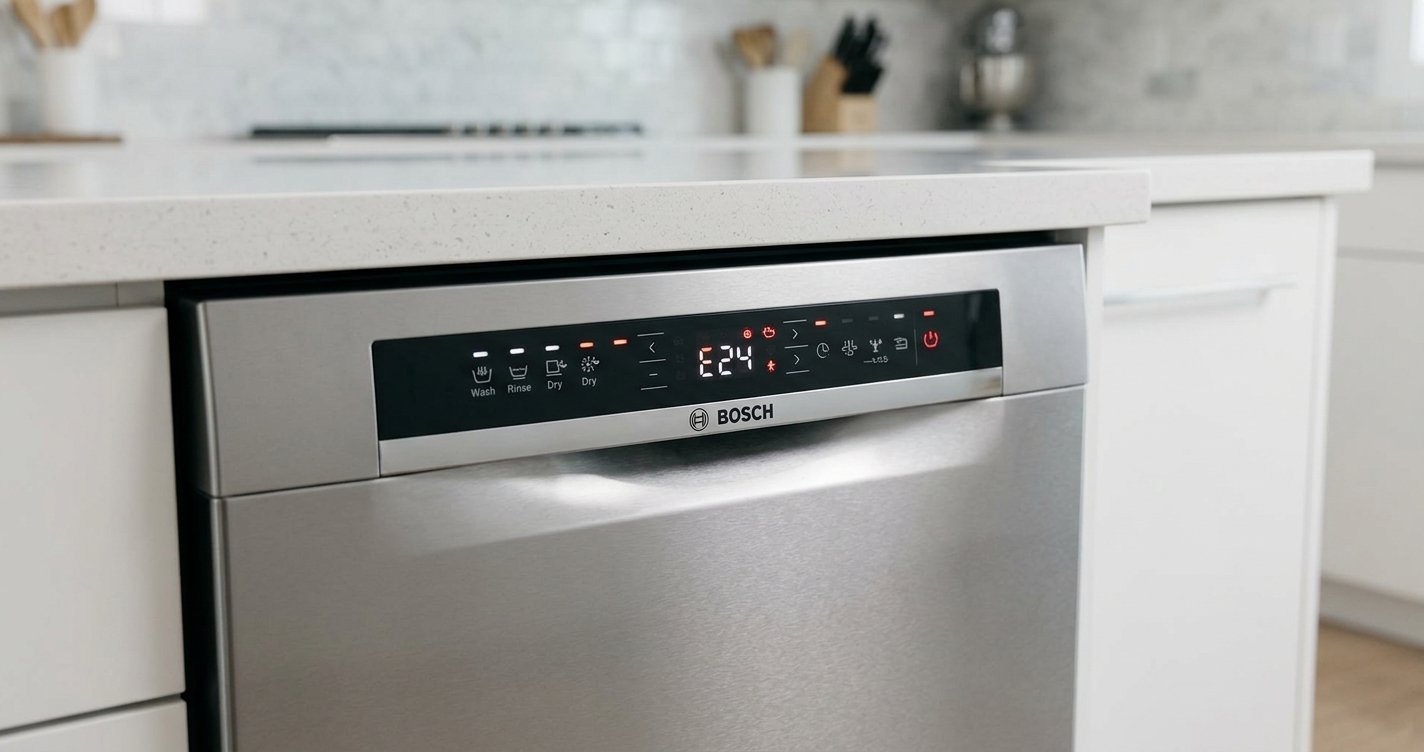
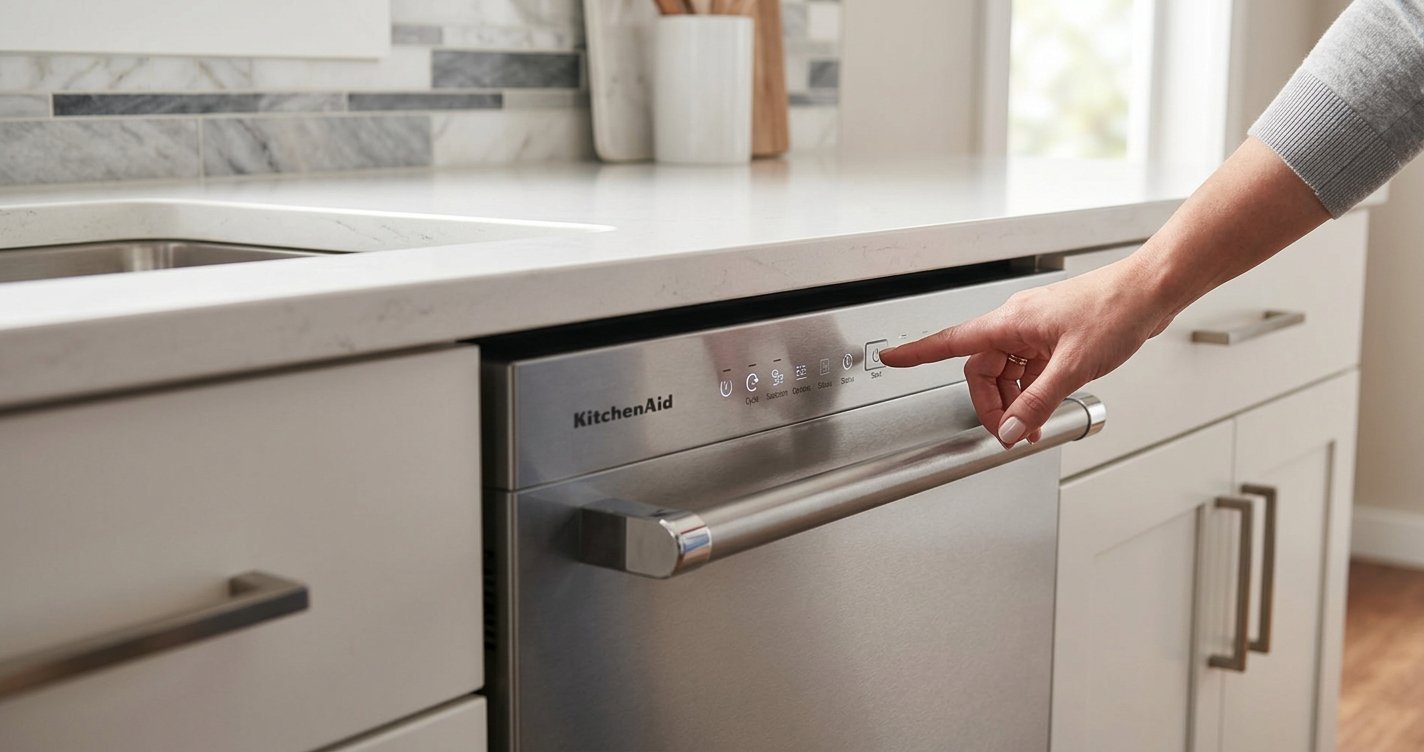
During diagnostic mode, the dishwasher may communicate errors through its display or indicator LEDs. On models without a numeric display, a Clean or Complete light may flash a sequence representing a function code and problem code. KitchenAid documentation notes that some models use the Complete LED instead of the Clean LED.
For example, an error may be represented as two numbers, such as 6-1. KitchenAid’s technical documentation identifies 6-1 as an inlet-water function with a low/no-water problem on the applicable platform.
The meaning of an error code depends on the specific dishwasher’s control system, so the code should be matched against the technical sheet for the exact model.
Can Diagnostic Mode Clear Error Codes?
On certain KitchenAid dishwasher models, the diagnostic procedure includes an option to clear stored customer error history. KitchenAid service documentation describes pressing the Hi Temp key during the appropriate diagnostic interval to clear error history on supported models.
However, clearing an error code does not necessarily repair the underlying problem. If the condition remains, the dishwasher may detect and record the error again.
Does Diagnostic Mode Reset the Dishwasher?
On some KitchenAid dishwasher platforms, entering the Service Diagnostics Cycle clears stored status and last-run information and restores certain settings to their defaults. The procedure can also trigger a sensor-calibration cycle during the next regular cycle.
Because this behavior is model-specific, don’t enter diagnostic mode simply as a general “reset” unless your model’s documentation supports it.
Common Problems Diagnostic Mode Can Help Investigate
Diagnostic mode may be useful when a KitchenAid dishwasher:
- Does not drain
- Does not fill with water
- Does not circulate water
- Leaves dishes dirty
- Displays a flashing Clean or Complete light
- Produces an error code
- Has temperature-related problems
- Stops during a cycle
- Has unusual motor or pump behavior
- Shows control-panel problems
For example, KitchenAid troubleshooting documentation associates certain error conditions with the user interface, thermistor/OWI system, wash motor, and other components.
Safety Precautions
Diagnostic mode can cause the dishwasher to operate pumps, motors, valves, and heating-related components. Keep hands away from moving or energized components and do not remove covers while the appliance is powered.
KitchenAid’s technical documentation warns that electrical measurements should only be performed by authorized technicians because of the risk of electric shock. If troubleshooting requires accessing internal wiring or measuring voltage, disconnect power when instructed and consider using a qualified appliance technician.
Why the Exact Model Number Matters
There is no single diagnostic procedure that applies to every KitchenAid dishwasher. Different generations and control systems can use different button sequences, error-code formats, and diagnostic intervals.
For the most accurate procedure, locate the dishwasher’s model number and use KitchenAid’s official documentation for that model. KitchenAid’s Manuals & Literature page allows owners to search for manuals and service documentation by model number.
Frequently Asked Questions
How do I put my KitchenAid dishwasher into diagnostic mode?
On many KitchenAid models, diagnostic mode can be entered by pressing three selected buttons in the sequence 1-2-3, 1-2-3, 1-2-3, with each press made within about one second. The exact buttons vary by model.
How long does KitchenAid dishwasher diagnostic mode take?
The diagnostic cycle can take several minutes because the dishwasher may test multiple components, sensors, and operating functions. The exact duration depends on the model.
Can diagnostic mode tell me why my KitchenAid dishwasher is not draining?
Yes. On supported models, the diagnostic cycle tests the drain system and may record an error code if a problem is detected. However, a drain problem can have several causes, including a blocked hose, drain pump, or plumbing issue.
What do the flashing lights mean on a KitchenAid dishwasher?
Flashing lights can indicate an error or diagnostic code. Some KitchenAid models use combinations of Clean or Complete light flashes to communicate fault information.
Can I clear a KitchenAid dishwasher error code?
Some models allow stored error history to be cleared during the diagnostic procedure. Clearing the code does not necessarily fix the underlying problem, so the dishwasher should be tested afterward.
Does diagnostic mode reset a KitchenAid dishwasher?
Not necessarily. On some models, entering service diagnostics resets certain stored information or settings, but diagnostic mode is primarily intended for troubleshooting rather than simply resetting the appliance.
Why won’t my KitchenAid dishwasher enter diagnostic mode?
The button sequence may be incorrect, or the timing between presses may be off. The manufacturer’s built-in diagnostic cycle normally does not damage the appliance. However, avoid opening electrical components or attempting voltage tests, or your model may use a different procedure. Check the technical sheet or manual for your exact model number.
Can diagnostic mode damage my dishwasher?
Simply entering the manufacturer’s built-in diagnostic cycle normally does not damage the appliance. However, avoid opening electrical components or attempting voltage measurements unless you are qualified to do so.
Final Thoughts
KitchenAid dishwasher diagnostic mode is a useful troubleshooting feature that can reveal stored error information and test important dishwasher functions. On many models, the service-diagnostic sequence uses three buttons pressed in a 1-2-3, 1-2-3, 1-2-3 pattern, but the correct buttons and diagnostic behavior depend on the specific model.
For reliable troubleshooting, use the diagnostic results together with the technical documentation for your exact KitchenAid dishwasher rather than replacing parts based on an error code alone.