A locked KitchenAid dishwasher can be frustrating, especially when you need to open the door or start a wash cycle. In most cases, the dishwasher is not permanently stuck—the control lock, cycle settings, or a temporary electronic issue may be preventing normal operation.
This guide explains how to unlock a KitchenAid dishwasher safely and what to do if the door or controls remain locked.
Read More: KitchenAid Dishwasher Filter Cleaning: A Complete Guide
Table of contents
1. Check Whether Control Lock Is Enabled
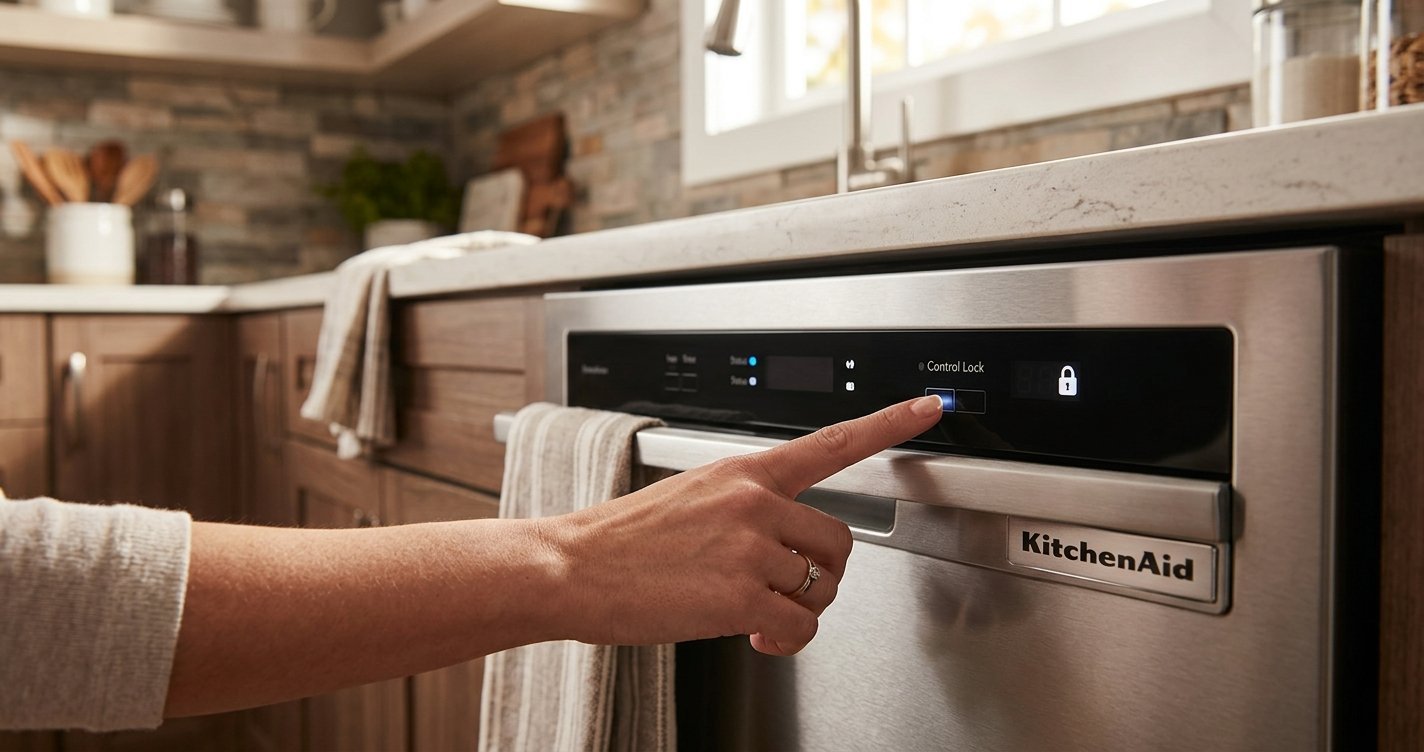
The most common reason a KitchenAid dishwasher appears locked is the Control Lock feature. This setting prevents buttons from being pressed accidentally.
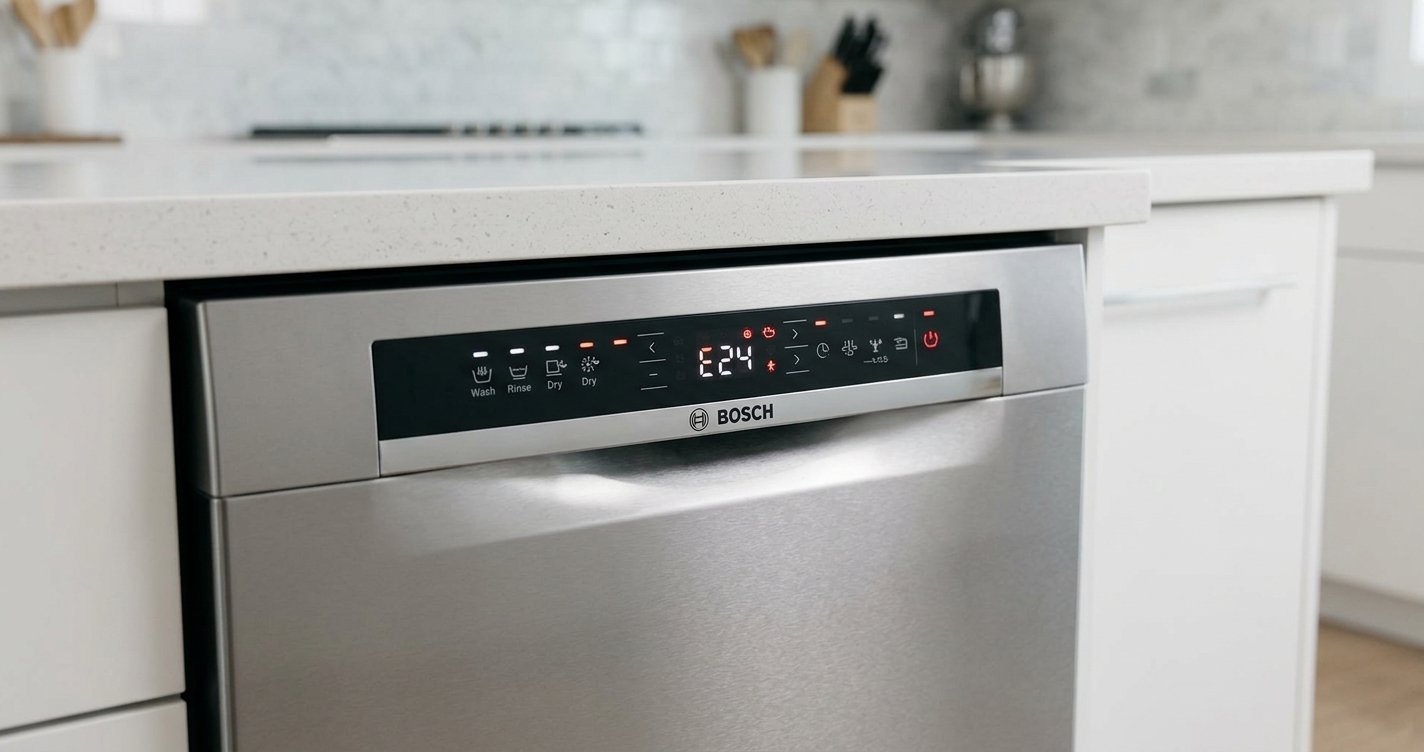
Look for a Control Lock indicator or a padlock symbol on the control panel. To disable it:
- Locate the button labeled Control Lock.
- Press and hold it for about 3 seconds.
- Wait for the lock indicator to turn off or for the dishwasher to beep.
- Try pressing another control button.
On some KitchenAid models, the lock function may be activated by pressing and holding a different button. If the panel does not respond, check the model-specific instructions in your owner’s manual.
2. Cancel the Current Dishwasher Cycle
A dishwasher may keep the controls or door in a particular state while a cycle is running.
To cancel the cycle:
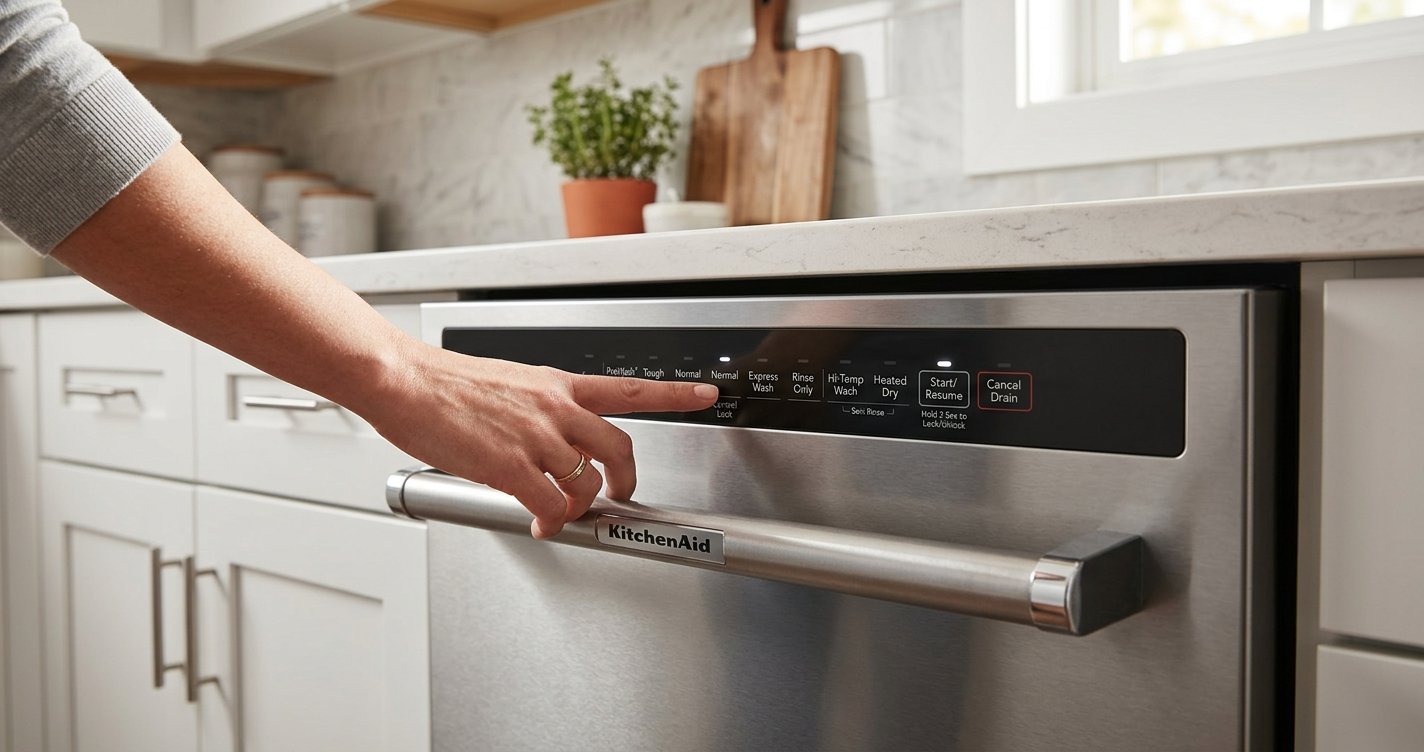
- Press Cancel/Drain or the equivalent button.
- Allow the dishwasher to complete the drain process.
- Wait a few moments after draining finishes.
- Try opening the door or selecting a new cycle.
Avoid forcing the door open while the dishwasher is actively washing or draining.
3. Check the Door Latch
If the controls work but the door will not open, inspect the latch area.
Make sure:
- No dishes, utensils, or racks are blocking the door.
- Nothing is caught between the door and the dishwasher frame.
- The door is properly aligned.
- The latch is not visibly damaged.
If the dishwasher was recently loaded, a large plate, pan, or utensil may be preventing the door from releasing normally.
4. Reset the Dishwasher
If the control panel remains unresponsive after disabling Control Lock, a power reset may help clear a temporary electronic problem.
- Turn off the dishwasher’s power at the control panel if possible.
- Switch off the dishwasher’s circuit breaker.
- Leave the power off for several minutes.
- Restore power.
- Turn the dishwasher on and check whether the controls respond.
If the dishwasher immediately becomes locked again, there may be an underlying control, latch, or electrical problem.
5. Check for Child or Control Lock Settings
Some KitchenAid dishwasher models use a lock feature designed to prevent accidental operation. The exact button combination can vary by model.
Check the control panel for terms such as Control Lock, Lock, or a padlock icon. If you cannot determine which button controls the lock, look up the instructions using your dishwasher’s model number.
6. What If the Dishwasher Door Is Physically Stuck?
Do not pull aggressively on a stuck dishwasher door. Excessive force can damage the latch, handle, hinges, or door panel.
First, make sure the dishwasher has stopped running. Then check whether an item inside the dishwasher is pressing against the door. If the latch still will not release, professional service may be necessary.
7. When to Contact a Professional
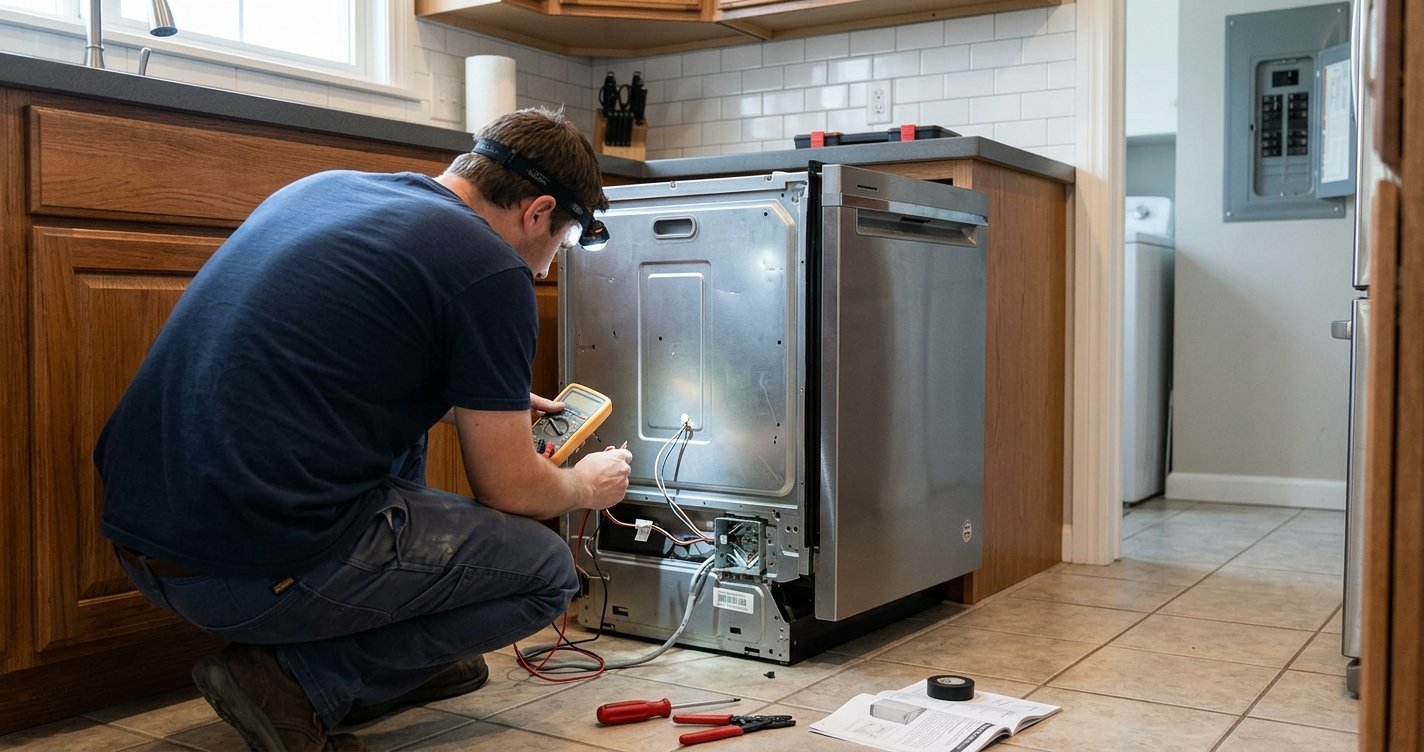
Consider contacting a qualified appliance technician if:
- The Control Lock will not turn off.
- The dishwasher has no response after a power reset.
- The door latch appears broken.
- The handle is loose or damaged.
- The dishwasher repeatedly locks itself.
- You notice burning smells, sparks, or other electrical problems.
Forcing a malfunctioning latch or attempting to bypass electrical components can create additional damage or a safety hazard.
Frequently Asked Questions
How do I unlock a KitchenAid dishwasher?
If the Control Lock feature is enabled, press and hold the designated Control Lock button for about 3 seconds. The lock indicator should turn off.
Why is my KitchenAid dishwasher locked?
The dishwasher may be locked because Control Lock is enabled, a wash cycle is running, or the control panel has temporarily become unresponsive.
How do I turn off Control Lock on my KitchenAid dishwasher?
Press and hold the Control Lock button for approximately 3 seconds. The exact button combination can vary by KitchenAid model.
How do I unlock a KitchenAid dishwasher if the buttons do not work?
Try resetting the dishwasher by turning off its power at the circuit breaker for several minutes. Restore power and check whether the controls respond.
Why won’t my KitchenAid dishwasher door open?
Check that the dishwasher has finished its cycle and that no dishes, utensils, or racks are blocking the door or latch. Do not force the door open.
Can I open a KitchenAid dishwasher during a cycle?
Many KitchenAid dishwashers allow the door to be opened during a cycle, but the appliance may pause automatically. Open it carefully and follow your model’s instructions.
What should I do if my KitchenAid dishwasher stays locked after a reset?
If the dishwasher remains locked after disabling Control Lock and resetting the power, the latch, control panel, or another component may require professional inspection.
Where can I find the correct unlocking instructions?
Check your KitchenAid dishwasher’s model number and consult the owner’s manual, since the location and operation of the Control Lock button can differ between models.
Final Thoughts
Unlocking a KitchenAid dishwasher usually involves disabling Control Lock, canceling the current cycle, checking the door latch, or resetting the appliance. Because button combinations vary between models, the model-specific owner’s manual is the best reference if the standard steps do not work.
If the dishwasher remains locked after these checks, avoid forcing the door and have the latch or control system inspected by a qualified technician.