Resetting your Thor dishwasher is a straightforward process. Here’s how to do it:
Step 1: Turn Off the Dishwasher
First, ensure your dishwasher is turned off.
- Press the “Power” button to turn the dishwasher off completely.
- Unplug the Dishwasher: For a hard reset, you can unplug the appliance from the power source for a few minutes. This helps clear the dishwasher’s memory completely.
Step 2: Wait for a Few Minutes
If you unplugged the dishwasher, leave it unplugged for about 5 to 10 minutes. This allows the system to reset fully and helps clear any error codes.
- Alternatively, you can just turn off the dishwasher using the power button, wait for about 2-5 minutes, and proceed to the next step.
Step 3: Plug the Dishwasher Back In (or Turn it Back On)
- If you unplugged the dishwasher, plug it back into the power outlet.
- If you just turned off the power, press the “Power” button again to turn the dishwasher back on.
Step 4: Press and Hold the “Start/Cancel” Button (Optional)
Some Thor dishwashers may require you to hold the “Start/Cancel” button for 3-5 seconds after turning the appliance back on. This can help reset the dishwasher’s cycle settings and clear any remaining errors.
Step 5: Select a New Cycle
Once the dishwasher is back on, try selecting a new wash cycle. This should confirm if the reset was successful and whether the appliance is functioning normally again.
FAQs
How do I reset my Thor dishwasher if it’s not responding?
Turn off the dishwasher, unplug it for 5-10 minutes, then plug it back in. Press the “Power” button to turn it on, and select a cycle. If needed, hold the “Start/Cancel” button for 3-5 seconds.
My Thor dishwasher keeps showing an error code even after I reset it. What should I do?
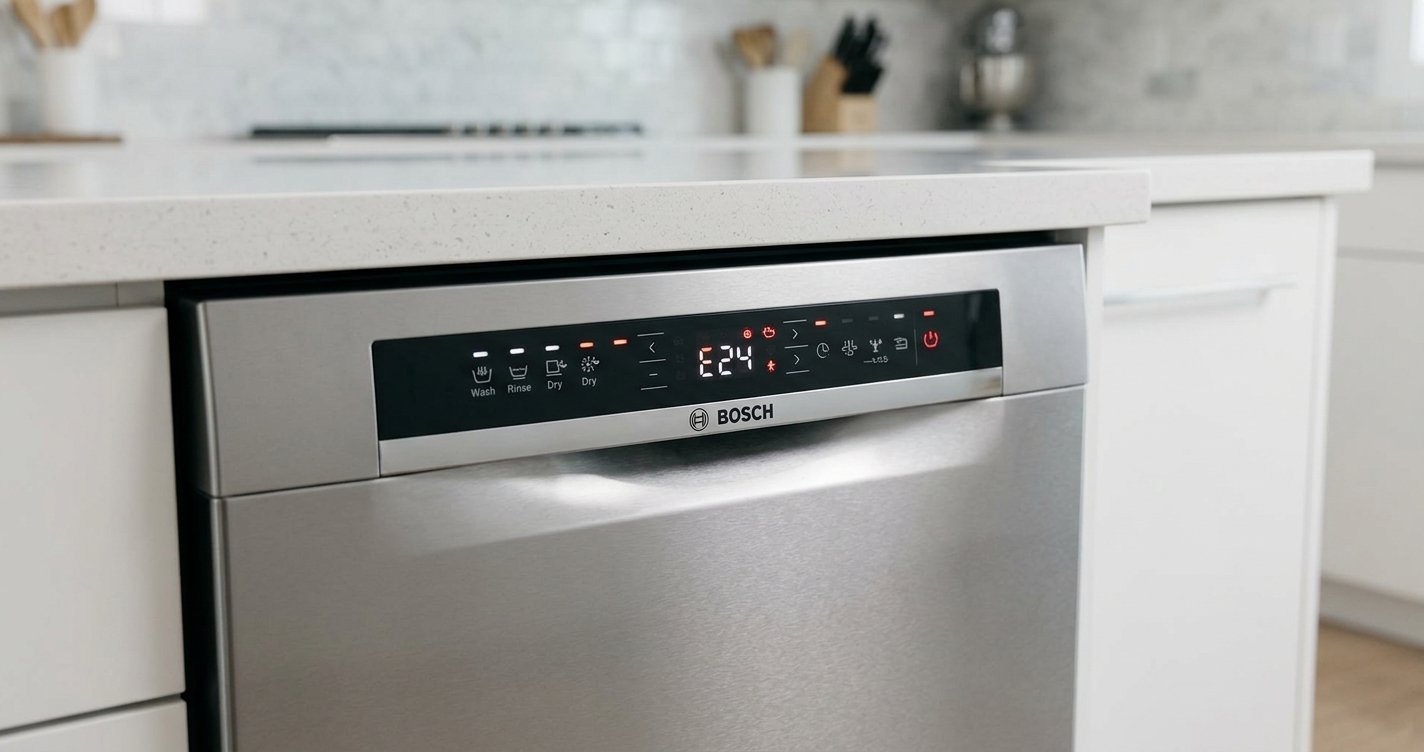
If the error code persists, check for issues like a clogged filter, water supply problems, or a faulty door latch. Refer to the manual for the specific error code or contact Thor customer service for further troubleshooting.
What is the difference between a soft reset and a hard reset?
A soft reset involves turning the dishwasher off and on again, while a hard reset involves unplugging the appliance for 10 minutes to clear the system’s memory completely.