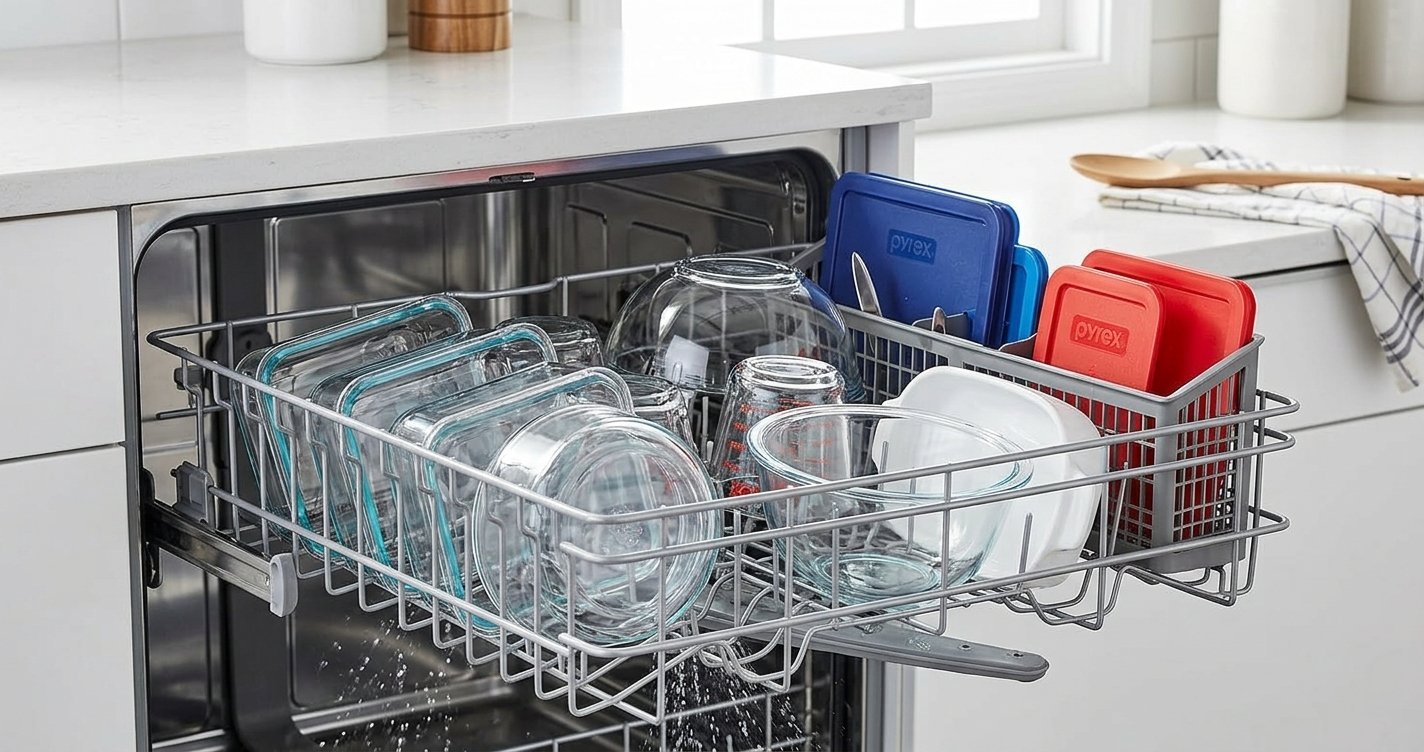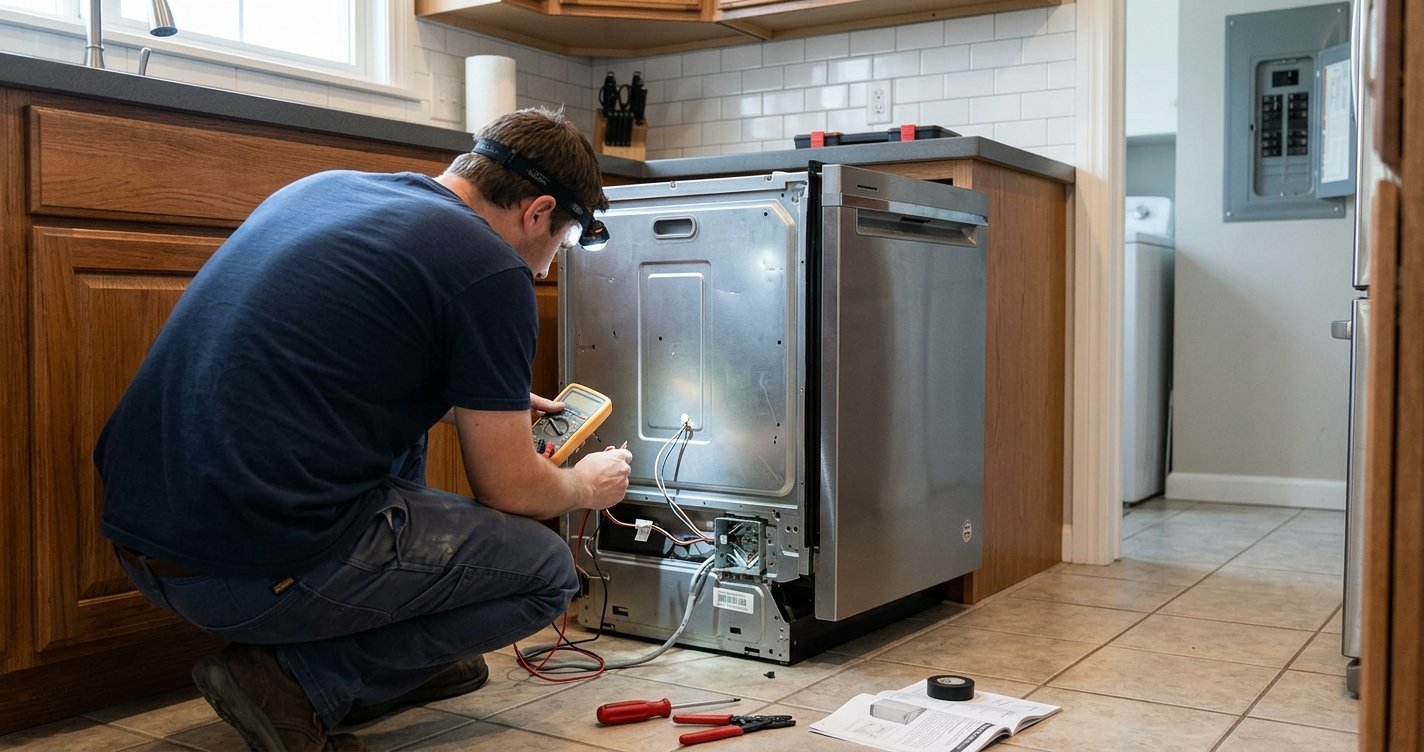
A clean dishwasher filter is essential for maintaining good washing performance. If your KitchenAid dishwasher leaves food particles on dishes, develops an unpleasant odor, or seems less effective than usual, a dirty filter may be the cause.
Fortunately, KitchenAid dishwasher filter cleaning is generally a straightforward maintenance task. Cleaning the filter regularly helps prevent food debris from circulating during wash cycles and can support proper water drainage.
Read More: KitchenAid Dishwasher Clean Light Blinking: Causes and How to Fix It
Table of contents
Why Clean Your KitchenAid Dishwasher Filter?
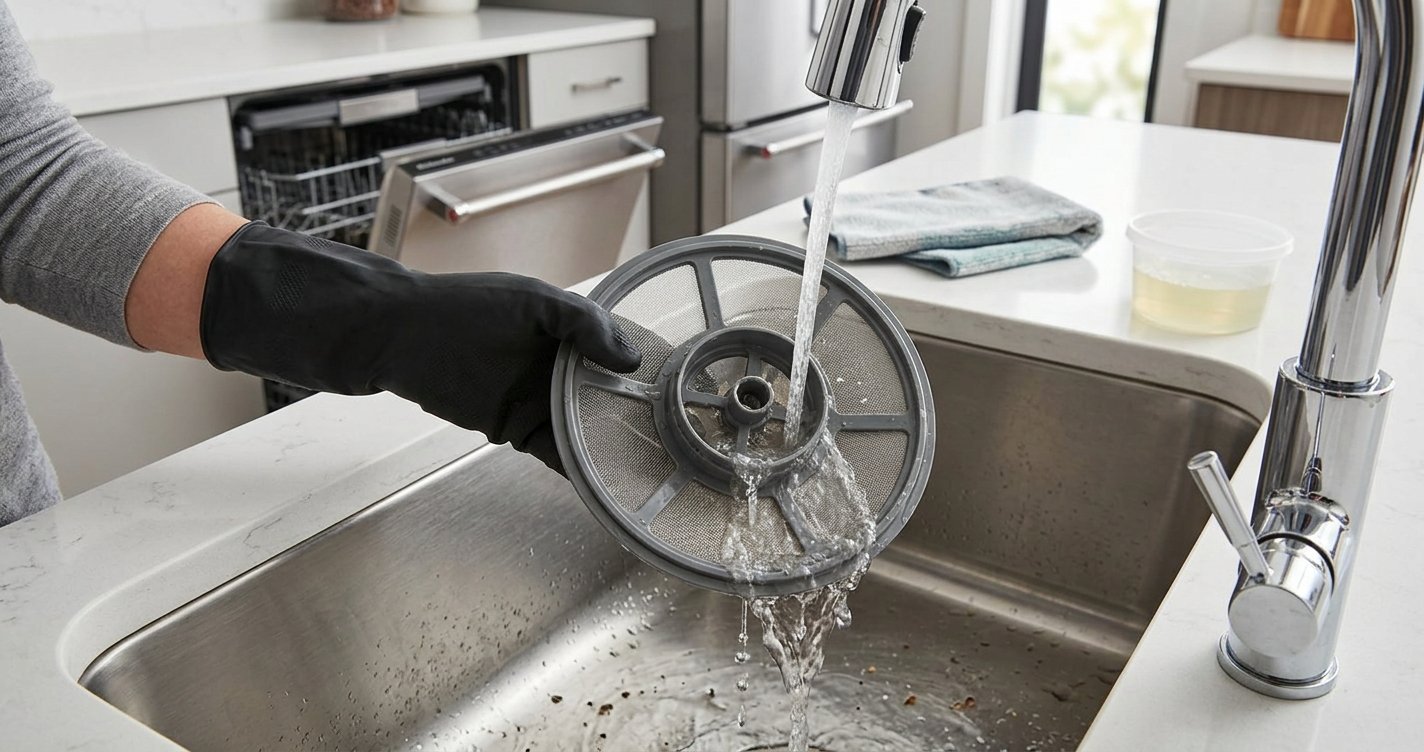
The dishwasher filter catches food particles and other debris that would otherwise circulate inside the dishwasher. Over time, grease, food residue, and mineral buildup can accumulate on the filter.
A dirty filter may contribute to:
- Food particles remaining on dishes
- Unpleasant smells inside the dishwasher
- Poor washing performance
- Water draining more slowly
- Visible residue on dishes or the dishwasher interior
Regular cleaning can help keep the dishwasher operating properly.
How Often Should You Clean a KitchenAid Dishwasher Filter?
The ideal cleaning frequency depends on how often you use the dishwasher and how heavily soiled your dishes are. As a general guideline, inspect the filter about once a month. Homes that run the dishwasher frequently or wash dishes with significant food residue may need to clean it more often.
If you notice odors, reduced cleaning performance, or visible debris around the filter area, clean it sooner.
How to Clean a KitchenAid Dishwasher Filter
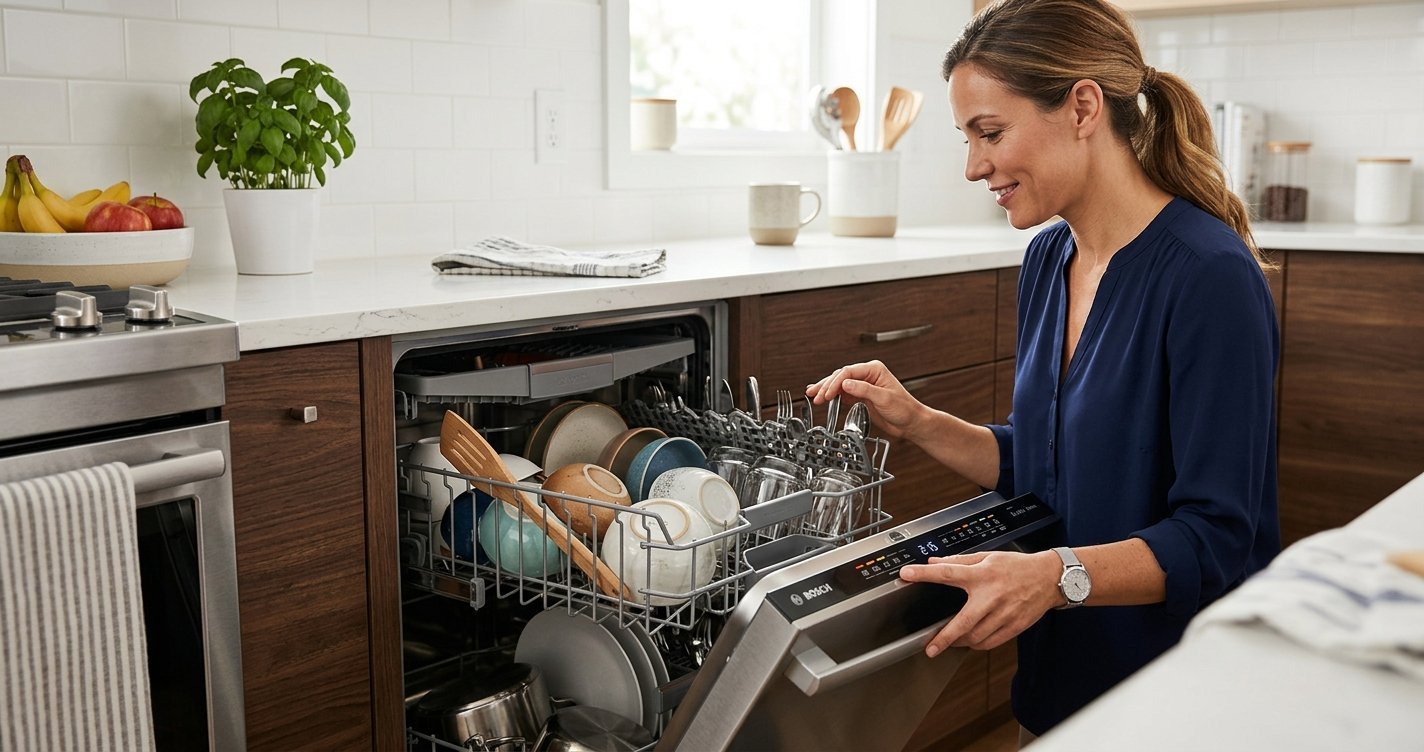
Before starting, make sure the dishwasher is off and empty.
1. Locate the Filter
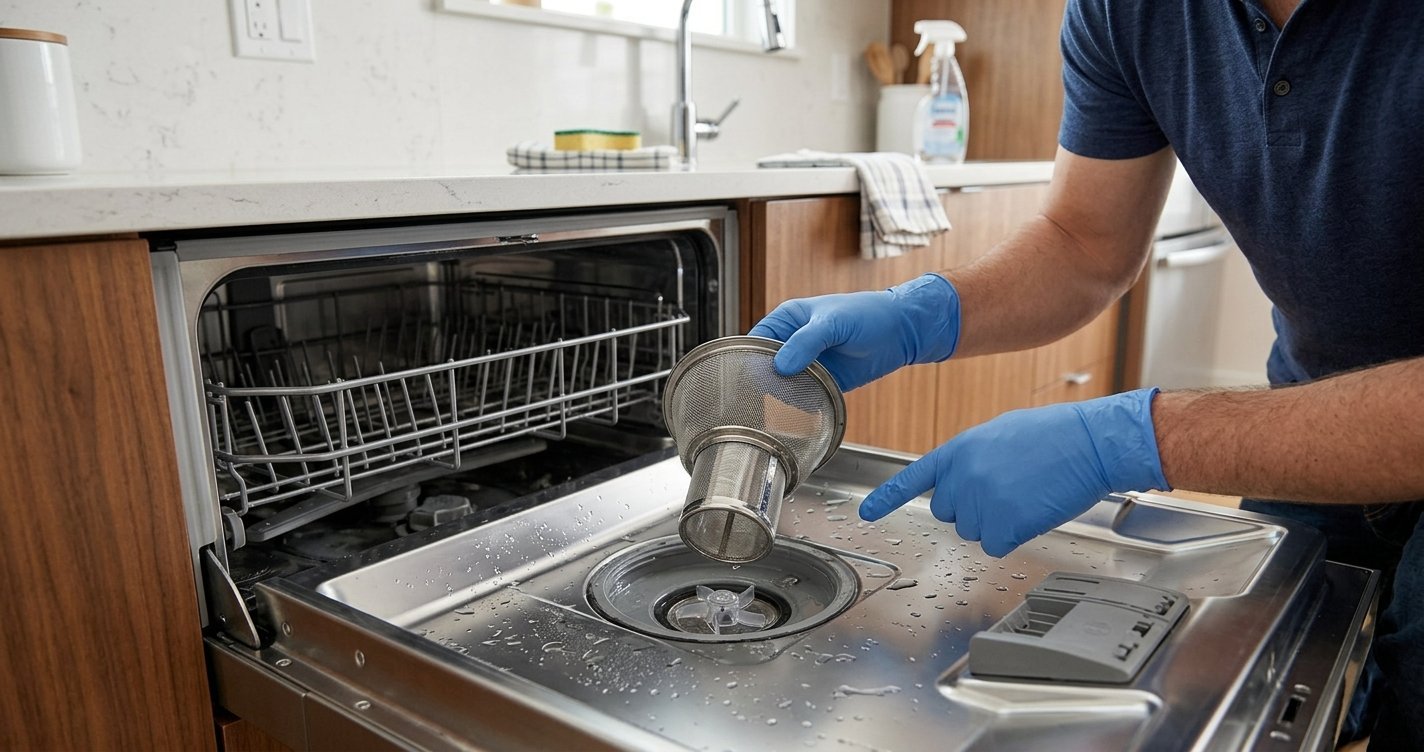
Open the dishwasher door and remove the lower dish rack. Look at the bottom of the dishwasher tub for the filter assembly. The exact filter design can vary between KitchenAid dishwasher models, so consult your model’s owner’s manual if you are unsure how the filter is positioned or removed.
2. Remove the Filter
Most KitchenAid dishwashers with removable filters use a locking mechanism. Turn the filter according to the instructions for your particular model and carefully lift it out. Avoid forcing the filter. If it does not move easily, check the owner’s manual for the correct removal procedure.
3. Rinse the Filter
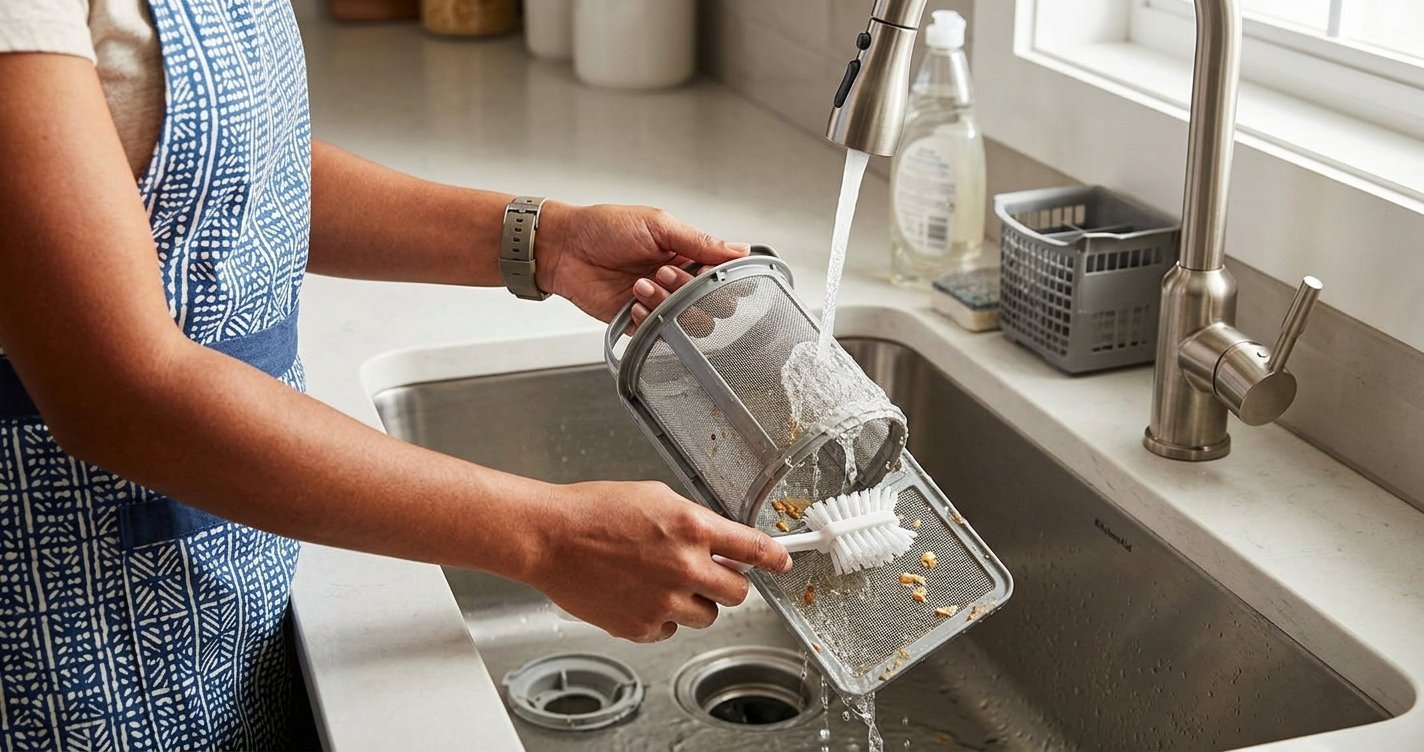
Hold the filter under warm running water to loosen and remove food particles. For stubborn debris, use a soft brush or sponge to gently clean the filter. Wipe away any loose food particles or residue. A soft toothbrush can also help reach small openings.
Avoid using a wire brush or abrasive cleaning tool because it could damage the filter.
4. Clean the Filter Area
With the filter removed, inspect the area underneath it. Wipe away any loose food particles or residue using a soft, damp cloth. Do not push debris farther into the dishwasher’s drain opening.
5. Rinse and Inspect the Filter
Continue rinsing until the filter mesh and surrounding surfaces are free of visible debris. Hold it up to the light to check whether the openings are clear. If the filter remains heavily clogged or damaged, check your model’s documentation for replacement information.
6. Reinstall the Filter
Place the clean filter back into its original position and turn or lock it according to your dishwasher model’s instructions.
Make sure it is securely installed before replacing the lower rack. Do not operate the dishwasher with the filter improperly installed.
What Should You Avoid When Cleaning the Filter?
Proper cleaning does not require harsh chemicals. Avoid:
- Using abrasive cleaners or scouring pads
- Scrubbing aggressively with hard brushes
- Trying to remove the filter by force
- Operating the dishwasher without the filter properly installed
- Pouring large amounts of cleaner directly into the filter area
Warm water and gentle mechanical cleaning are usually sufficient for routine filter maintenance.
Tips for Keeping the Filter Cleaner
You can reduce buildup by scraping large amounts of food from dishes before loading them. You generally do not need to completely pre-wash dishes, but removing large pieces of food helps prevent unnecessary debris from collecting. Poor cleaning, odors, or drainage problems may have another cause. Check the spray arms, drain area, detergent use, and dishwasher installation steps that can help maintain dishwasher performance and reduce food buildup and odors. Inspect the filter regularly and rinse it in the dishwasher.
It is also helpful to:
- Check the filter regularly.
- Clean the dishwasher interior when needed.
- Avoid overloading the dishwasher.
- Make sure spray arms can rotate freely.
- Use the appropriate dishwasher detergent.
- Follow the maintenance instructions in your KitchenAid owner’s manual.
What If Your Dishwasher Still Has Problems?
If cleaning the filter does not resolve poor cleaning, odors, or drainage problems, the issue may have another cause. Check the spray arms, drain area, detergent use, and dishwasher installation.
For persistent problems, consult the documentation for your specific KitchenAid model or contact a qualified appliance technician.
FAQs About KitchenAid Dishwasher Filter Cleaning
1. How often should I clean my KitchenAid dishwasher filter?
For most households, checking and cleaning the filter about once a month is a good starting point. If you use your dishwasher frequently or wash heavily soiled dishes, you may need to clean it more often.
2. Where is the filter located in a KitchenAid dishwasher?
The filter is usually located at the bottom of the dishwasher tub, beneath or near the lower dish rack. The exact location and design can vary by model.
3. Can I wash the KitchenAid dishwasher filter with soap?
Usually, warm running water and gentle brushing are enough for routine cleaning. If your model’s instructions allow detergent, use only a mild dishwashing soap and rinse the filter thoroughly residue elsewhere in the dishwasher, the drain area, door seals, or other components. Inspect the interior.
4. Can I put the dishwasher filter in the dishwasher?
No. The filter is the component that needs cleaning, so it should generally be removed and cleaned by hand. Check your specific model’s manual for manufacturer instructions.
5. What happens if I don’t clean my dishwasher filter?
A clogged filter can contribute to food particles remaining on dishes, unpleasant odors, reduced cleaning performance, and drainage problems.
6. How do I remove a KitchenAid dishwasher filter?
Many models have a locking filter that can be rotated and lifted out. However, removal methods differ between models, so check your owner’s manual before attempting to remove it.
Final Thoughts
KitchenAid dishwasher filter cleaning is a simple maintenance step that can help maintain dishwasher performance and reduce food buildup and odors. Inspect the filter regularly, rinse it with warm water, gently remove stubborn debris, and reinstall it securely.
Because filter designs and removal procedures can differ between models, always follow the instructions provided for your specific dishwasher.