If your Bosch dishwasher is stuck on Auto Mode, you may find that the program does not change when you press another cycle button. In some cases, the dishwasher may appear to ignore commands, remain on the same setting, or refuse to start.
This problem can be caused by a simple control issue, an active setting such as Control Lock, or a more significant problem with the dishwasher’s control system. Fortunately, several troubleshooting steps can help you identify the cause.
Read More: Most Common Bosch Dishwasher Issues: Causes & Fixes
Table of contents
Why Is My Bosch Dishwasher Stuck on Auto Mode?
Several issues can cause a Bosch dishwasher to remain on Auto Mode:
- The control panel may be locked.
- The dishwasher may need to be reset.
- A previous cycle may not have been completely canceled.
- Buttons on the control panel may not be responding correctly.
- The door may not be fully closed.
- A temporary electronic or software glitch may be affecting the controls.
- The control board or user interface may have a fault.
Before assuming that a component has failed, try the basic troubleshooting steps below.
1. Check Whether Control Lock Is Activated
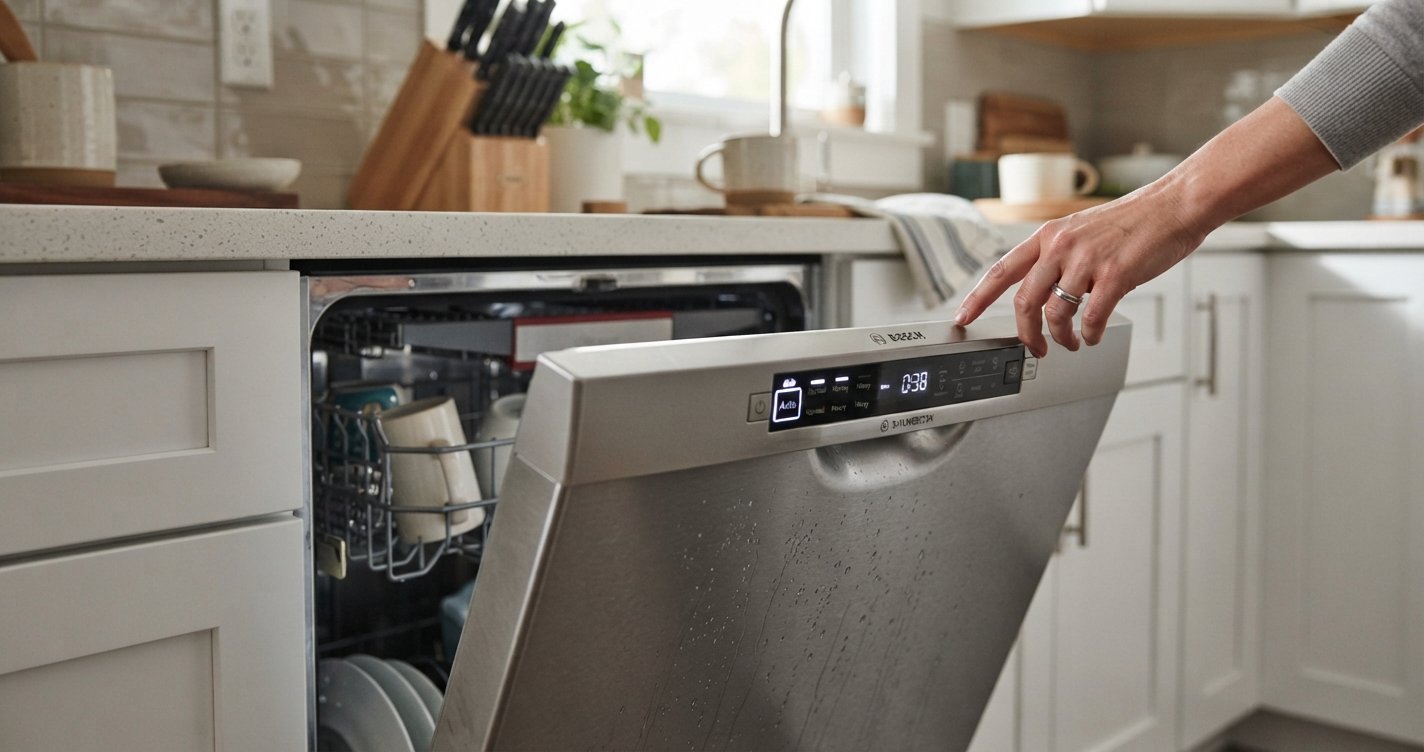
One of the first things to check is the Control Lock feature. When the controls are locked, pressing cycle buttons may not change the selected program.
Look at the dishwasher’s control panel for a lock symbol or indicator. The exact procedure for disabling Control Lock depends on your Bosch model, so check the owner’s manual for the correct button combination.
Once the controls are unlocked, try selecting a different wash cycle.
2. Cancel the Current Dishwasher Cycle
Your Bosch dishwasher may not allow you to select a new program while a cycle is already running.
Try canceling the current cycle before choosing another setting. Many Bosch models have a Start/Reset button or a button combination used to cancel a program.
After the cycle has been canceled, allow the dishwasher to finish draining if necessary. Then select your preferred cycle and start the dishwasher again.
3. Reset the Bosch Dishwasher
A reset can clear a temporary electronic problem that prevents the dishwasher from responding correctly.
A common approach is to turn the dishwasher off, wait briefly, and then turn it back on. Some models also have a specific reset procedure using the control panel.
Because Bosch dishwasher controls vary by model, use the reset instructions in your owner’s manual whenever possible.
After resetting the appliance, check whether you can switch from Auto Mode to another cycle.
4. Make Sure the Door Is Fully Closed
A dishwasher may not respond normally if the door is not properly latched.
Open the door and check for:
- Dishes or racks interfering with the door
- Food debris around the door seal
- A damaged or loose latch
- Anything preventing the door from closing completely
Close the door firmly and try selecting a cycle again.
5. Check the Control Panel
If some buttons work while others do not, the problem could be related to the control panel.
Clean the panel with a soft, slightly damp cloth and make sure it is dry before operating the dishwasher. Avoid spraying cleaning products directly onto the controls.
If pressing the cycle-selection buttons produces no response while other buttons work normally, the user interface or control electronics may need further inspection.
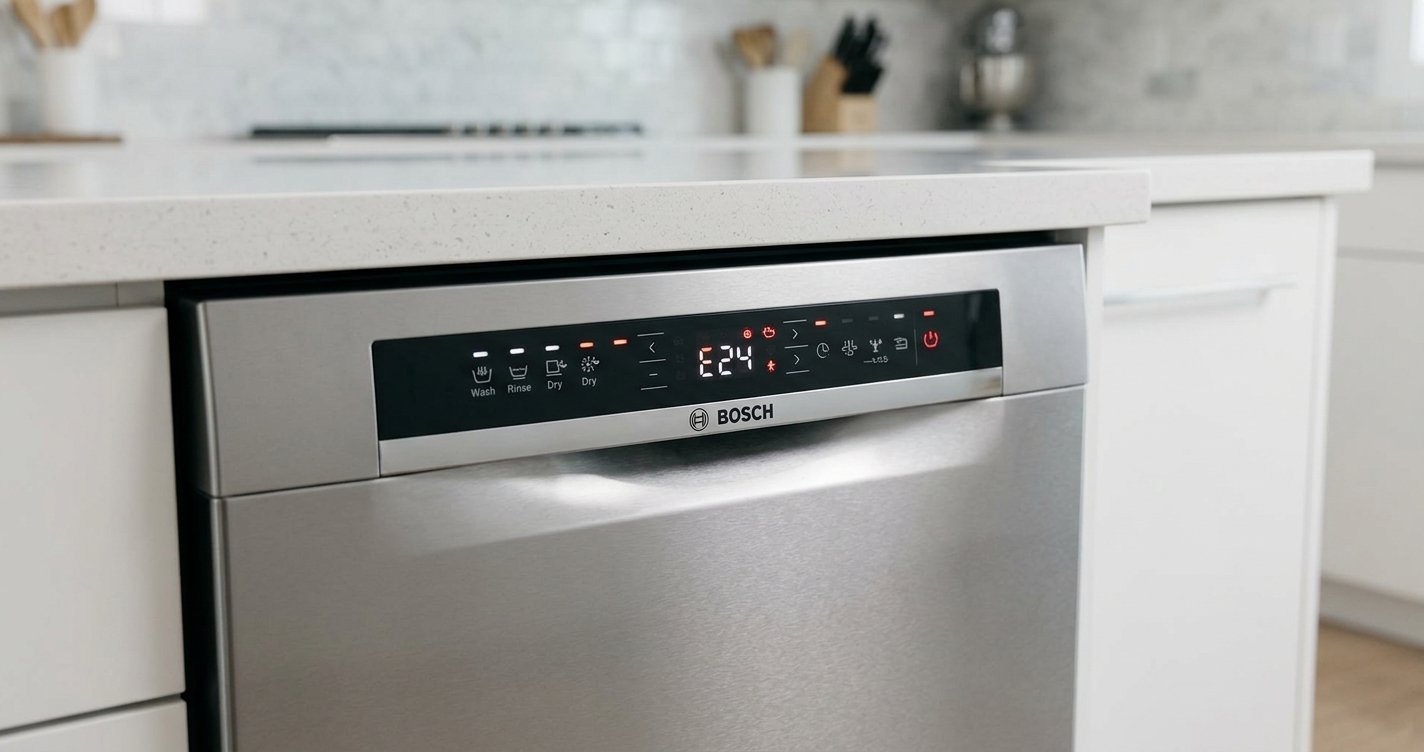
6. Check for an Error Code
If the dishwasher displays an error code along with the Auto Mode problem, the code can provide an important clue.
Write down the exact code before resetting the appliance. Then consult the manual for your specific Bosch dishwasher model.
An error code may point toward problems involving drainage, water supply, heating, sensors, or other components.
7. Try Selecting Another Cycle
After unlocking and resetting the dishwasher, try selecting a different program such as Normal, Intensive, or Quick, depending on the cycles available on your model.
If the dishwasher changes programs normally after the reset, the issue may have been a temporary control glitch. If it immediately returns to Auto Mode or refuses to respond, additional troubleshooting may be necessary.
Could a Faulty Sensor Cause Auto Mode Problems?
Yes, a sensor-related problem can affect how a dishwasher operates in Auto Mode.
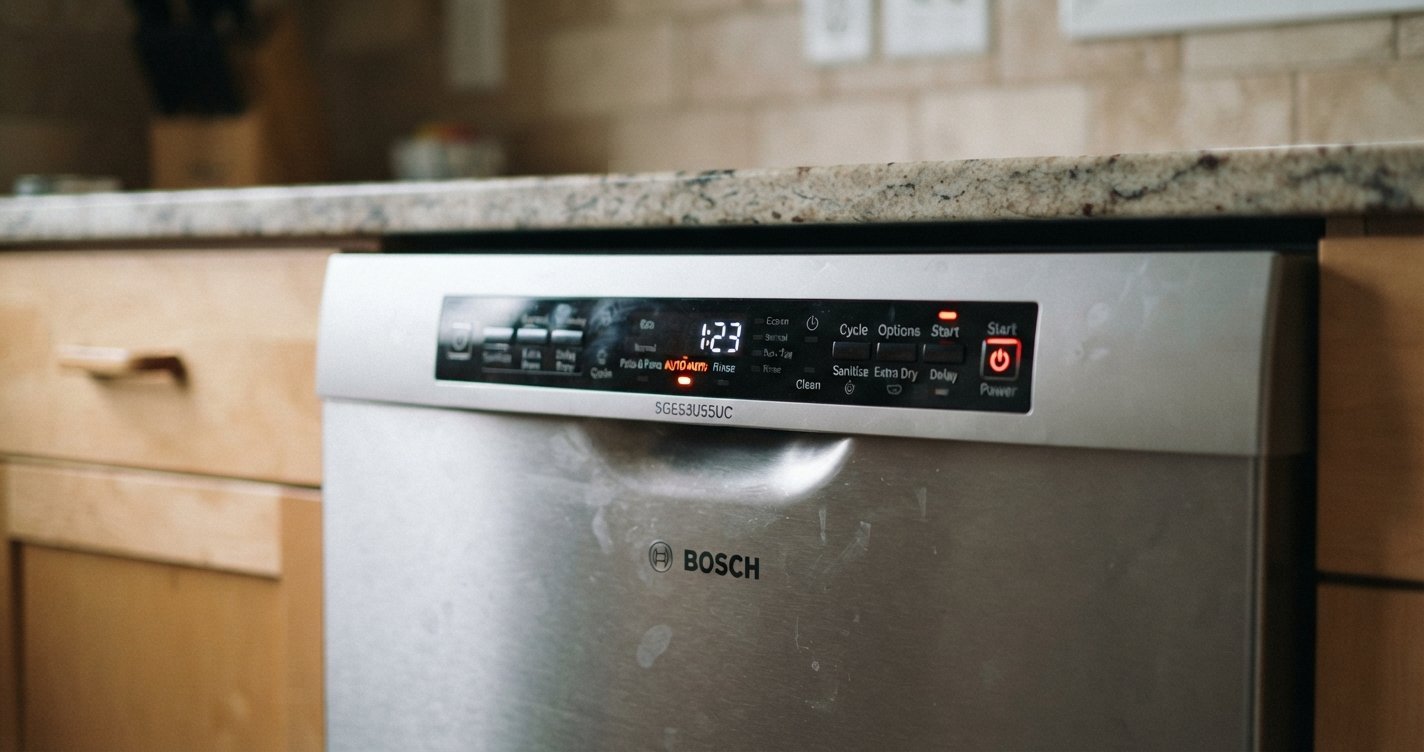
Auto programs use sensors to assess conditions such as the amount of soil in the wash water and adjust parts of the cycle accordingly. However, a dishwasher being stuck on the Auto Mode selection is not necessarily the same thing as an Auto cycle running longer than expected.
If the dishwasher is selecting Auto Mode but otherwise operates normally, the issue is more likely related to the controls or settings. If the cycle behaves unusually, displays an error, or does not complete correctly, sensor or other component problems may need to be considered.
When Should You Call a Professional?
Consider professional service if:
- The control panel remains unresponsive after a reset.
- The dishwasher repeatedly returns to Auto Mode.
- Buttons work intermittently.
- An error code continues to appear.
- The dishwasher will not start or cancel a cycle.
- There are signs of electrical damage, burning, or unusual smells.
- The appliance trips a circuit breaker.
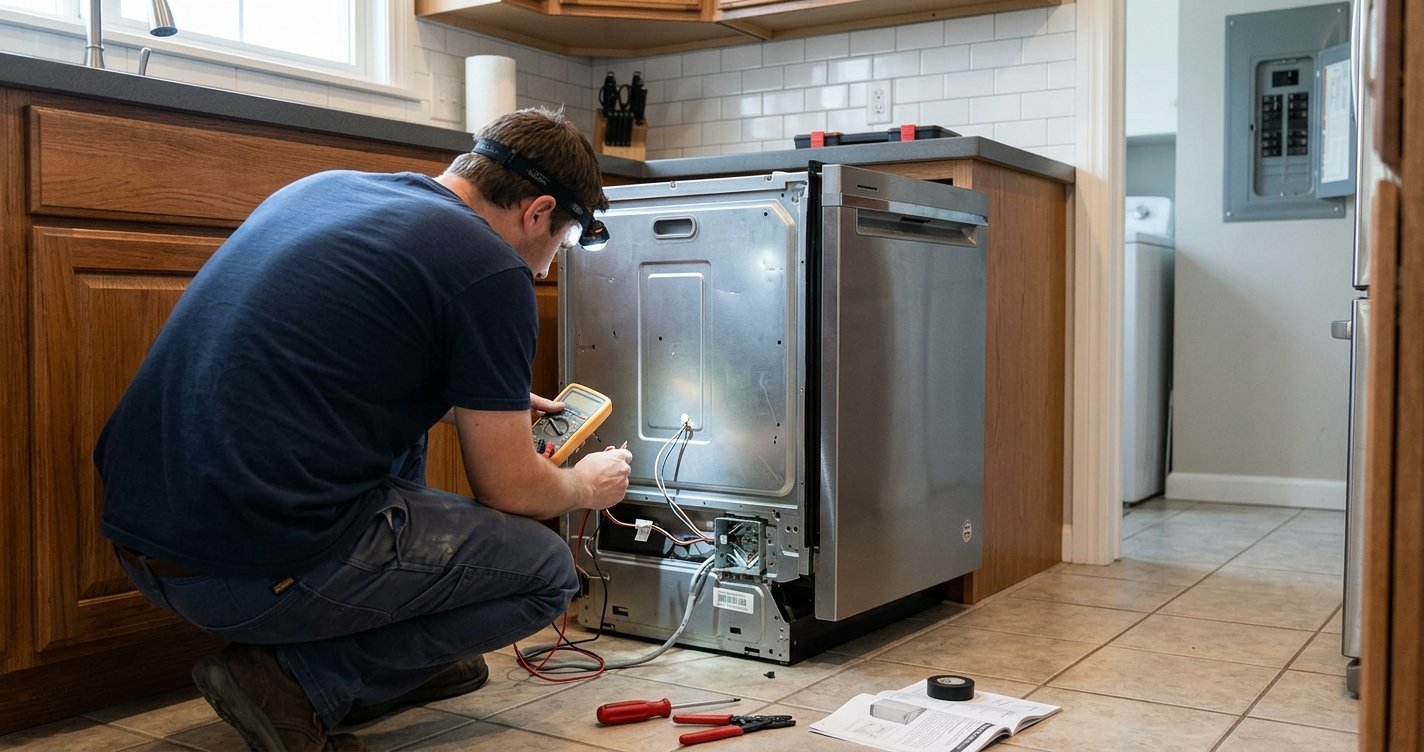
Avoid opening electrical components unless you are qualified to work safely on appliances. Disconnect power before performing any troubleshooting that requires access to internal components.
How to Prevent Bosch Dishwasher Control Problems
Regular maintenance can help reduce dishwasher problems.
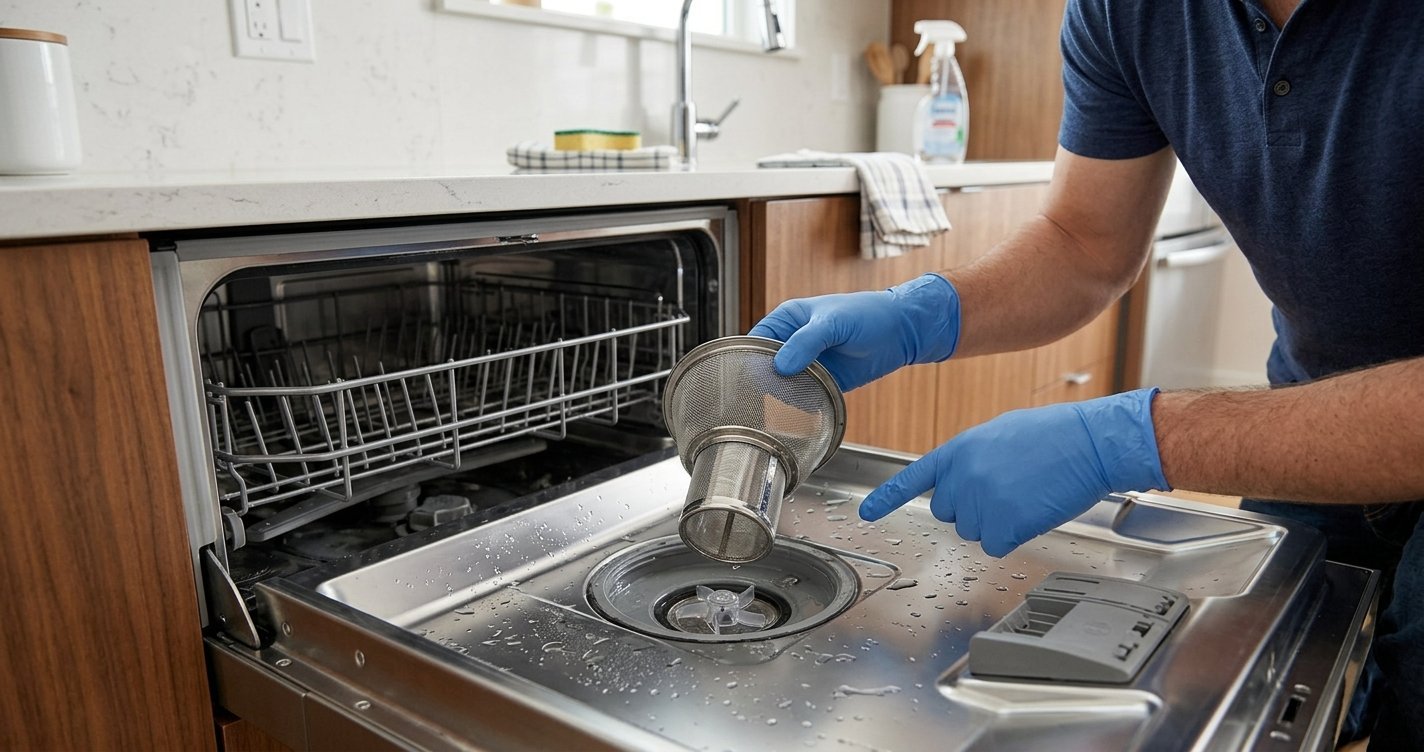
Keep the filter clean, remove food debris from the dishwasher, avoid blocking the spray arms, and follow the manufacturer’s recommendations for detergent and cleaning.
It is also useful to keep the owner’s manual available because Bosch dishwasher controls and reset procedures can differ between models.
Final Thoughts
If your Bosch dishwasher is stuck on Auto Mode, start with the simplest possibilities. Check whether Control Lock is enabled, cancel the current cycle, reset the dishwasher, and make sure the door is properly closed.
If the controls remain unresponsive or the problem keeps returning, an issue with the user interface, control board, sensor system, or another component may require professional diagnosis. Always use the instructions for your specific Bosch model before attempting more advanced troubleshooting.
FAQs
Why is my Bosch dishwasher stuck on Auto Mode?
It may be locked, still running a previous cycle, experiencing a temporary electronic glitch, or have a problem with its control panel or electronics.
How do I reset a Bosch dishwasher stuck on Auto Mode?
Try canceling the current cycle and turning the dishwasher off and back on. The exact reset procedure varies by model, so consult the owner’s manual for model-specific instructions.
Why won’t my Bosch dishwasher change cycles?
Control Lock, an active cycle, an unresponsive button, or an electronic fault can prevent the dishwasher from changing programs.
How do I turn off Control Lock on a Bosch dishwasher?
The procedure varies between Bosch models. Look for the lock indicator and use the button combination specified in your dishwasher’s owner’s manual.
Can a faulty sensor cause a Bosch dishwasher to stay on Auto?
A sensor problem can affect Auto cycle operation, but if the dishwasher is literally stuck on the Auto selection, the control panel or control system may also be involved.
Why does my Bosch dishwasher keep returning to Auto Mode?
If the dishwasher repeatedly selects Auto Mode after you choose another cycle, there may be a control-panel, software, or electronic problem. Resetting the appliance is a useful first troubleshooting step.
Should I repair my Bosch dishwasher myself?
Basic troubleshooting such as checking the controls, door, and filter is generally reasonable. Electrical or internal component repairs should be handled by a qualified appliance technician if you are not trained to perform them safely.