If your Indesit IDL500 dishwasher stops during a cycle, refuses to fill with water, or starts flashing its indicator lights, the appliance is usually reporting a specific fault. Unlike many newer dishwashers that display codes such as E01 or F01, the IDL500 commonly communicates problems through combinations of rapidly flashing wash-cycle indicator lights.
The good news is that some IDL500 faults can be resolved with simple checks, such as opening the water tap, cleaning the filter, or restarting the appliance. Other faults, particularly those involving the water inlet valve, may require professional repair.
Read More: Can a Dishwasher Clog Your Sink?
Table of contents
Understanding Indesit IDL500 Error Codes
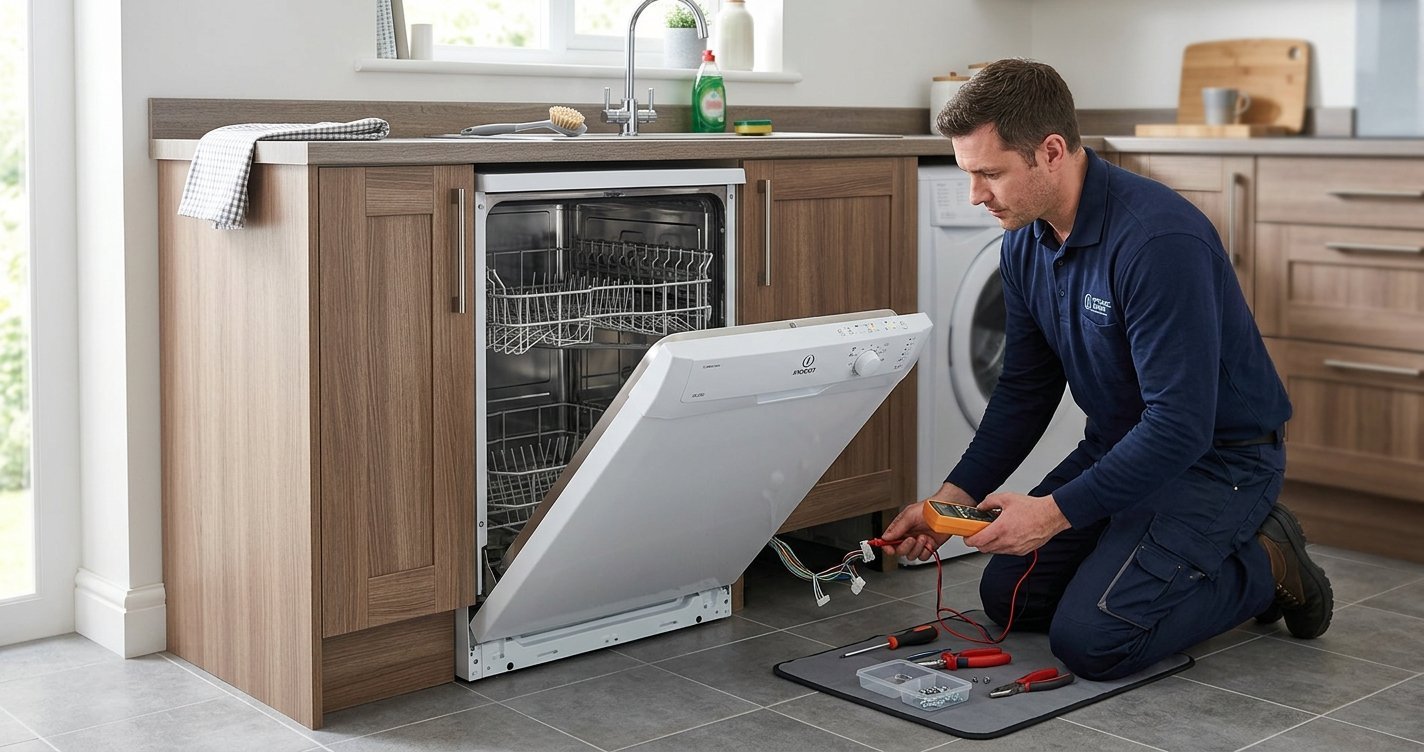
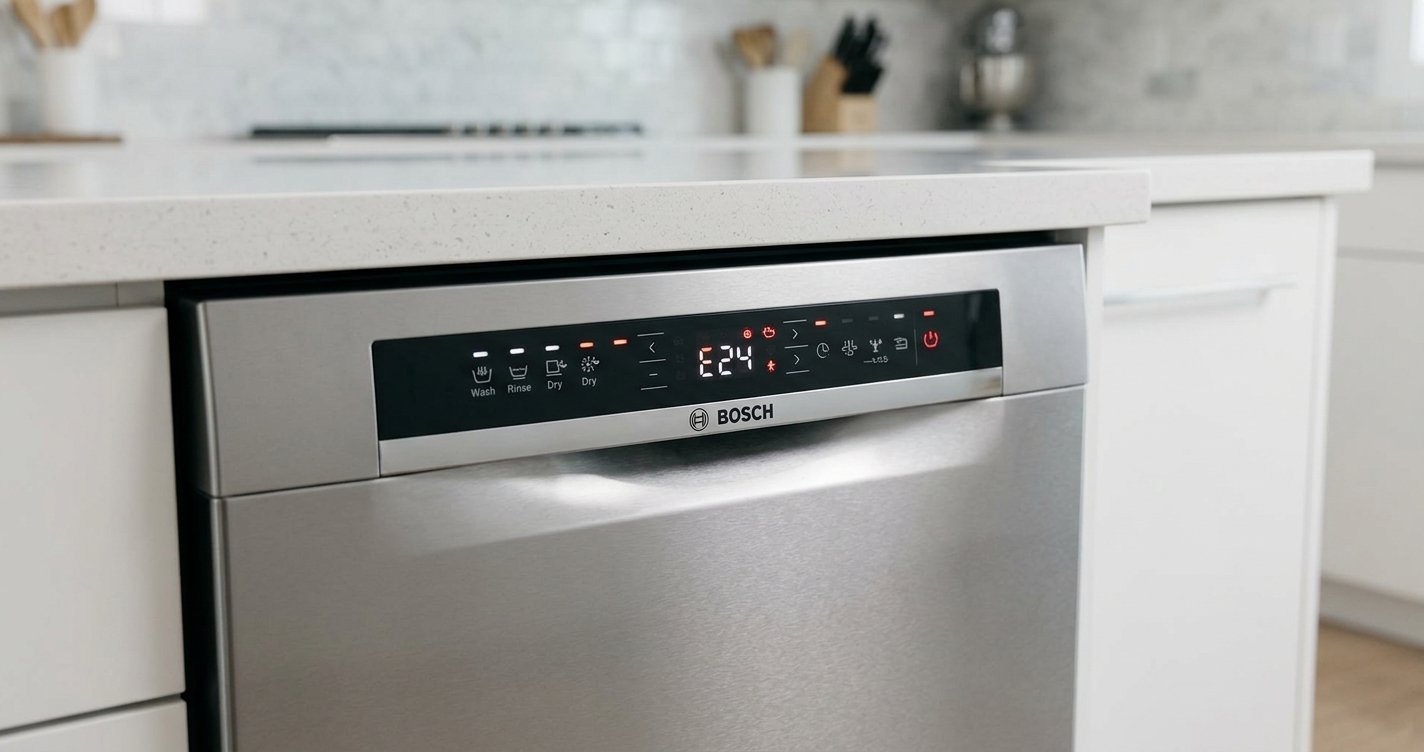
The IDL500 uses its wash-cycle indicator lights to signal operating problems. The original troubleshooting instructions advise noting which lights are flashing before switching the dishwasher off.
The most useful fault indications include:
| Flashing indicator | Likely problem | What to do |
| Wash + Rinses | Water supply/tap-off alarm | Check the water tap and inlet hose |
| Pre-wash + Rinses | Blocked filter alarm | Clean and refit the filters |
| Wash indicator | Water inlet solenoid valve fault | Restart once; seek service if it returns |
The exact indicator layout can vary between IDL500 variants, so use the model’s own control panel and instruction manual when identifying the lights. Indesit also notes that error indications can vary by dishwasher model.
1. Fix the Water Supply or Tap-Off Alarm
If the Wash and Rinses indicators flash, the dishwasher may be detecting that it is not receiving water. The IDL500 manual describes this as the tap-off alarm.
What to check
- Make sure the household water supply is working.
- Check that the dishwasher’s water tap is fully open.
- Inspect the inlet hose for kinks or crushing.
- Check the inlet connection for obvious blockage.
- If accessible, inspect the small filter in the water inlet connection and clean it carefully.
After checking the water supply, switch the dishwasher off using the ON/OFF control. Turn the water tap on and wait approximately 20 seconds before switching the appliance back on and selecting the wash cycle again.
If the dishwasher still does not take in water, the problem could involve the inlet valve or another component in the water-fill system.
2. Clean the Filter for a Blocked Filter Alarm
A blocked filter can prevent the dishwasher from operating correctly. On the IDL500, a Pre-wash and Rinses indicator combination is associated with the clogged-filter alarm.
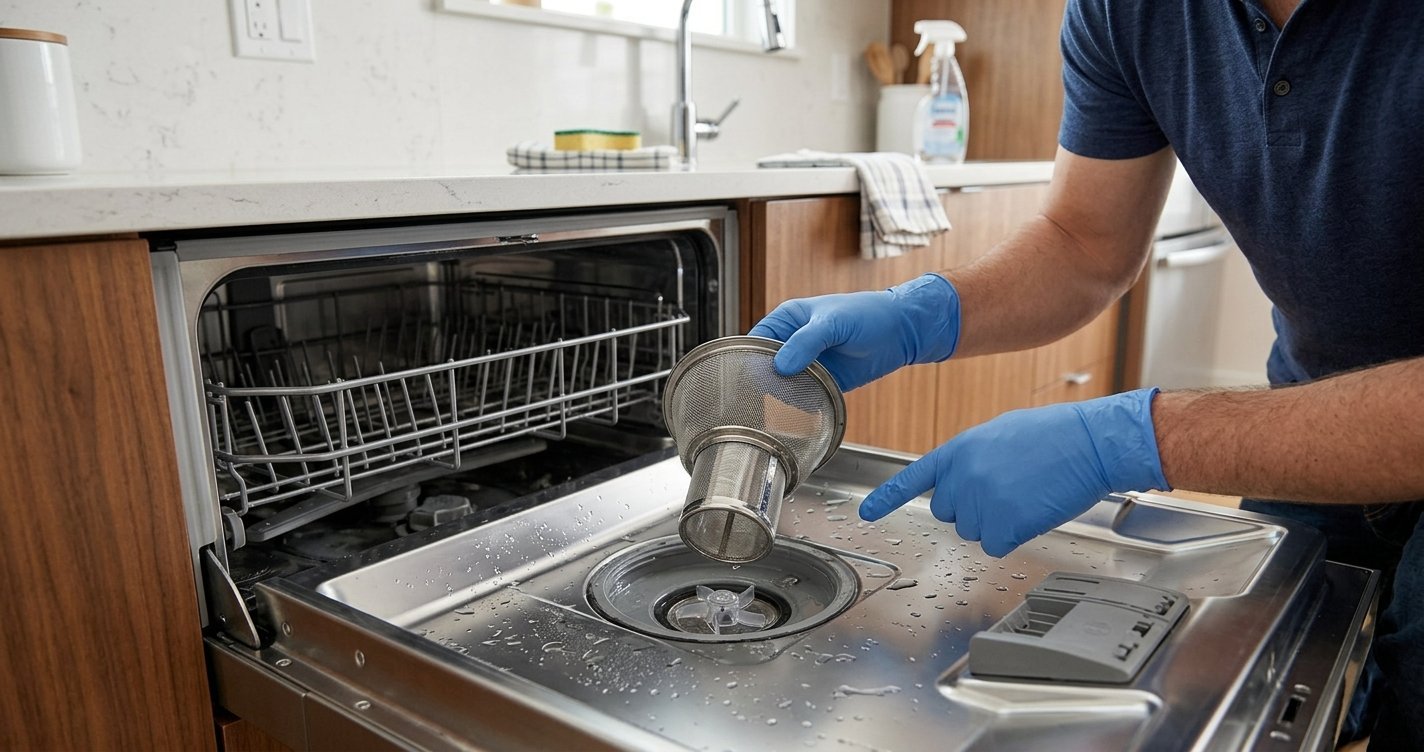
How to clean the filter
- Switch off the dishwasher.
- Remove the lower rack if necessary.
- Remove the filter assembly according to the appliance’s instructions.
- Rinse the filter under running water.
- Remove food particles and other debris.
- Clean the surrounding filter area.
- Reinstall the filter assembly correctly.
- Switch the dishwasher back on and restart the selected programme.
The filter should be securely positioned before operating the dishwasher. Food residue can accumulate in the filter and interfere with draining and normal washing.
3. Check for Excess Foam
Excessive foam can also interfere with dishwasher operation. This can happen when unsuitable detergent, such as ordinary hand-washing liquid, is used.
If you see excessive suds:
- Stop the dishwasher.
- Remove as much foam as safely possible.
- Check that the correct dishwasher detergent is being used.
- Make sure the rinse-aid dispenser is properly closed.
- Clean the filters before restarting the appliance.
Some IDL500 variants specifically associate the Pre-wash and Rinses flashing combination with a blocked filter or foam-related alarm.
4. Fix a Water Inlet Solenoid Valve Fault
If only the Wash indicator flashes rapidly, the manual identifies this as a possible water-load solenoid valve malfunction.
You can try the following reset procedure:
- Switch the dishwasher off.
- Wait approximately one minute.
- Switch it back on.
- Run the dishwasher again.
If the warning returns, turn off the water tap and disconnect the appliance from the electrical supply. At this point, professional service is recommended because the fault may involve the inlet solenoid valve or associated wiring and controls.
Do not repeatedly operate the dishwasher if there is a risk of flooding.
5. Check If the Dishwasher Does Not Start
Not every problem is an error-code fault. If the IDL500 does not start at all, check the basic operating conditions first.
Make sure:
- The power plug is correctly connected.
- The household power supply is working.
- The ON/OFF control is switched on.
- The dishwasher door is properly closed.
- The water supply is turned on.
These are among the basic checks listed in the IDL500 troubleshooting instructions. If the dishwasher still does not start after these checks, an electrical or control-system fault may need professional diagnosis.
6. Fix a Dishwasher That Does Not Drain
If water remains inside the dishwasher after a programme, first check the drain system.
Inspect the drain hose for:
- Kinks
- Crushing
- Blockages
- Incorrect positioning
Also clean the dishwasher’s filter and remove visible food debris. The IDL500 troubleshooting guidance specifically identifies a bent drain hose and blocked filters among possible causes of drainage problems.
If the hose and filter are clear but water still does not drain, the drain pump or another part of the drainage system may require inspection.
7. Check the Dishwasher’s Spray Arms
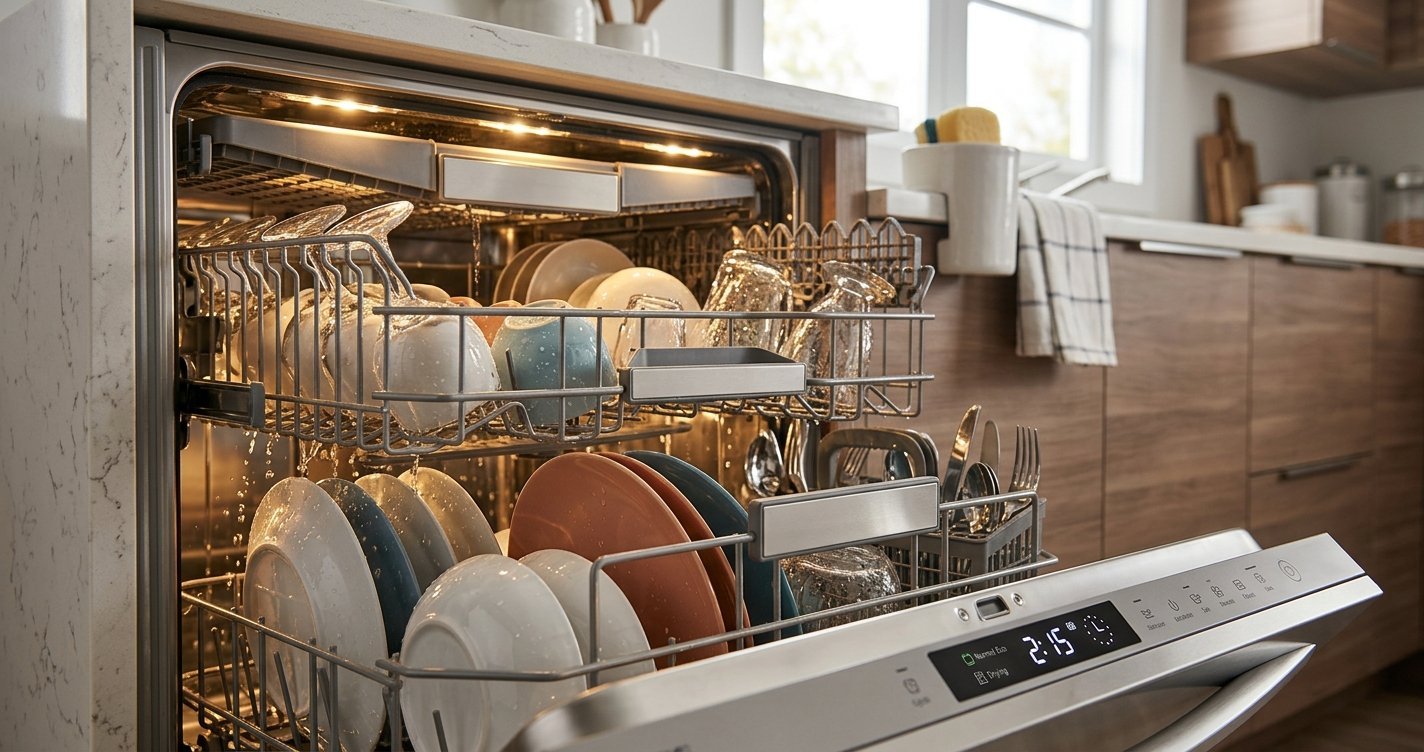
Poor cleaning does not necessarily mean that an error code has occurred. If the dishwasher completes its cycle but leaves food on dishes, check whether the spray arms can rotate freely.
Remove debris from the spray-arm openings and make sure dishes are not blocking their movement. The IDL500 manual also recommends checking the filters, using the appropriate amount of detergent, and selecting a suitable wash programme.
8. Resetting an Indesit IDL500 After a Fault
A simple restart can clear some temporary operating problems. For a water-supply alarm, the IDL500 instructions recommend switching the appliance off, turning on the water supply, waiting about 20 seconds, then switching it back on and reprogramming the wash cycle.
For a suspected water-inlet solenoid valve fault, the manual recommends switching the dishwasher off and back on after approximately one minute. If the warning remains, shut off the water and disconnect the appliance before seeking technical assistance.
A reset should not be treated as a repair if the same fault repeatedly returns.
When to Call a Dishwasher Repair Technician
Professional assistance is appropriate when:
- The same error returns after basic troubleshooting.
- The dishwasher repeatedly fails to fill with water.
- The water inlet valve appears to be faulty.
- There is evidence of a water leak.
- The appliance trips the electrical supply.
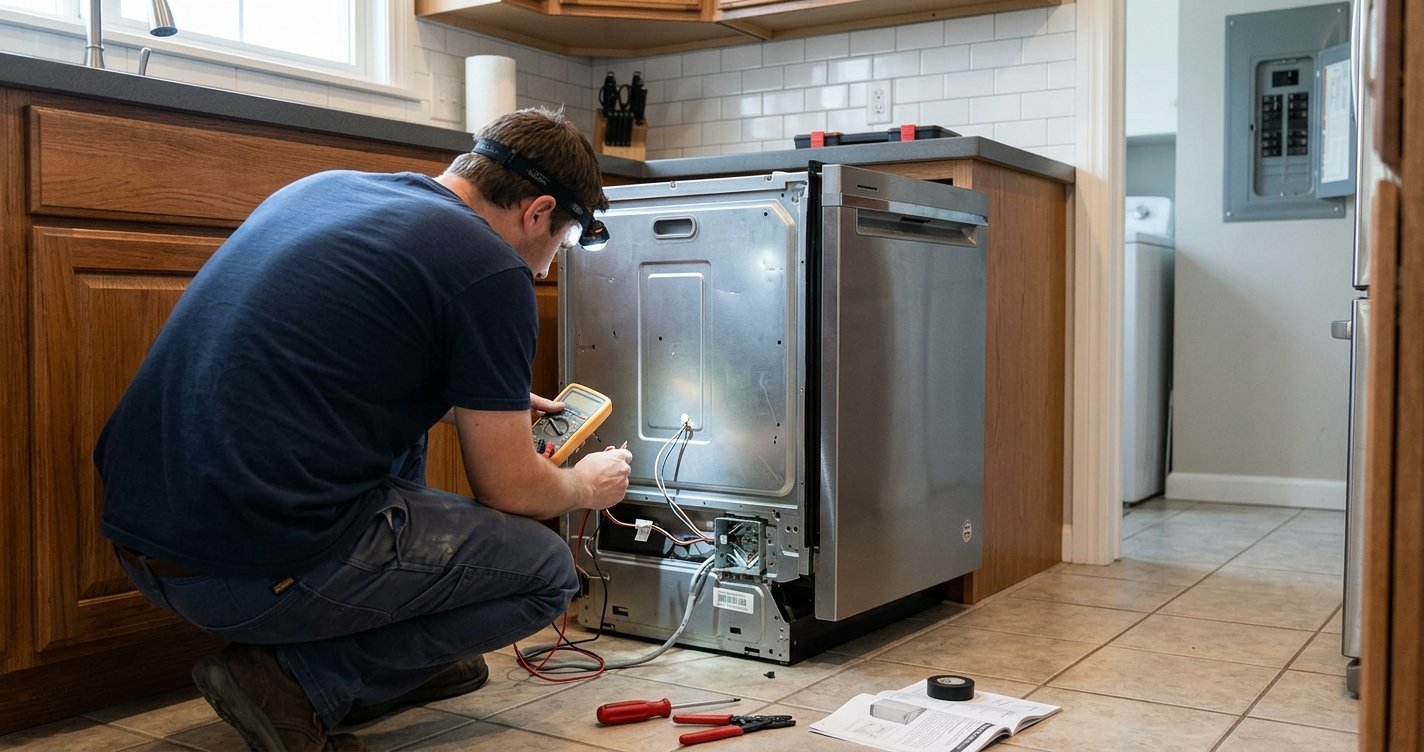
- A component such as the pump, valve, wiring, or control system needs testing.
- You are uncomfortable working around an electrical appliance or water connections. IDL500 does not always display modern alphanumeric error codes. Its original instructions describe faults using flashing wash-cycle indicator lights and specific light combinations. alarm. Check that the water tap is open, the inlet hose is not kinked, and
Before contacting a service centre, note the exact flashing-light combination, the symptoms, and when the fault occurs. The model and serial number can also help identify the correct appliance documentation and parts.
Safety Tips When Troubleshooting an IDL500
Always put safety first when working on a dishwasher.
- Disconnect the appliance from power before cleaning internal components or inspecting electrical parts.
- Turn off the water supply before disconnecting an inlet hose.
- Never work on exposed electrical components while the dishwasher is connected to power.
- Do not continue using the dishwasher if it is leaking.
- Do not use household washing-up liquid because it can create excessive foam.
- If a fault persists, use a qualified or authorised appliance technician.
Frequently Asked Questions
Does the Indesit IDL500 have error codes?
The IDL500 does not always display modern alphanumeric error codes. Its original instructions describe faults using flashing wash-cycle indicator lights and specific light combinations.
What does the flashing Wash and Rinses light mean?
On the IDL500, rapidly flashing Wash and Rinses indicators can indicate the tap-off or water-supply alarm. Check that the water tap is open, the inlet hose is not kinked, and the water supply is available.
What does Pre-wash and Rinses flashing mean?
This combination is associated with the blocked-filter alarm on the IDL500. Switch off the appliance, clean the filter thoroughly, reinstall it correctly, and then restart the dishwasher.
Why is the Wash light flashing on my Indesit IDL500?
A rapidly flashing Wash indicator can indicate a water-load solenoid valve malfunction. Try switching the dishwasher off and back on after about one minute. If the warning remains, turn off the water supply, disconnect the appliance, and arrange professional assistance.
Why won’t my Indesit IDL500 take in water?
Check that the water tap is open, the household water supply is working, and the inlet hose is not bent or blocked. The inlet filter should also be checked resolve the problem, avoid repeatedly running the dishwasher. A persistent fault—especially one involving the water inlet or a possible leak—should be investigated by a qualified if accessible.
Why is water left inside my Indesit IDL500?
A blocked filter, food debris, or a kinked or blocked drain hose can prevent proper drainage. Clean the filters and inspect the drain hose before considering a pump or other component fault.
Can I fix an Indesit IDL500 error myself?
Some problems, such as a blocked filter or interrupted water supply, can usually be checked by the owner. Faults involving electrical components, the inlet valve, pumps, or wiring are better handled by a qualified technician.
Why does my IDL500 keep showing the same fault?
A recurring warning usually means the underlying problem has not been resolved. Repeated resets may temporarily clear the indication but will not repair a defective valve, pump, blocked system, or electrical component. If the same warning returns, professional diagnosis is recommended.
Final Thoughts
Most Indesit IDL500 troubleshooting starts with three areas: water supply, filters, and drainage. Check these before assuming that a major component has failed. Because the IDL500 uses flashing indicator lights rather than a universal modern error-code display, identifying the exact light combination is important.